Knowlify
Knowlify turns documents, blog posts, and outlines into narrated animated explainer videos, making it a strong fit for training, onboarding, and knowledge-base teams that need video without a timeline editor.
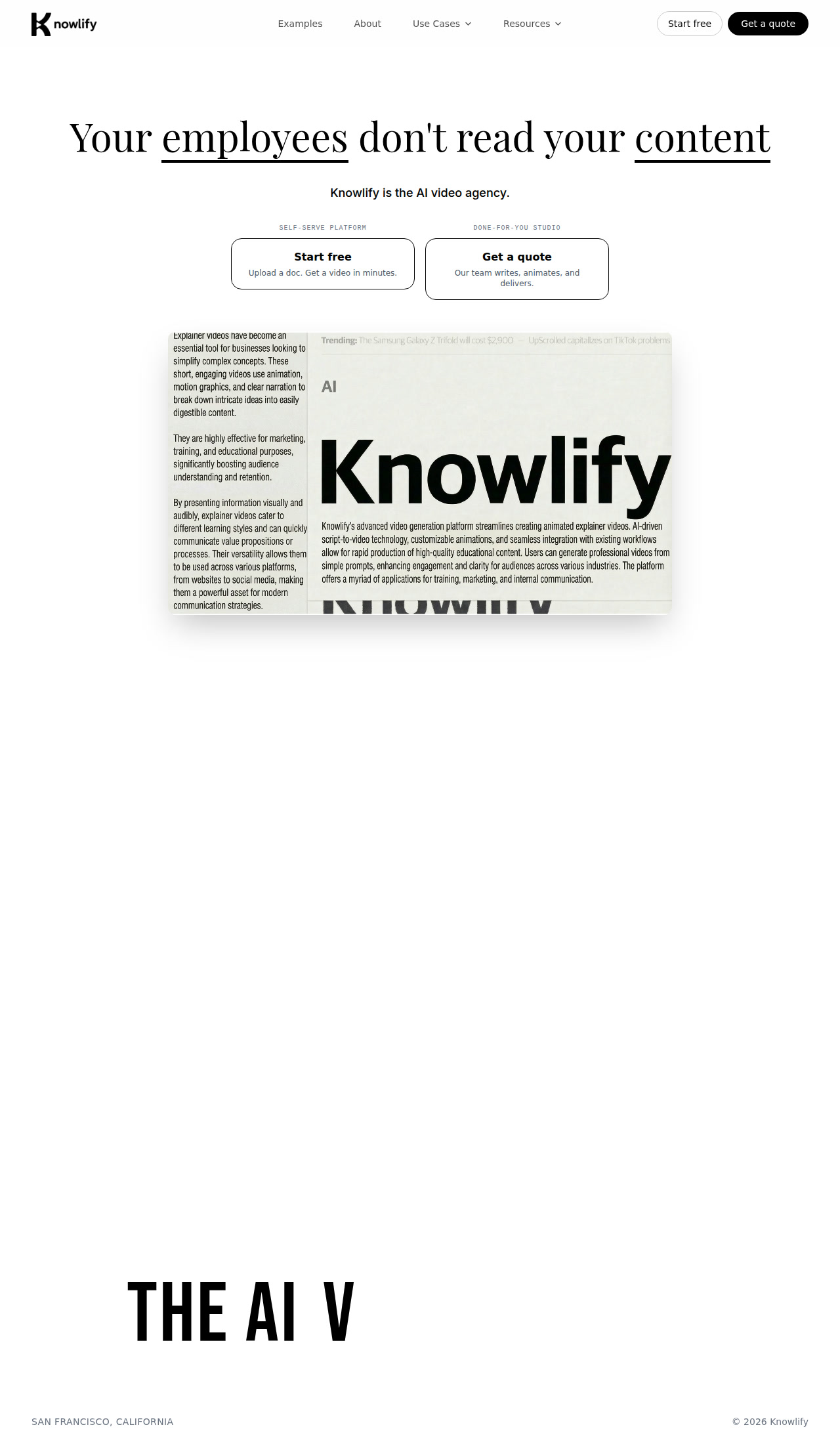
Knowlify: AI Text-to-Video Tool for Training and Explainer Content (2026)
Knowlify is a browser-based text-to-video platform by KnowlifyAI, Inc. that converts documents, blog posts, and outlines into narrated animated explainers without requiring a timeline editor.
It is best for teams turning existing knowledge into training, onboarding, marketing, and customer education videos because the workflow starts from source material the team already owns instead of blank-canvas prompting.
It is a weaker fit if you need transparent public pricing for every paid tier, detailed export specs, or frame-by-frame manual editing control similar to a conventional video editor.
Knowlify: Key Specs at a Glance
| Feature | Knowlify |
|---|---|
| Primary use case | Turn documents and written knowledge into narrated animated explainer videos. |
| Best for | Training, onboarding, internal comms, and blog-to-video teams that want a no-timeline workflow. |
| Access type | Browser-based web platform plus done-for-you studio service. |
| Input types | PDFs, Google Docs, Word files, Notion pages, Markdown, transcripts, outlines, blog posts, and pasted URLs. |
| Output formats | MP4 export plus hosted Knowlify links for sharing and embedding. |
| Output resolution | Not publicly documented. |
| Max video duration | Not publicly documented. |
| Generation speed | Official FAQ says most platform videos are produced in under 10 minutes; studio delivery can be as fast as 72 hours. |
| Watermark (free tier) | Not publicly documented. |
| Language support | Not publicly documented on the official site reviewed here. |
| API availability | Not publicly documented. |
| Integrations | YouTube, Vimeo, LMS, Notion, HubSpot, and embed workflows are explicitly mentioned for publishing. |
| Collaboration | Enterprise brand-kit locking is mentioned; detailed collaboration controls are not publicly documented. |
| Pricing model | Free entry for the self-serve platform plus quote-based studio service. |
| Free plan | Yes. Official site repeatedly says to start free on the platform. |
| Paid plans | Public self-serve paid plan pricing is not listed; studio work is quote-based and positioned as roughly 4x cheaper than a traditional studio. |
What Knowlify Does Well
Document-first workflow
Text in, video out is Knowlify's core differentiator. The official FAQ and product copy make it clear that teams can upload docs, transcripts, or blog posts and move straight into narrated animated video production.
Very low editing barrier
No timeline editor required is a meaningful workflow advantage for operations teams. Knowlify explicitly says users review the script, tweak if needed, and publish, rather than managing a classic edit timeline.
Useful publishing endpoints for business teams
Business delivery options are unusually practical. Knowlify explicitly names MP4 export, hosted links, and publishing paths that fit YouTube, Vimeo, LMS, Notion, HubSpot, and embedded knowledge workflows.
Known Limitations
- Public pricing is incomplete: Knowlify says the Platform starts free and Studio is quote-based, but it does not publish a transparent self-serve paid pricing grid on the official site.
- Technical specs are sparse: Resolution, language coverage, API availability, and hard generation limits are not clearly documented in the live public materials reviewed here.
- Not built for deep manual editing: Knowlify is intentionally not a timeline editor. That is a strength for business teams, but it is a limitation if you want precise scene-by-scene craft control.
- Output quality still depends on source material: Because the system starts from documents and outlines, weak or messy source content can still lead to generic or overly broad explainer videos unless the script is edited carefully before publishing.
Best For: Who Should Use Knowlify?
- L&D teams converting process docs or internal knowledge into repeatable training videos.
- Onboarding teams that need consistent explainers for new hires without building a full production pipeline.
- Marketing and customer education teams turning blog posts, docs, or product explainers into video.
- Organizations that care more about clarity and scale than about advanced timeline editing.
Who Should Look Elsewhere
- Choose a traditional editor if your process starts with raw footage, multi-track edits, and detailed post-production decisions.
- Choose a prompt-native generator if you need imaginative scene creation more than document-to-video clarity.
- Choose a vendor with transparent public pricing if procurement needs exact plan costs before a demo call.
Pricing & Cost at Scale
Plan Overview
- Platform: Start free. Upload a doc, blog post, or outline, edit the script, and render narrated animated videos in minutes.
- Studio: Quote-based service where Knowlify's team writes, animates, revises, and delivers finished videos; official site says final delivery can happen in as little as 72 hours.
- Relative cost positioning: Knowlify's FAQ says agencies often charge $5k to $25k per minute and that Studio is about 4x cheaper than a traditional studio.
Cost at Scale
For small teams, the free platform entry point makes Knowlify easy to trial. The real question is not whether you can start, but whether your production volume justifies moving from self-serve renders to quote-based studio support.
For larger teams, the cost argument is strongest when you already have a backlog of docs, SOPs, or blog content to convert. In that setting, eliminating manual script, storyboard, and editing handoffs can matter more than missing public plan transparency.
Prices are subject to change. Check the official pricing page for current details.
Technical Details & Integrations
- AI stack: Official site describes an AI-driven document-to-video workflow, script editing, narrated animation, and brand-kit control, but it does not publish a detailed public model stack.
- API: Not publicly documented on the live official site reviewed here.
- Integrations: Publishing integrations are more visible than creation integrations. Knowlify explicitly names YouTube, Vimeo, LMS, Notion, HubSpot, and embeds as distribution paths.
- Workflow fit: Best as a document-to-video engine for business communication and learning content rather than a general creative video editor.
Getting Started
- Start with one clean source document such as an onboarding guide, SOP, or blog post rather than a giant mixed-content knowledge dump.
- Review the generated script before rendering so the final video reflects your audience, tone, and content priorities.
- Export the result as MP4 or share a hosted link inside your LMS, Notion workspace, or customer education flow.
- Bring the studio team in only for high-stakes launches or medical/brand work where custom polish matters more than self-serve speed.
Pro tip: Knowlify performs best when the source document already has a strong structure. Clean sections, clear explanations, and fewer side tangents produce tighter videos with less rewrite work.
What Users Are Saying
Community links: not found.
We looked for relevant public discussion about this tool on Reddit first, then checked G2, Capterra, Trustpilot, and Product Hunt. At the time of this review, we did not find any links that both matched the allowed source policy and passed the required URL validation step.
That means this section is intentionally limited rather than padded with third-party directory or review-farm pages. If you have hands-on experience with this tool, use the review section below to help future visitors.
FAQ
Is Knowlify free?
Yes, to start. Knowlify repeatedly says the self-serve platform starts free, while Studio work is handled through quote-based sales conversations.
Does Knowlify add a watermark on the free plan?
Not publicly documented on the official site reviewed for this listing.
What video formats does Knowlify export?
MP4 is explicitly documented, and the product can also share hosted Knowlify links for embeds and distribution.
How long does it take to generate a video?
Most platform videos are produced in under 10 minutes according to Knowlify's FAQ, while Studio delivery can be as fast as 72 hours for a finished explainer.
How long does it take to generate a 1-minute video?
Not publicly documented as a per-minute benchmark. The closest official guidance is that most platform videos are made in under 10 minutes.
Is Knowlify good for training and onboarding?
Yes. Training, onboarding, internal communications, and customer education are all explicit use cases on the official site.
Does Knowlify have an API?
Not publicly documented in the official materials reviewed here.
Sources
Reviews
No reviews yetSimilar tools in category
Adobe Premiere Pro
AI Storyboard Generator
Create engaging storyboards effortlessly with customizable templates and intuitive design features.

Dezgo
Generate high-quality images/videos from text in any style, realistic, anime, cartoon, illustrations, logos. Fast & easy to use, make your dreams come true!