
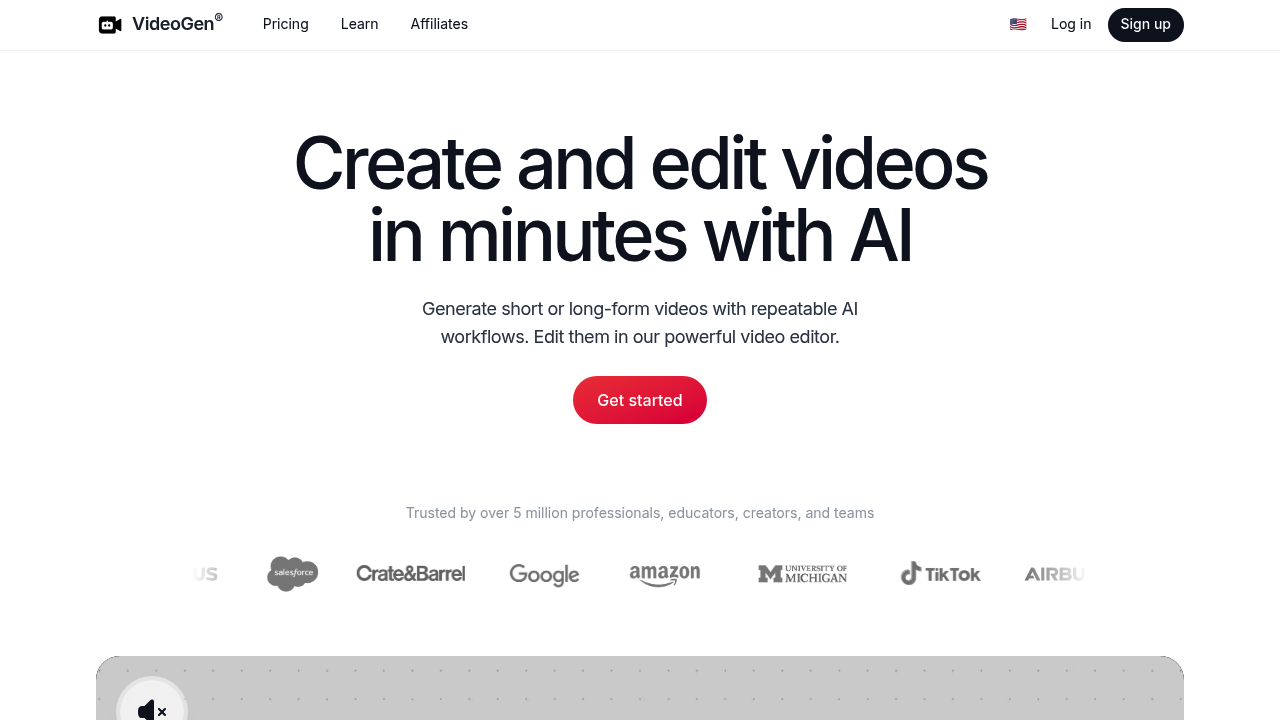
VideoGen: Revolutionizing Video Creation with AI
Introduction
Overview of VideoGen
VideoGen is an AI-powered video creation platform designed to simplify the process of producing high-quality videos for social media and marketing purposes. It transforms text-based content, such as blog posts or articles, into engaging videos within minutes.
Key Benefits and Use Cases
VideoGen offers several key benefits, including:
- Text-to-Video Conversion: Quickly convert text into engaging videos.
- AI Image Generation: Automate the process of adding images to your videos.
- Customizable Templates: Tailor videos to your specific brand or audience.
- Collaboration Tools: Enhance teamwork with intuitive collaboration features.
- Commercial Usage: Use the generated content commercially without legal issues.
Who Uses VideoGen
VideoGen caters to various users, including:
- Content Creators: Bloggers, YouTubers, and social media influencers.
- Marketers: Businesses looking to elevate their presence on platforms like YouTube, TikTok, and Instagram Reels.
- Educators: Teachers and educational institutions aiming to make learning more engaging.
- Nonprofits: Organizations seeking to amplify their impact through captivating videos.
- Businesses: Entrepreneurs and Fortune 500 companies leveraging AI technology for video creation.
What Makes VideoGen Unique
VideoGen stands out due to its:
- AI-Powered Automation: Automates processes like text-to-speech, B-Roll search, and editing.
- User-Friendly Interface: Intuitive drag-and-drop interface accessible for both beginners and experienced users.
- Quick Video Creation: Generates videos in seconds using AI-driven tools.
Pricing Plans
VideoGen offers three pricing plans:
- Starter: $9.00 per month (limited features)
- Pro: $19.00 per month (includes additional features)
- Business: $330.00 per month (includes advanced features like API access and priority support)
Pricing Plans Link: VideoGen Pricing
Disclaimer: Pricing might be changed, please confirm with the vendor website before purchasing.
Core Features
Essential Functions Overview
VideoGen includes essential functions such as:
- Text-to-Video Conversion: Convert text into engaging videos with natural-sounding voiceovers.
- AI Image Generation: Automatically generate images for your videos.
- Customizable Templates: Use pre-designed templates to streamline the video creation process.
- Collaboration Tools: Enhance teamwork with intuitive collaboration features.
- Video Editing: Customize videos with various tools like adding logos, overlays, and selecting specific fonts or colors.
Common Settings Explained
Common settings include:
- Text-to-Speech Engine: Utilize a text-to-speech engine with 150 unique voices across 40 languages and accents.
- Media Library: Access over 3 million copyright-free assets for video creation.
- Background B-Roll: Search for background B-Roll footage to enhance your videos.
Tips & Troubleshooting
Tips for Best Results
To get the best results from VideoGen:
- Use High-Quality Text: Ensure the text you input is clear and concise.
- Choose Relevant Templates: Select templates that match your brand or audience.
- Experiment with Voiceovers: Try different voiceovers to find the most engaging one for your audience.
Troubleshooting Basics
Common issues include:
- Audio Sync Issues: Ensure that the audio and video are properly synced.
- Template Customization: If you encounter issues with template customization, try resetting the template or using a different one.
Best Practices
Common Mistakes to Avoid
Avoid these common mistakes:
- Overcomplicating the Process: Keep the video creation process simple by using the automated features.
- Ignoring Brand Guidelines: Ensure that your videos align with your brand's visual identity.
Performance Optimization
To optimize performance:
- Use High-Speed Internet: Ensure you have a stable and fast internet connection.
- Clear Cache: Clear the cache regularly to avoid any software glitches.
Pros and Cons
Pros
Pros of using VideoGen include:
- Efficient Video Creation: Generate high-quality videos quickly and efficiently.
- User-Friendly Interface: Intuitive drag-and-drop interface makes it accessible for all users.
- Customization Options: Offers various customization options to tailor videos to specific needs.
- Commercial Usage: Safe for commercial use without legal issues.
Cons
Cons of using VideoGen include:
- Limited Free Plan Features: The free plan has limited features, which might not be sufficient for all users.
- Expensive Business Plan: The Business plan is quite expensive, which might be a barrier for some users.
Summary
VideoGen is an AI-powered video creation platform that simplifies the process of producing high-quality videos for social media and marketing purposes. With its key benefits, unique features, and various pricing plans, it is an ideal tool for content creators, marketers, educators, nonprofits, and businesses. By following the best practices and avoiding common mistakes, users can maximize the efficiency and effectiveness of VideoGen.
Reviews
No reviews yetSimilar tools in category
Adobe Premiere Pro
AI Storyboard Generator
Create engaging storyboards effortlessly with customizable templates and intuitive design features.

Dezgo
Generate high-quality images/videos from text in any style, realistic, anime, cartoon, illustrations, logos. Fast & easy to use, make your dreams come true!