Descript
Descript makes editing video and audio as easy as editing text. Record, transcribe, edit, and publish in one tool. Try for free, with powerful upgrades for creators & teams.
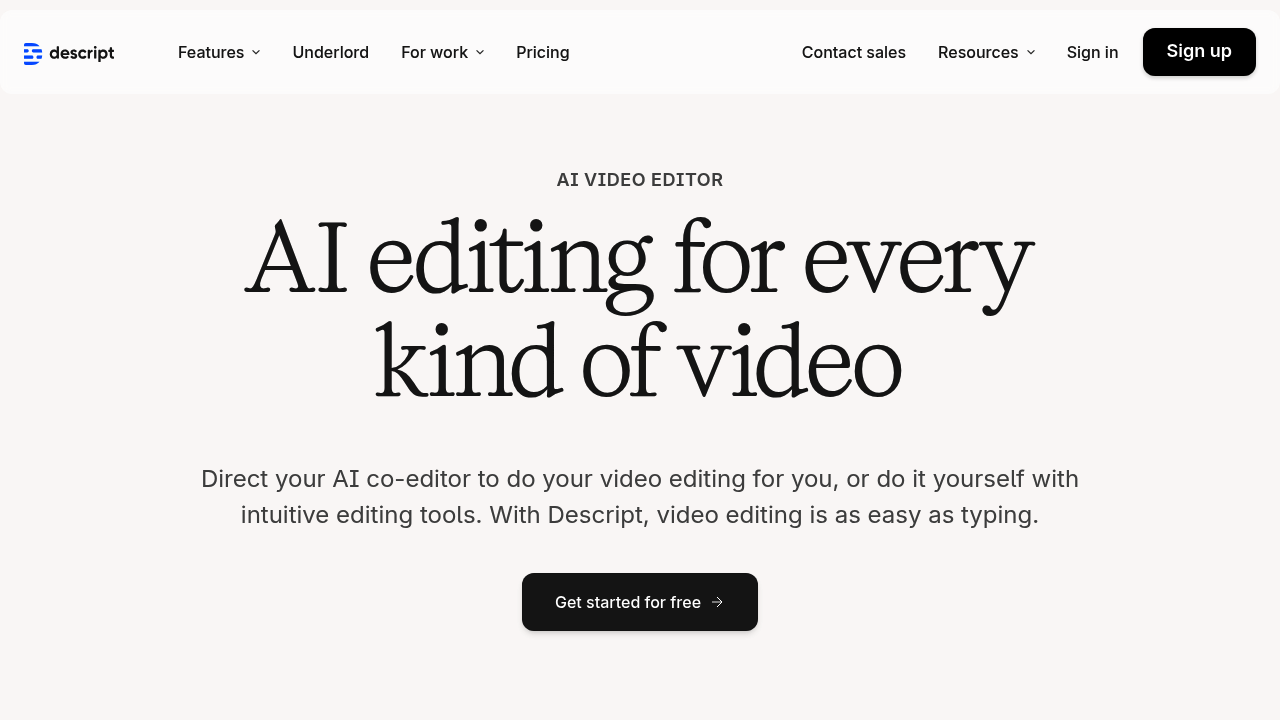
Descript: The Ultimate AI Tool for Audio and Video Editing
Introduction
Overview of Descript
Descript is an innovative AI tool designed to revolutionize the way you edit and transcribe audio and video content. It offers a user-friendly interface that makes it easy for beginners and professionals alike to create high-quality content.
Key Benefits and Use Cases
Descript is ideal for content creators, podcasters, videographers, and anyone looking to streamline their audio and video editing process. Its key benefits include:
- Automatic Transcription: Accurate transcription of audio and video content, saving time and effort.
- Advanced Editing Tools: Features like multi-track editing, Dolby audio mastering, and real-time collaboration.
- Collaboration: Seamless collaboration with team members, including single sign-on (SSO) for large teams.
Who Uses Descript
Descript is used by a wide range of users, from casual creators to professional videographers and large teams. Its versatility makes it an all-in-one platform for various content production needs.
What Makes Descript Unique
Descript stands out from other editing tools due to its intuitive interface and robust AI features. It offers a unique approach to editing, focusing on quick and efficient content creation.
Core Features
Essential Functions Overview
Descript provides several essential functions that make it a powerful tool for audio and video editing:
- Transcription: Automatic transcription of audio and video content.
- Editing Tools: Advanced editing tools like multi-track editing and Dolby audio mastering.
- Collaboration: Real-time collaboration features for teams.
- Export Options: Unlimited watermark-free video exports at 4K resolution.
Common Settings Explained
Understanding the common settings in Descript is crucial for getting the best out of the tool. Here are some key settings:
- Transcription Hours: The number of transcription hours available per month, ranging from 1 hour in the Free plan to 45 hours in the Enterprise plan.
- Remote Recording Hours: The number of remote recording hours available per month, ranging from 1 hour in the Free plan to 30 hours in the Pro plan.
- Cloud Storage: The amount of cloud storage available, ranging from 5GB in the Free plan to unlimited in the Enterprise plan.
Tips & Troubleshooting
Tips for Best Results
To get the best results from Descript, follow these tips:
- Start with the Free Plan: Begin with the Free plan to explore the core functionalities of Descript.
- Use Advanced Features: As you grow, upgrade to the Creator or Pro plan for more advanced features.
- Collaborate Effectively: Use real-time collaboration features to work efficiently with team members.
Troubleshooting Basics
Common issues with Descript include:
- Transcription Errors: Check the transcription settings and ensure that the audio quality is good.
- Export Issues: Verify that the export settings are correct and that the file format is compatible.
Best Practices
Common Mistakes to Avoid
Avoid these common mistakes when using Descript:
- Insufficient Transcription Hours: Ensure that you have enough transcription hours for your needs, especially if you are working on long projects.
- Inadequate Cloud Storage: Check your cloud storage regularly to avoid running out of space.
Performance Optimization
Optimize your performance by:
- Using the Right Plan: Choose a plan that aligns with your content production volume and collaboration requirements.
- Regularly Updating the Software: Keep your software up-to-date to ensure you have access to the latest features and bug fixes.
Pros and Cons
Pros
Descript offers several advantages:
- User-Friendly Interface: Intuitive interface that makes it easy to use even for beginners.
- Advanced Features: Robust AI features like automatic transcription, multi-track editing, and real-time collaboration.
- Customization Options: Custom plans available for large teams with advanced features like dedicated account representatives and single sign-on (SSO).
Cons
Some potential drawbacks include:
- Steep Learning Curve: Advanced features can be overwhelming for new users.
- High Subscription Costs: Paid subscription plans can be pricey for hobbyists or those on a tight budget.
- Feature Limitations in Free Plan: The free version offers limited access to advanced features.
Summary
Descript is a powerful AI tool that offers a range of subscription plans tailored to different user needs. From the free plan for beginners to the enterprise plan for large teams, Descript provides essential functions like automatic transcription, advanced editing tools, and seamless collaboration. With its user-friendly interface and robust AI features, Descript is an ideal choice for anyone looking to streamline their audio and video editing process.
Pricing Plans
Descript offers four distinct subscription tiers:
Free Plan: $0 per month (1 transcription hour, 1 remote recording hour, 1 watermark-free export at 720p, 5GB of cloud storage). Creator Plan: $15 per user per month (10 transcription hours, 10 remote recording hours, unlimited watermark-free exports at 4K, 100GB of cloud storage). Pro Plan: $30 per user per month (30 transcription hours, 30 remote recording hours, unlimited use of AI effects, AI voice cloning, stock voices, text-to-speech, 1TB of cloud storage). Enterprise Plan: Custom pricing for large teams with advanced features like dedicated account representatives, security review, single sign-on (SSO), and unlimited cloud storage.
Disclaimer: Pricing may be subject to change. For the most up-to-date pricing information, visit the Descript Pricing Page.
By choosing the right plan, you can unlock the full potential of Descript and enhance your content creation workflow.