Dezgo
Generate high-quality images/videos from text in any style, realistic, anime, cartoon, illustrations, logos. Fast & easy to use, make your dreams come true!
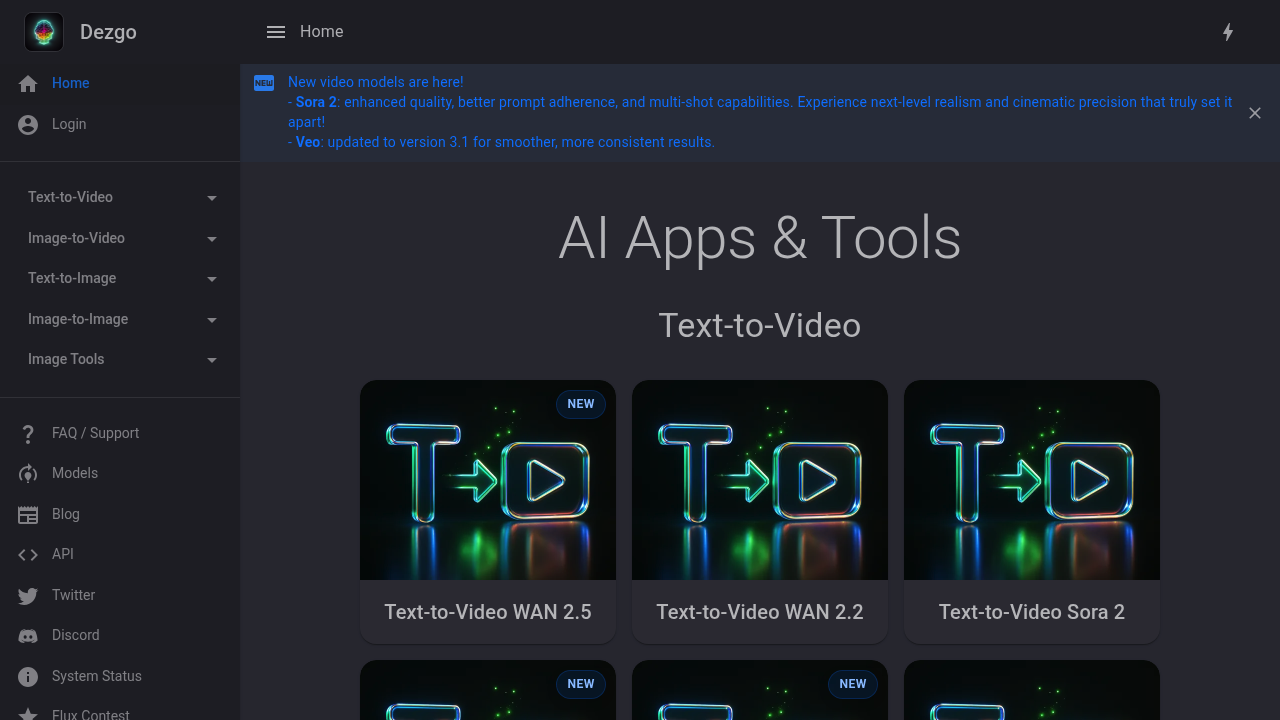
Dezgo AI Image Generation: A Comprehensive Guide
Introduction
Overview of Dezgo
Dezgo is a powerful AI tool designed to create high-quality images from text descriptions. It utilizes Stable Diffusion as its core AI model, offering impressive versatility in image creation.
Key Benefits and Use Cases
Dezgo is ideal for artists, designers, and content creators who need to generate detailed and realistic images quickly. Its key benefits include high-quality image generation, artistic flexibility, and a user-friendly interface.
Who Uses
Dezgo is used by a variety of professionals and hobbyists, including:
- Artists: For creating unique and detailed artworks.
- Designers: For generating high-resolution images for designs and projects.
- Content Creators: For producing visual content for blogs, social media, and more.
What Makes Dezgo Unique
Dezgo stands out due to its:
- Text-to-Image Generation: Creates stunning images from detailed text prompts.
- Image-to-Image Editing: Allows users to edit and transform existing images using text-based instructions.
- Upscaling: Enhances image resolution for detailed and high-quality outputs.
- Inpainting from Text: Edits and fills missing parts of images using textual descriptions.
Pricing Plans
Dezgo offers both a free version and a paid Power Mode. Here are the current pricing plans:
| Package | Features | Price |
|---|---|---|
| Free | Unlimited image generation, Limited speed and resolution, Basic AI models | Free |
| Power Mode | Faster processing, High resolution, Access to 79+ AI models, Multiple images | Pay-as-you-go |
For detailed pricing information, you can visit the Dezgo Pricing Page. Please note that pricing might be subject to change.
Core Features
Essential Functions Overview
Dezgo's core features include:
- Text-to-Image Generation: Input detailed text prompts, and the AI generates an image based on that.
- Image-to-Image Editing: Transform existing images through text-based instructions.
- Upscaling: Enhance image resolution to produce detailed and high-quality outputs.
- Inpainting from Text: Edit and fill missing parts of images using textual descriptions.
Common Settings Explained
- Text Prompt: The more specific the prompt, the better the quality of the generated image.
- Image Resolution: Users can adjust the resolution to suit their needs.
- Sampling Steps: Adjusting this setting can influence the level of detail in the generated image.
- Guidance: This setting helps control the level of detail and realism in the output.
Tips & Troubleshooting
Tips for Best Results
- Be Specific: Use detailed and specific text prompts to get the best results.
- Adjust Settings: Experiment with different settings like resolution and sampling steps to achieve the desired outcome.
- Use Stable Internet: Ensure a stable internet connection for optimal performance.
Troubleshooting Basics
- Glitches: Occasionally, you might encounter glitches. Try restarting the application or checking your internet connection.
- Processing Time: High-quality image generation can take time. Be patient and allow the process to complete.
Best Practices
Common Mistakes to Avoid
- Insufficient Prompt: Avoid using vague or generic prompts, as they may result in low-quality images.
- Poor Internet Connection: Ensure a stable internet connection to avoid performance issues.
Performance Optimization
- Optimize Settings: Adjust settings like resolution and sampling steps to balance quality and processing time.
- Use Power Mode: If you need faster processing and higher resolution, consider upgrading to Power Mode.
Pros and Cons
Pros
- High-Quality Images: Dezgo produces clear, sharp, and professional-looking images.
- Artistic Flexibility: Offers a range of customization options, including inpainting and upscaling.
- User-Friendly Interface: Designed for ease of use, making it accessible to users of all skill levels.
- Free Access: You can generate images for free, although some features are limited in this mode.
Cons
- Some Technical Issues: Occasional glitches and processing time can be unpredictable.
- Limited Customization: Some settings can’t be changed, and you may need multiple tries to get exactly what you want.
- Internet Dependency: Requires a good internet connection and can’t work offline.
Summary
Dezgo AI Image Generation is a powerful tool for creating high-quality images from text descriptions. Its unique features, user-friendly interface, and flexible pricing plans make it a valuable resource for artists, designers, and content creators. While it has some limitations, the benefits of using Dezgo far outweigh the drawbacks, making it an excellent choice for those looking to enhance their visual content creation capabilities. Always check the official pricing page for the most up-to-date information, as prices may change.