Elevate.AI
AI-driven solutions that enhance customer engagement and streamline operations.
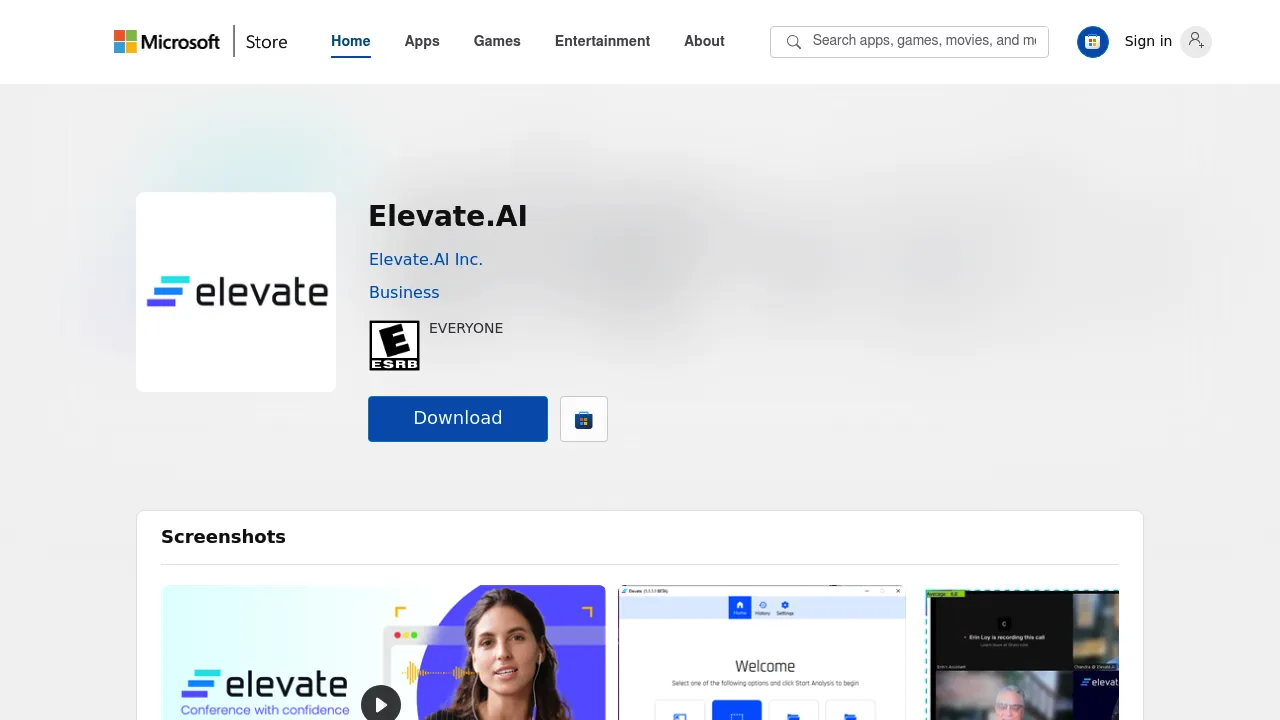
Elevate.AI: Enhancing Customer Experience with AI
Introduction
Overview of Elevate.AI
Elevate.AI is an AI-powered tool designed to enhance communication during video calls by providing real-time sentiment analysis. It is ideal for business professionals, educators, and remote teams who rely heavily on video communication to build relationships and engage effectively.
Key Benefits and Use Cases
Elevate.AI offers several key benefits and use cases:
- Improving Communication Efficacy: Provides instantaneous sentiment analysis, enhancing live communication adjustments.
- Real-Time Feedback: Helps users understand the mood and reactions of their audience, prompting better timings for pauses, questions, and clarifications.
- Optimizing Sales Effectiveness: Analyzes sentiment around sales attempts to pinpoint areas where employees excel and may need support, improving overall sales effectiveness.
- Enhancing Process Efficiency: Helps businesses discover defects and gauge satisfaction levels throughout a product’s lifecycle, ensuring product changes align with customer expectations.
Who Uses
Elevate.AI is beneficial for:
- Business Professionals: Enhances decision-making and relationship-building in professional settings.
- Educators: Improves teaching effectiveness by understanding student sentiment.
- Remote Teams: Facilitates better communication and collaboration among team members.
What Makes Elevate.AI Unique
Elevate.AI stands out due to its:
- Real-Time Sentiment Analysis: Recognizes eight discrete emotions, including happiness, surprise, neutrality, and negative emotions like fear, anger, or disgust.
- User-Friendly Interface: Integrates seamlessly with major video conferencing tools like Zoom, Microsoft Teams, and Google Meet.
- Privacy-Centric: Processes data locally, ensuring sensitive information remains safe.
Core Features
Essential Functions Overview
Elevate.AI offers the following essential functions:
- Real-Time Sentiment Analysis: Provides instantaneous feedback on participants’ emotions during video calls.
- Average Sentiment Score: Displays an overall group sentiment in the upper left corner of the screen, guiding users on the collective emotional state.
- Integration with Video Conferencing Tools: Supports live switching between different platforms, ensuring continuous sentiment analysis.
Common Settings Explained
- Data Processing: All facial recognition work is local to the user’s device, enhancing privacy and security.
- Emotion Recognition: Recognizes eight discrete emotions to help users understand the mood and reactions of their audience.
Tips & Troubleshooting
Tips for Best Results
- Optimize Lighting: Ensure good lighting to avoid accuracy issues due to poor visibility.
- Use High-Speed Internet: Maintain a stable internet connection to prevent interruptions in sentiment analysis.
- Limit Participant Count: The average system can support sentiment analysis for up to eight participants effectively.
Troubleshooting Basics
- Check Hardware Performance: Ensure your computer has sufficient processing power for accurate sentiment analysis.
- Verify Software Updates: Keep the software up-to-date to avoid compatibility issues.
Best Practices
Common Mistakes to Avoid
- Ignoring Sentiment Analysis: Failing to consider real-time feedback can lead to miscommunication and poor decision-making.
- Insufficient Training: Not training agents on empathy and understanding can result in poor customer service.
Performance Optimization
- Regular Maintenance: Regularly update the software to ensure compatibility and optimal performance.
- Agent Training: Train agents on recognizing and responding to different emotions to enhance customer service.
Pros and Cons
Pros
- Real-Time Feedback: Provides instantaneous sentiment analysis, enhancing live communication adjustments.
- User-Friendly Interface: Integrates seamlessly with major video conferencing tools, making it easy to adopt without a steep learning curve.
- Privacy-Centric: Processes data locally, ensuring sensitive information remains safe.
- Flexibility: Supports live switching between different platforms, ensuring continuous sentiment analysis.
Cons
- Dependence on Hardware: Performance and accuracy hinge on the processing power of your computer.
- Limited Participant Support: The average system can support sentiment analysis for up to eight participants effectively.
- Lighting and Visibility Issues: Accuracy can decrease with poor lighting, obscured faces, or low internet bandwidth.
Summary
Elevate.AI is a powerful tool for enhancing customer experience through real-time sentiment analysis. Its unique features, user-friendly interface, and privacy-centric approach make it an ideal choice for business professionals, educators, and remote teams. While it has some limitations, its benefits in improving communication efficacy and optimizing sales effectiveness make it a valuable addition to any communication toolkit.
Pricing Plans
ElevateAI offers the following pricing plans:
- 1K Every Day Plan: Users receive 1,000 free interactions daily before incurring fees. This plan includes access to transcription services, insights via Enlighten AI and CX AI models, and access to ElevateAI Explore widget-based dashboards and Gen AI-powered innovations like AutoSummary and the Agent Improvement suite.
- Custom Quote: Users can get a custom quote by reaching out to ElevateAI via the Contact Us form or email at [email protected].
Disclaimer: Pricing plans are subject to change and may not reflect the most up-to-date information. For the latest pricing details, please visit the ElevateAI Pricing Plans page.
By leveraging Elevate.AI, businesses can improve their communication, sales effectiveness, and overall customer experience. Its real-time sentiment analysis and user-friendly interface make it a transformative tool for any organization looking to enhance its virtual communication capabilities.