FineShare FineCam
Transform your webcam into a high-quality virtual camera for video calls and streaming.
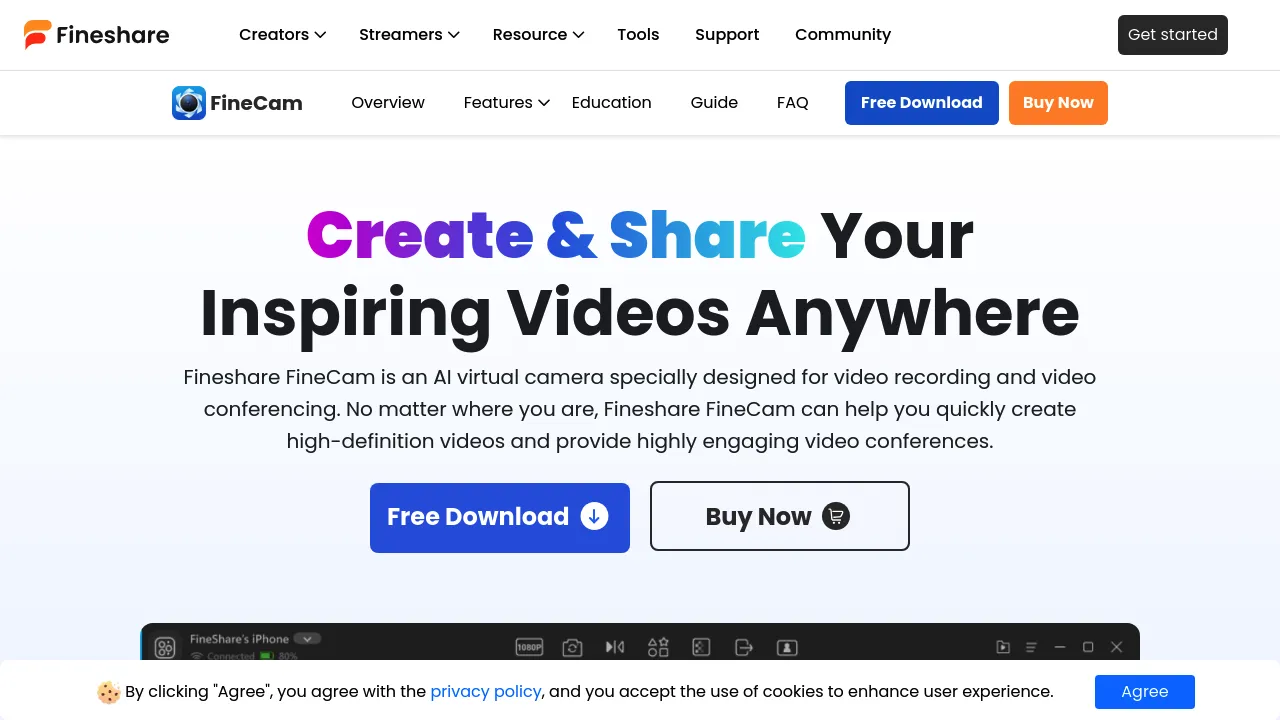
FineShare FineCam: Elevate Your Video Experience with AI
Introduction
Overview of FineShare FineCam
FineShare FineCam is an AI-powered virtual camera software designed to transform your smartphone or digital camera into a high-definition webcam. It enhances video quality and provides advanced features for video recording and conferencing.
Key Benefits and Use Cases
FineShare FineCam offers several key benefits, including:
- High-Definition Conversion: Upgrades any camera to high-definition quality for clearer visuals.
- Real-Time Background Removal: Instantly removes backgrounds without needing a green screen.
- Dynamic Filters and Effects: Access to over 60 filters to enhance video aesthetics.
- Multi-Camera Support: Connect multiple cameras for diverse angles during recordings.
- User-Friendly Interface: Easy navigation ensures all features are accessible for users.
Who Uses FineShare FineCam
FineShare FineCam is ideal for:
- Content Creators: Enhance video quality for streaming, YouTube, and other platforms.
- Professionals: Improve video conferencing and online meetings.
- Educators: Use for online courses, product demos, and tutorial recordings.
What Makes FineShare FineCam Unique
FineShare FineCam stands out due to its:
- AI-Powered Features: Utilizes advanced AI technology for real-time background removal and video enhancement.
- Text-to-Image Generation: Allows users to generate unique backgrounds within seconds.
- Segment Recording: Records videos in small segments, freeing users from lengthy recordings.
Core Features
Essential Functions Overview
FineShare FineCam offers the following essential functions:
- AI-Powered HD Conversion: Upgrades camera quality to high definition.
- Real-Time Background Removal: Removes or replaces backgrounds effortlessly.
- Dynamic Filters and Effects: Access to over 60 filters for enhancing video aesthetics.
- Multi-Camera Support: Connects multiple cameras for diverse angles.
- Content Sharing: Shares slides, application windows, iPhone/iPad screens, webpages, videos, images, and more.
Common Settings Explained
- Background Removal: Users can input corresponding prompts to generate unique backgrounds.
- Theme Templates: Applies free themes for layout, background, lens style, and more.
- Segment Recording: Records videos in small segments for flexibility.
Tips & Troubleshooting
Tips for Best Results
- Optimize Lighting: Ensure good lighting conditions for better video quality.
- Use Stable Internet: A stable internet connection is crucial for smooth video conferencing.
- Update Software Regularly: Regular updates ensure access to the latest features and bug fixes.
Troubleshooting Basics
- Check System Requirements: Ensure your computer meets the minimum system requirements.
- Restart Software: Sometimes, a simple restart can resolve connectivity issues.
- Contact Support: Reach out to FineShare support if you encounter any persistent issues.
Best Practices
Common Mistakes to Avoid
- Insufficient Lighting: Avoid recording in low-light conditions to prevent poor video quality.
- Inconsistent Backgrounds: Ensure consistent backgrounds to maintain professionalism.
- Overuse of Filters: Balance the use of filters to avoid overwhelming the video.
Performance Optimization
- Update Software Regularly: Stay updated with the latest software versions.
- Optimize Camera Settings: Adjust camera settings for optimal performance.
- Use Recommended Hardware: Use recommended hardware for smooth operation.
Pros and Cons
Pros
- High-Definition Video: Enhances video quality to high definition.
- Real-Time Background Removal: Instantly removes or replaces backgrounds.
- Dynamic Filters and Effects: Offers over 60 filters for enhancing video aesthetics.
- Multi-Camera Support: Connects multiple cameras for diverse angles.
- User-Friendly Interface: Easy navigation ensures all features are accessible.
Cons
- System Requirements: Requires a relatively powerful computer setup.
- Limited Free Trial: Only a free trial is available, with no free version.
- Potential Bugs: Like any software, it may have occasional bugs that need to be addressed.
Summary
FineShare FineCam is a powerful tool that significantly improves video quality for various uses. Its AI-powered features, real-time background removal, and dynamic filters make it a valuable asset for content creators and professionals alike. While it has some limitations, its unique features and user-friendly interface make it a worthwhile investment for those seeking to elevate their video experience.
Pricing Plans
FineShare FineCam offers the following pricing plans:
- Lifetime Deal: $49.99 (one-time payment) - Get the FineCam lifetime deal here.
- Regular Price: $59.99
Disclaimer: Pricing might be changed, so always check the official site for the latest pricing information.
By leveraging FineShare FineCam, you can transform your smartphone or digital camera into a high-definition webcam, enhancing your video recording and conferencing experience. Whether you're a content creator, professional, or educator, FineShare FineCam is a versatile tool that can help you achieve professional-grade video quality effortlessly.