
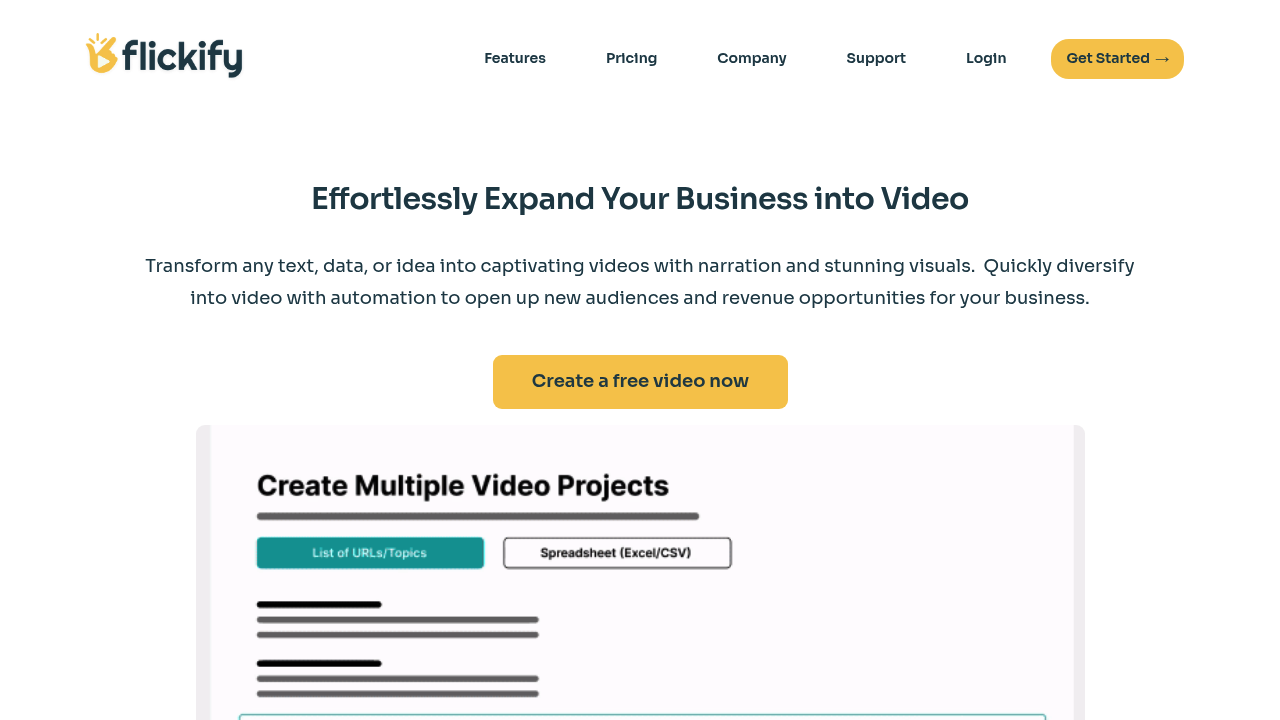
Flickify: Revolutionizing Video Creation with AI
Introduction
Overview of Flickify
Flickify is an AI-powered tool designed to simplify and enhance video creation. It offers a seamless process from auto-generation of high-quality video scripts to adding personalized avatars, making it accessible even for novice users.
Key Benefits and Use Cases
Flickify is ideal for creating high-resolution videos with professional-grade narration. It integrates well with popular platforms like YouTube, making it easy to disseminate content. The tool is versatile, suitable for both personal projects and professional presentations.
Who Uses
Flickify is beneficial for various users, including:
- Individual Creators: Those looking to create engaging videos without extensive technical knowledge.
- Small Businesses: Companies needing to produce bulk videos efficiently.
- Large Enterprises: Organizations requiring customized video solutions with advanced analytics integration.
What Makes Flickify Unique
Flickify stands out with its user-friendly automation, high-quality video generation, and diverse integration options. It offers limitless customization, including AI-generated scripts, diverse narrator voices, and video avatars.
Pricing Plans
Flickify offers a range of pricing plans tailored to different needs and budgets. Here are the current pricing plans:
- Free Plan: 30 credits per month
- Basic Plan: $39 per month (link: Flickify Pricing)
- Enterprise and Custom Plans: For businesses with large-scale needs (link: Flickify Pricing)
Disclaimer: Pricing might be changed, so it's always best to check the official site for the most up-to-date information.
Core Features
Essential Functions Overview
Flickify's core features include:
- Auto-Generation of High-Quality Video Scripts: AI-generated scripts ensure professional content.
- Choice of Professional-Sounding Narrators: Diverse narrator voices add depth to the videos.
- Add Personalized Avatar: Customizable avatars enhance video engagement.
- Bulk Video Creation: Efficiently produce multiple videos at once.
- Analytics Integration: Track performance and metrics for better insights.
- YouTube Integration: Easily share videos on YouTube.
Common Settings Explained
- Drag-and-Drop Editor: A simple interface for easy editing.
- Video Creation from Text, URLs, or Prompts: Automate video creation from various sources.
- Voice Cloning: Create videos with unique voice styles.
Tips & Troubleshooting
Tips for Best Results
- Use High-Quality Text Input: Ensure the text used for video generation is clear and concise.
- Experiment with Narrators: Try different narrator voices to find the best fit for your content.
- Customize Avatars: Tailor avatars to match your brand or theme.
Troubleshooting Basics
- Check Credits: Ensure you have enough credits if you're on a free or basic plan.
- Review Script Quality: Adjust script settings if the auto-generated script needs improvement.
- Contact Support: Reach out if you encounter any technical issues.
Best Practices
Common Mistakes to Avoid
- Insufficient Text Input: Provide enough text for the AI to generate a comprehensive script.
- Inconsistent Branding: Ensure all elements, including avatars and narration, align with your brand identity.
- Ignoring Analytics: Regularly check analytics to understand performance and make necessary adjustments.
Performance Optimization
- Optimize Script Length: Balance script length for engagement without overwhelming viewers.
- Use Relevant Keywords: Incorporate relevant keywords for better SEO.
- Test Different Formats: Experiment with different video formats to find what works best for your audience.
Pros and Cons
Pros
- User-Friendly Automation: Simplifies video creation, making it accessible for non-tech-savvy individuals.
- High-Quality Videos: Provides high-resolution graphics and professional-grade narration.
- Diverse Integration Options: Integrates well with popular platforms like YouTube and Humix.
- Comprehensive Customization: Offers limitless customization options, including AI-generated scripts and diverse narrator voices.
Cons
- Cost: The subscription plans might be pricey for individual creators or smaller businesses.
- Customization Limits: While automation is a key strength, it may offer less flexibility for hands-on and detailed customization compared to traditional video editing software.
- Learning Curve: Despite being user-friendly, familiarity with advanced features may require time and practice.
Summary
Flickify is a powerful AI tool that revolutionizes video creation by automating the process from text, URLs, or prompts. Its user-friendly interface, high-quality video generation, and diverse integration options make it an indispensable asset for various applications. With a range of pricing plans to suit different needs, Flickify is a versatile tool for both personal and professional use. Always check the official site for the most up-to-date pricing information, as it may change.