
Fliki: The Ultimate AI Tool for Content Creators and Businesses
Introduction
Overview of Fliki
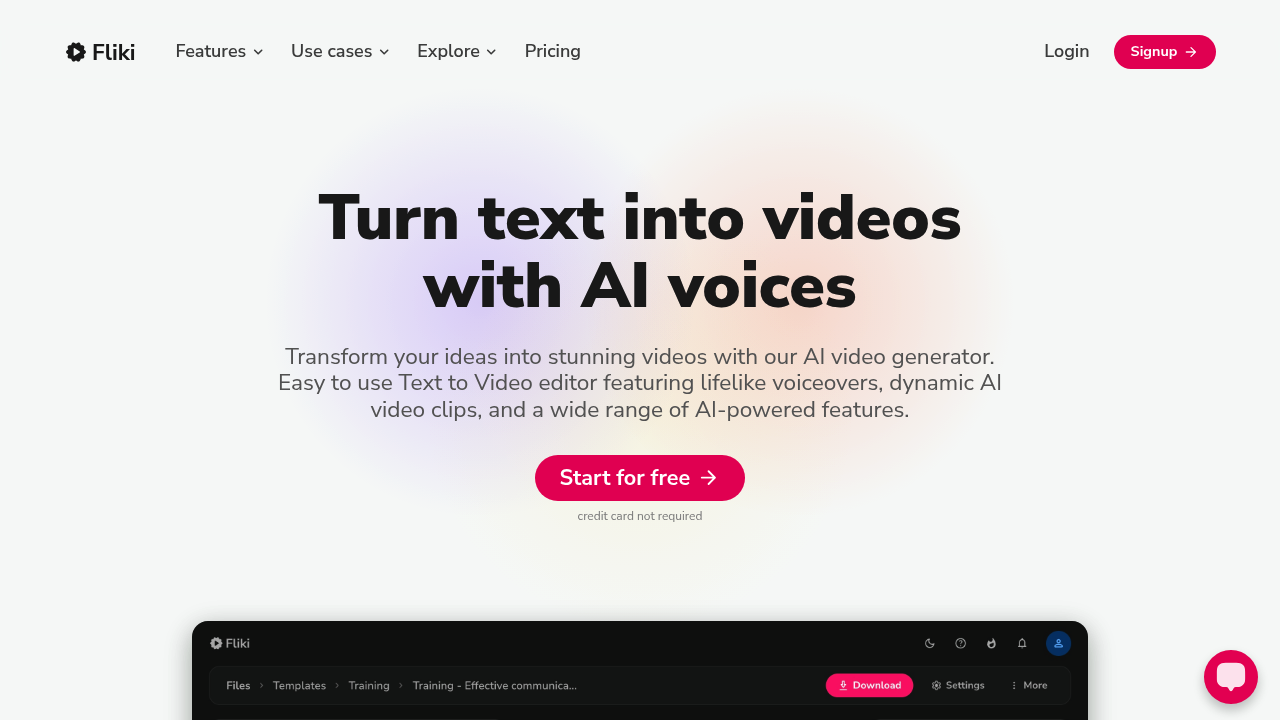
Fliki is an advanced AI tool designed to revolutionize content creation, marketing, and educational settings. It offers a range of features that make it an invaluable asset for professionals and individuals alike.
Key Benefits and Use Cases
Fliki provides several key benefits, including cost-effective content creation solutions, high-quality voiceovers in multiple languages and dialects, and advanced AI features such as voice cloning and custom templates. Its use cases span content creation, marketing initiatives, educational settings, and e-learning platforms.
Who Uses Fliki
Fliki is used by a diverse range of professionals, including content creators, educators, e-commerce enterprises, and frugal individuals. Its versatility makes it an essential tool for various applications.
What Makes Fliki Unique
Fliki stands out due to its ability to produce high-quality videos in large quantities while remaining affordable. It offers a generous allowance of free audio and video content monthly, making it an attractive option for those looking to try out its features without incurring costs.
Core Features
Essential Functions Overview
Fliki offers several essential functions:
- Text-to-Voice and Text-to-Video: Users can convert text into voice and video without any charges on the Free Plan.
- Ultra-Realistic Voices: Access to over 1000 ultra-realistic voices across various plans.
- Video Length Support: The Standard Plan supports up to 15-minute videos, while the Premium Plan supports up to 30-minute videos.
- Media Assets: Millions of premium media assets are available without watermarks, and full commercial rights are included in the Standard and Premium plans.
- Advanced AI Features: Voice cloning and custom templates are available in the Premium Plan.
Common Settings Explained
- Credits System: Fliki uses a credits system where users get a certain number of credits monthly based on their plan. These credits are deducted based on the duration of the audio generated or video exported.
- User Interface: The user interface is simple and easy to understand, making it accessible for users of all skill levels.
Tips & Troubleshooting
Tips for Best Results
- Optimize Your Scripts: Ensure your scripts are detailed and include dialogue, scene directions, and visuals to get the best results.
- Choose the Right Voice: Select a voice that matches your content’s tone and style to enhance engagement.
- Use Custom Templates: Utilize custom templates to create professional-looking videos quickly.
Troubleshooting Basics
- Check Credits: Ensure you have enough credits to complete your project. Credits can be replenished by upgrading your plan.
- Adjust Settings: Experiment with different settings to find the best combination for your project.
- Contact Support: If you encounter any issues, contact Fliki’s customer service for assistance.
Best Practices
Common Mistakes to Avoid
- Insufficient Credits: Make sure you have enough credits before starting a project to avoid running out mid-process.
- Poor Scripting: Ensure your scripts are well-written and detailed to get high-quality results.
- Inadequate Settings: Experiment with different settings to find the optimal configuration for your project.
Performance Optimization
- Plan Ahead: Plan your projects carefully to avoid running out of credits unexpectedly.
- Use Advanced Features Wisely: Utilize advanced features like voice cloning and custom templates strategically to maximize your credits.
- Monitor Usage: Keep track of your credits usage to optimize your workflow.
Pros and Cons
Pros
- Cost-Effective: Fliki offers various pricing plans that accommodate different budgets, making it a cost-effective solution.
- High-Quality Output: Produces high-quality videos and voiceovers in multiple languages and dialects.
- Advanced Features: Includes advanced AI features like voice cloning and custom templates.
- User-Friendly Interface: Simple and easy-to-understand user interface.
Cons
- Artificial AI Voices: Some users find the AI voices to sound artificial, even with the ultra-realistic versions.
- Limited Control: Users have limited control over certain features, which can be frustrating.
- Credits Management: Managing credits can be challenging, especially for those who are new to the platform.
Summary
Fliki is an innovative AI tool that offers a range of features and benefits for content creators, educators, and businesses. Its cost-effective pricing plans, high-quality output, and advanced AI features make it an invaluable asset in various applications. However, it also has some limitations, such as artificial-sounding AI voices and limited control over certain features. By understanding its core features, tips for best results, and common mistakes to avoid, users can optimize their experience with Fliki and achieve professional-looking videos efficiently.
Pricing Plans
Fliki offers the following pricing plans:
- Free Plan: Free
- Basic Plan: $6 per month (when billed annually, 25% off)
- Standard Plan: $21 per month (when billed annually, 25% off)
- Premium Plan: $66 per month (when billed annually, 25% off)
Disclaimer: Pricing might be changed, so it's always best to check the official website for the latest information.
By choosing Fliki, you can create impressive videos with its AI-powered tools, making it an essential tool for any content creation or marketing initiative.