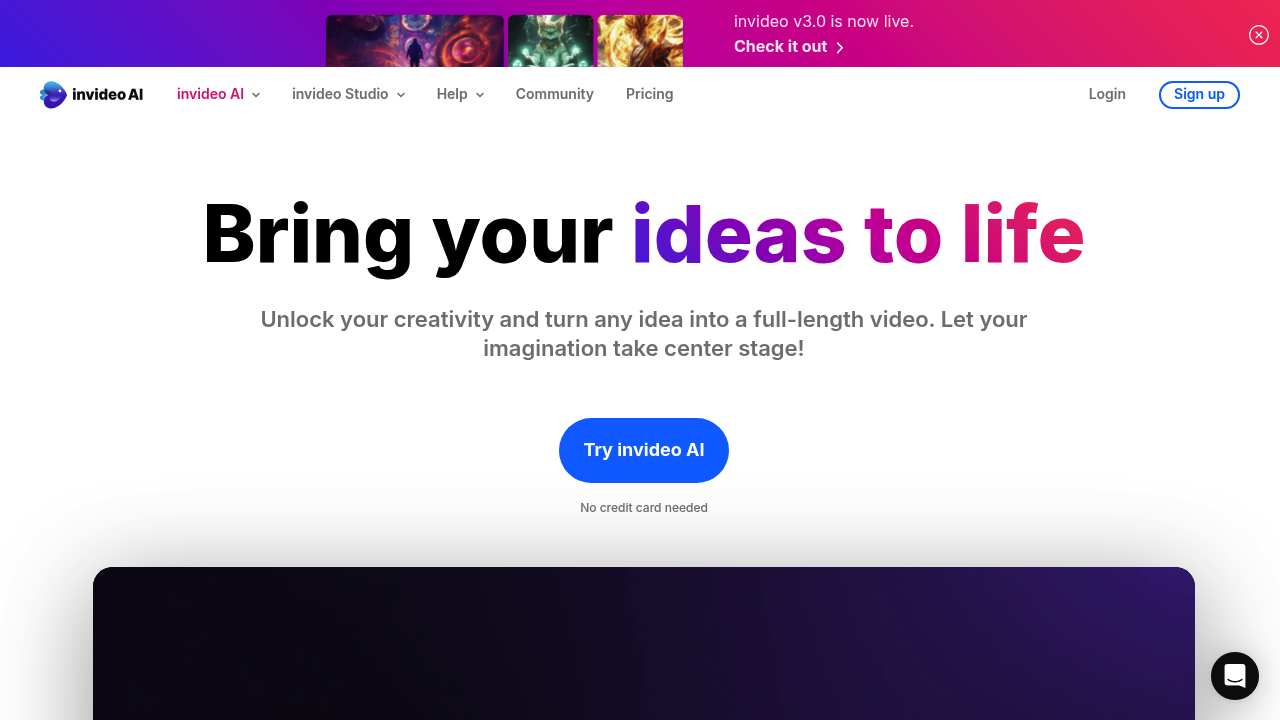
InVideo: Revolutionizing Video Creation with AI
Introduction
Overview of InVideo
InVideo is an AI-powered video creation tool designed to streamline the process of producing professional-quality videos. It automates tasks such as script generation, visuals, subtitles, voiceovers, and music integration, making it accessible to both beginners and seasoned professionals.
Key Benefits and Use Cases
InVideo offers several key benefits:
- Effortless Video Creation: Users can quickly transform ideas into polished videos using intuitive AI-driven tools.
- Global Utility: Supports video creation and translation in over 50 languages, enhancing its global utility.
- Advanced Features: Includes AI voice cloning, scene detection, and real-time collaborative editing.
Who Uses
InVideo is primarily designed for:
- Digital Marketers: To produce high-quality videos efficiently for YouTube, social media, and other digital platforms.
- Content Creators: For creating professional-looking videos without extensive technical skills or resources.
What Makes InVideo Unique
InVideo stands out due to its:
- AI-Driven Tools: Automates script generation, visuals, subtitles, voiceovers, and music integration.
- Extensive Template Library: Offers over 5,000 templates for various video types, including promos, ads, and presentations.
- Vast Media Library: Provides access to over 16 million stock media assets, making it a cost-effective solution for high-quality video production.
Core Features
Essential Functions Overview
InVideo AI offers the following essential functions:
- Text-to-Video Generator: Automatically creates video scripts and visuals based on text input.
- Customizable Video Editing Tools: Allows users to edit videos using text commands.
- Stock Media Integration: Includes a vast library of royalty-free videos, images, and music tracks.
- AI Voice Cloning: Personalizes voiceovers and saves significant recording time.
Common Settings Explained
Common settings include:
- Template Selection: Users can choose from thousands of professionally designed templates.
- Media Library Access: Users can browse and select from millions of royalty-free media assets.
- Editing Tools: Includes features like scene detection and real-time collaborative editing.
Tips & Troubleshooting
Tips for Best Results
To get the best results with InVideo:
- Explore Templates: Use the extensive template library to find the perfect starting point for your video.
- Customize Extensively: Make the most of the customizable editing tools to personalize your videos.
- Use Media Library: Utilize the vast media library for resources like videos, images, and music tracks.
- Test Support and Resources: Take advantage of the free plan to test the support and resources available.
Troubleshooting Basics
Common issues and their solutions:
- Limited Access to Premium Features: If you encounter limitations in the free plan, consider upgrading to a paid plan.
- Storage Issues: Manage storage by creating shorter videos or exporting them in batches.
Best Practices
Common Mistakes to Avoid
Avoid these common mistakes:
- Overcomplicating the Process: Use the intuitive interface to keep the process simple and efficient.
- Not Utilizing Templates: Explore the extensive template library to save time and effort.
- Ignoring Media Library: Use the vast media library to enhance your videos.
Performance Optimization
Optimize performance by:
- Using Real-Time Collaborative Editing: Enhance team projects with real-time collaborative editing.
- Experimenting with AI Features: Use AI-driven tools to streamline processes and optimize shot angles.
Pros and Cons
Pros
- Efficient Video Creation: Automates script generation, visuals, subtitles, voiceovers, and music integration.
- Global Utility: Supports video creation and translation in over 50 languages.
- Advanced Features: Includes AI voice cloning, scene detection, and real-time collaborative editing.
- Cost-Effective: Provides access to a vast library of over 16 million stock media assets.
Cons
- Limited Free Plan Features: The free plan has limitations such as limited exports, storage, and no voice clones.
- Pricing: The paid plans can be expensive, especially for the Max plan.
Summary
InVideo AI is a powerful tool for video creation, offering a range of advanced features and a user-friendly interface. It is ideal for digital marketers and content creators looking to produce high-quality videos efficiently. While it has some limitations in its free plan, the paid plans offer extensive features and resources. Always check the official pricing page for the most up-to-date information, as pricing might change.
Pricing Plans
InVideo offers three plans: Free, Plus, and Max. Here are the current pricing plans:
| Plan | Monthly Price | Annual Price |
|---|---|---|
| Free | Free | Free |
| Plus | $25/month | $20/month (20% off) |
| Max | $60/month | $48/month (20% off) |
For more detailed information, please visit the official pricing page.
Disclaimer
Pricing might be changed, so always check the official website for the most up-to-date information.