Kaiber.ai: Revolutionizing Video Creation with AI
Introduction
Overview of Kaiber.ai
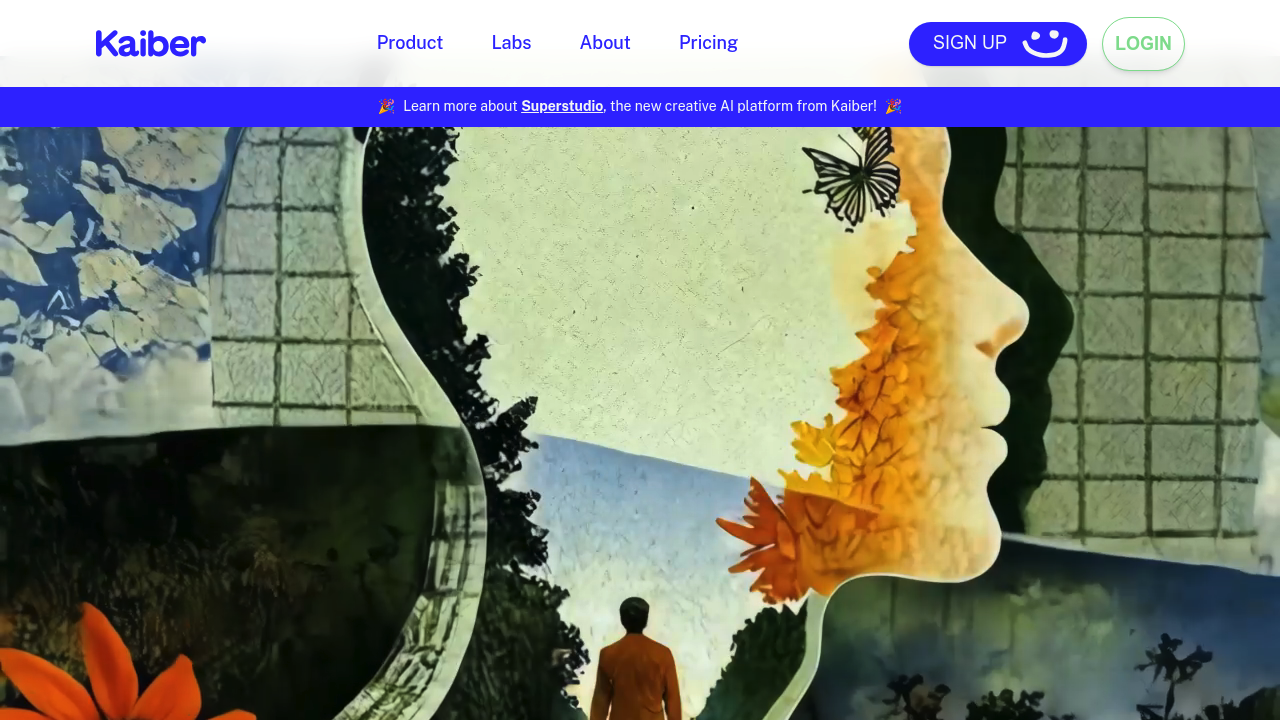
Kaiber.ai is an AI-powered video creation tool designed to transform your creative vision into stunning videos. It leverages artificial intelligence to generate unique and visually appealing video content from text, images, videos, or even music.
Key Benefits and Use Cases
Kaiber.ai offers several key benefits, including:
- Unleashing Creativity: Express your imagination without needing advanced video editing skills.
- Unique Visuals: Create captivating videos that stand out and capture attention.
- Ease of Use: User-friendly interface with intuitive controls and easy-to-follow tutorials.
- Versatility: Generate videos for social media, marketing, art projects, or personal use.
Who Uses
Kaiber.ai is versatile and can be used by:
- Musicians: Create music videos for their tracks.
- Artists: Experiment with new styles and generate visual art.
- Content Creators: Produce eye-catching social media content.
- Marketers: Develop unique video ads and promotional materials.
- Anyone with a Creative Spark: Bring your ideas to life with visually stunning videos.
What Makes Kaiber.ai Unique
Kaiber.ai stands out due to its:
- Advanced AI Technology: Innovative AI capabilities for video creation.
- Wide Range of Styles and Customization Options: Apply artistic styles to your videos for a unique visual flair.
- Collaboration Tools: Work with others to co-create and remix videos.
Core Features
Essential Functions Overview
Kaiber.ai offers the following essential functions:
- Text-to-Video: Generate videos from text prompts, bringing your words to life.
- Image-to-Video: Transform static images into dynamic videos with AI-powered animation.
- Style Transfer: Apply artistic styles to your videos for a unique visual flair.
- Music Visualization: Create mesmerizing videos that sync with your music.
- Collaboration Tools: Work with others to co-create and remix videos.
Common Settings Explained
To get started with Kaiber.ai, follow these steps:
- Sign Up: Create an account on the platform.
- Choose Your Input: Select the type of content you want to use (text, image, video, or music).
- Select a Style: Apply a style to your content.
- Customize Settings: Adjust settings as needed.
- Generate Your Video: Use the AI to create your video.
- Download and Share: Download and share your creation.
Tips & Troubleshooting
Tips for Best Results
To achieve the best results with Kaiber.ai:
- Use High-Quality Input: Ensure your input files are high-resolution for better output.
- Experiment with Styles: Try different styles to find the one that best fits your vision.
- Adjust Settings Carefully: Fine-tune settings to achieve the desired outcome.
- Use Collaboration Tools: Work with others to get feedback and improve your creations.
Troubleshooting Basics
If you encounter issues:
- Check Input Quality: Ensure your input files are not corrupted or low-resolution.
- Review Settings: Double-check all settings to ensure they are correctly configured.
- Contact Support: Reach out to Kaiber.ai’s support team for assistance.
Best Practices
Common Mistakes to Avoid
To avoid common mistakes:
- Overcomplicate Settings: Avoid overcomplicating settings, as this can lead to poor results.
- Insufficient Input: Ensure you have sufficient input data to generate high-quality videos.
- Lack of Experimentation: Don’t be afraid to experiment with different styles and settings.
Performance Optimization
To optimize performance:
- Use Cloud-Based Accessibility: Utilize Kaiber.ai’s cloud-based model for seamless access.
- Regularly Update Software: Keep your software up-to-date to ensure you have the latest features and improvements.
Pros and Cons
Pros
- Innovative AI Technology: Advanced AI capabilities for video creation.
- Wide Range of Styles and Customization Options: Apply artistic styles to your videos for a unique visual flair.
- Ease of Use: User-friendly interface with intuitive controls and easy-to-follow tutorials.
- Versatility: Generate videos for various purposes, including social media, marketing, and art projects.
- Collaboration Tools: Work with others to co-create and remix videos.
Cons
- Free Plan Limitations: The free plan has limited features and resolution, with watermarked videos.
- Computational Intensity: Can be computationally intensive, which may affect performance.
- Results May Not Always Match Expectations: Results may not always perfectly match your expectations.
Summary
Kaiber.ai is a revolutionary tool that puts the power of AI video generation in your hands. Whether you’re an artist, musician, marketer, or simply someone with a creative vision, Kaiber.ai offers an easy and accessible way to bring your ideas to life. With its advanced AI technology, wide range of styles, and user-friendly interface, Kaiber.ai is an essential tool for anyone looking to create stunning videos.
Pricing Plans
Kaiber.ai offers four main subscription plans:
- Explorer Plan: $5 per month, includes 300 credits, access to basic creation tools, and features like Audioreactivity and Animation.
- Pro Plan: $10 per month, offers 12,000 credits annually, longer video capabilities, and upscale video resolutions.
- Artist Plan: $25 per month, includes 33,333 credits annually, beta access to new features, and is ideal for power users and professional content creators.
- Enterprise Plan: Customized for teams and companies, tailored based on specific requirements and organizational scale.
Disclaimer: Pricing plans are subject to change, please visit the official pricing page for the most up-to-date information: Kaiber AI Pricing Plans.