MimicPC
Transform your computer into a powerful virtual workstation accessible from anywhere.
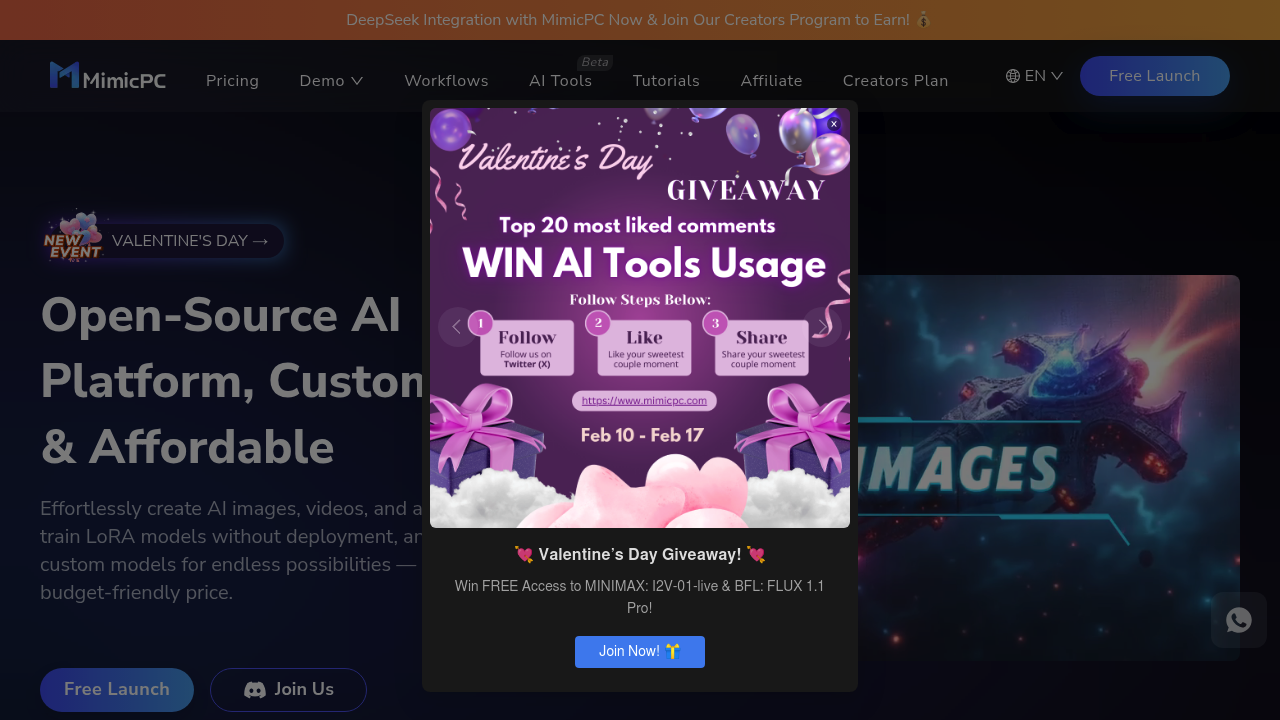
MimicPC: Revolutionizing AI Accessibility
Introduction
Overview of MimicPC
MimicPC is a groundbreaking platform designed to streamline the use of AI applications directly in your browser. This tool eliminates the need for lengthy installations and complex setups, offering a user-friendly gateway to a variety of AI-driven applications. From image generation to voice conversion, MimicPC caters to a wide range of needs, making it an ideal choice for professionals and enthusiasts alike who seek efficiency and simplicity in their AI endeavors.
Key Benefits and Use Cases
- Ease of Use: Simplifies the process of using AI apps with its one-click launch functionality.
- Cost-Effective: Offers a competitive pricing model starting as low as $0.30 per hour.
- High Accessibility: Cloud-based settings ensure that your work setup can be accessed from anywhere, anytime.
- Community Support: Active Discord community for user support and free permanent storage offers for members.
Who Uses
MimicPC is ideal for both professionals looking to streamline workflows and hobbyists eager to explore AI technologies. It is particularly beneficial for artists, designers, and researchers who need access to powerful AI models like Stable Diffusion without the hassle of setting up local environments.
What Makes MimicPC Unique
MimicPC stands out due to its ability to provide robust AI capabilities at a fraction of the cost of traditional methods. With a vast array of cutting-edge tools, including Stable Diffusion, FaceFusion, and many others, it opens up a world of possibilities for creative and technical exploration. Additionally, its clean, easy-to-navigate interface eliminates the steep learning curve usually associated with AI platforms.
Pricing Plans
MimicPC offers the following pricing plans:
- Free Plan: Provides users with basic access, including access to all pre-installed apps and 50 GB of private storage. Users get $0.49 in the free plan, which can be used to access AI apps.
- Hourly Plan: Costs $0.49 per hour. This plan includes enhanced GPU options for high-performance needs, with VRAM options ranging from 16 GB to 48 GB.
- Promotion Plan: A subscription-based plan that costs $7.90 per month. It includes full access to MimicPC and exclusive benefits.
Please note that pricing might be changed, and you should check the official site for the latest information. MimicPC Pricing Plans
Core Features
Essential Functions Overview
MimicPC provides access to a variety of AI applications, including:
- AI-driven image generation
- AI-driven video editing
- AI-driven market research tools
- AI-enhanced productivity tools for writing
Common Settings Explained
To use MimicPC, you need to sign up on its official website and log in with the required credentials. All the apps you use will be available in the My Apps section. To access all the apps and add them to the My Apps list, click on the Add New App button.
Tips & Troubleshooting
Tips for Best Results
- Choose the Right App: Select the appropriate AI app for your task. For example, if you need to generate images, use an image generation tool.
- Optimize Performance: Ensure you have the right VRAM settings for your task. For high-performance needs, use the Hourly Plan with enhanced GPU options.
- Community Support: Utilize the active Discord community for user support and to get tips from other users.
Troubleshooting Basics
- App Not Loading: Check if the app is properly added to your My Apps list. If not, try adding it again.
- Insufficient Balance: Ensure you have sufficient balance in your account to use the AI apps. You can add funds to your account as needed.
- Technical Issues: If you encounter any technical issues, refer to the tutorials provided for each app or contact the support team via Discord.
Best Practices
Common Mistakes to Avoid
- Insufficient Balance: Always ensure you have enough balance in your account before launching an AI app.
- Incorrect VRAM Settings: Choose the right VRAM settings for your task to avoid performance issues.
- Not Using Tutorials: Use the tutorials provided for each app to avoid confusion and ensure you are using the app correctly.
Performance Optimization
- Select Right VRAM: Choose the appropriate VRAM setting based on your task requirements.
- Use the Right Plan: Select the Hourly Plan for enhanced GPU options if you need high-performance capabilities.
- Monitor Usage: Keep an eye on your usage to avoid running out of balance.
Pros and Cons
Pros
- Ease of Use: Simplifies the process of using AI apps with one-click launch functionality.
- Cost-Effective: Offers competitive pricing starting at $0.30 per hour.
- High Accessibility: Cloud-based settings allow access from anywhere, anytime.
- Community Support: Active Discord community for user support and free permanent storage offers for members.
- Robust AI Capabilities: Provides access to powerful AI models like Stable Diffusion and FaceFusion.
Cons
- Limited Free Plan: The free plan has limited access and balance.
- Dependence on Internet: Requires a stable internet connection to function.
- Potential for Technical Issues: Like any cloud-based service, there is a risk of technical issues.
Summary
MimicPC is a revolutionary AI platform that offers a seamless and cost-effective way to access a variety of AI applications directly from your browser. With its user-friendly interface, robust AI capabilities, and active community support, it is an ideal choice for both professionals and hobbyists. Whether you need to generate images, edit videos, or conduct market research, MimicPC provides the tools and flexibility you need to streamline your AI workflows. Always check the official site for the latest pricing information, as it may change.