Spikes Studio
A platform that transforms your audio into engaging video content.
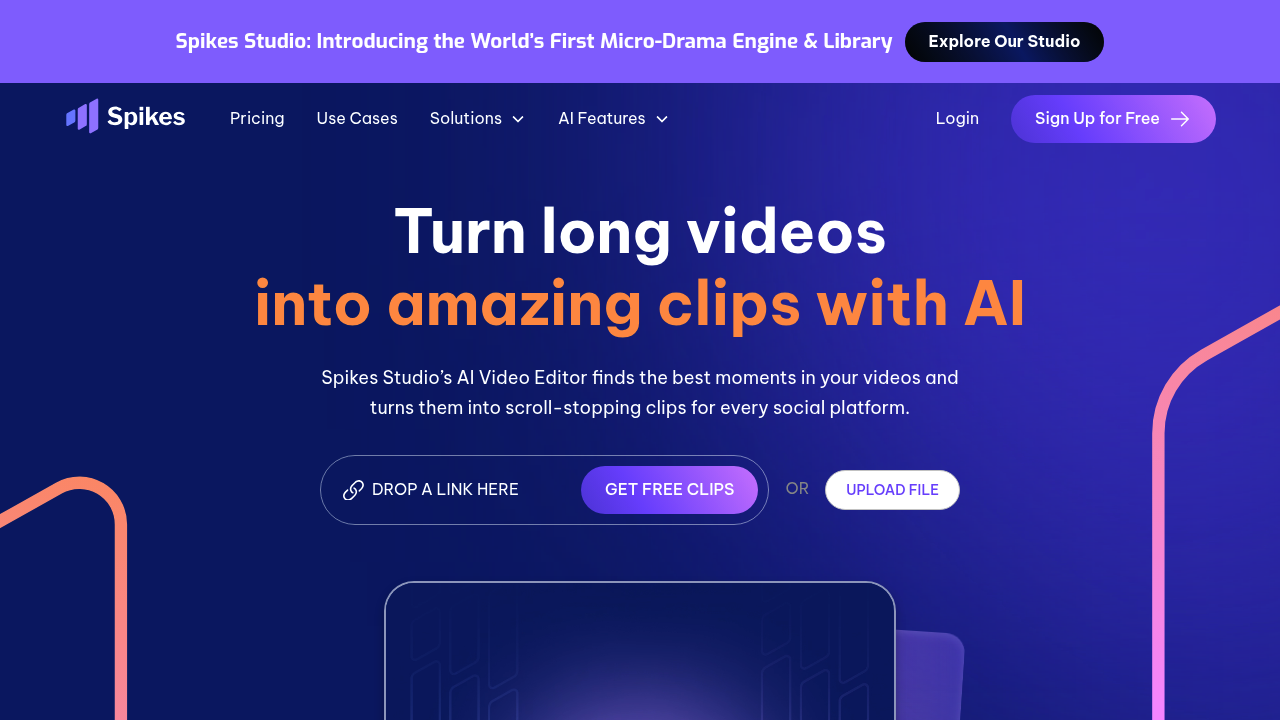
Spikes Studio: Revolutionizing Video Editing with AI
Introduction
Overview of Spikes Studio
Spikes Studio is an AI-driven video editing platform designed to transform long-form videos into short, engaging clips for social media. It automates the process of creating short clips, making it an ideal choice for streamers, vloggers, and marketers who want to repurpose content quickly.
Key Benefits and Use Cases
Spikes Studio offers several key benefits:
- Automation: Automatically generates clips from long videos, saving time.
- Multi-Platform Support: Compatible with YouTube, Twitch, TikTok, and Reels.
- Custom Branding: Allows adding logos and custom branding to clips.
- Auto Captions: Enhances accessibility and engagement with automatic captions.
- Analytics: Provides insights into video performance.
Who Uses
Spikes Studio is used by:
- Streamers: For quickly sharing highlights from Twitch streams.
- Content Creators: To repurpose long-form videos into short, engaging clips.
- Marketers: To enhance social media content discoverability.
What Makes Spikes Studio Unique
Spikes Studio stands out due to its AI-powered features:
- AI Clipping: Automatically identifies and extracts short clips from long videos.
- Auto Captions and Hashtags: Generates captions and hashtags to boost discoverability.
- Bulk Editing: Supports processing multiple videos simultaneously.
Pricing Plans
Spikes Studio offers the following pricing plans:
- Free Plan: Basic features with limited access to templates and editing tools.
- Pro Plan: $19/month, includes advanced features like custom branding, additional templates, and enhanced analytics.
- Business Plan: $49/month, offers all Pro features plus priority support, team collaboration tools, and extensive integration options.
Please note that pricing may be subject to change. For the most up-to-date pricing information, visit the official pricing page.
Core Features
Essential Functions Overview
Spikes Studio offers several essential functions:
- AI Clipping: Automatically selects the best moments from long videos.
- Auto Captions: Adds subtitles to your video automatically, supporting 99 languages.
- Auto Crop and Zoom In: Edits and selects the best frame for mobile viewing.
- Multi-Platform Processing: Automatically processes clips from any YouTube, Vimeo, Google, or Twitch links.
- Automatic Hashtags and Description: AI scans videos and suggests optimal hashtags and descriptions.
Common Settings Explained
- Import Video Files: Users start by importing video files into the platform.
- Editing Tools: Offers various editing features like trimming, splitting, adjusting the speed, adding filters, and inserting transitions.
- Add Effects and Text: Incorporates effects, text overlays, or animations to make the video more engaging.
- Exporting the Video: Once the editing is complete, the final video can be exported in different formats and resolutions.
Tips & Troubleshooting
Tips for Best Results
- Use High-Quality Footage: Ensure your input videos are high-quality to get the best results.
- Customize Clip Lengths: Adjust clip lengths according to your social media strategy.
- Utilize Bulk Editing: Process multiple videos simultaneously to save time.
Troubleshooting Basics
- Inaccurate AI Clipping: Occasionally, AI clipping may need manual adjustments. Check the video for any inaccuracies and correct them manually.
- Captioning Issues: If auto-captions are not accurate, manually correct them to ensure clarity.
Best Practices
Common Mistakes to Avoid
- Insufficient Footage: Ensure you have enough footage to create engaging clips.
- Over-Reliance on AI: While AI is powerful, manually review clips for accuracy and quality.
- Ignoring Analytics: Use analytics to understand your audience and adjust your strategy accordingly.
Performance Optimization
- Regular Updates: Keep your software updated to ensure you have the latest features and bug fixes.
- Optimize for Mobile: Ensure your clips are optimized for mobile viewing to reach a broader audience.
Pros and Cons
Pros
- Time-Saving: Automates the process of creating short clips, saving time.
- User-Friendly Interface: Easy to use, even for those without extensive video editing experience.
- Versatile Features: Supports multiple platforms and offers advanced features like custom branding and auto-captions.
- Cost-Effective: Offers a free plan and competitive pricing plans.
Cons
- Limited Customization: Free plan offers limited templates and tools.
- Occasional Inaccuracies: AI clipping may require manual adjustments occasionally.
- Higher-Tier Plans Expensive: Higher-tier plans might be expensive for small creators.
Summary
Spikes Studio is an AI-driven video editing platform that transforms long-form videos into short, engaging clips for social media. With its automation features, multi-platform support, and custom branding options, it is ideal for streamers, content creators, and marketers. The platform offers a free plan and competitive pricing plans, making it a cost-effective solution. However, it may have occasional inaccuracies in AI clipping and limited customization options in the free plan. For the most up-to-date pricing information, visit the official pricing page.