Synthesia
Generate realistic AI-driven video content featuring virtual presenters.
Synthesia: The Ultimate AI Video Creation Tool
Introduction
Overview of Synthesia
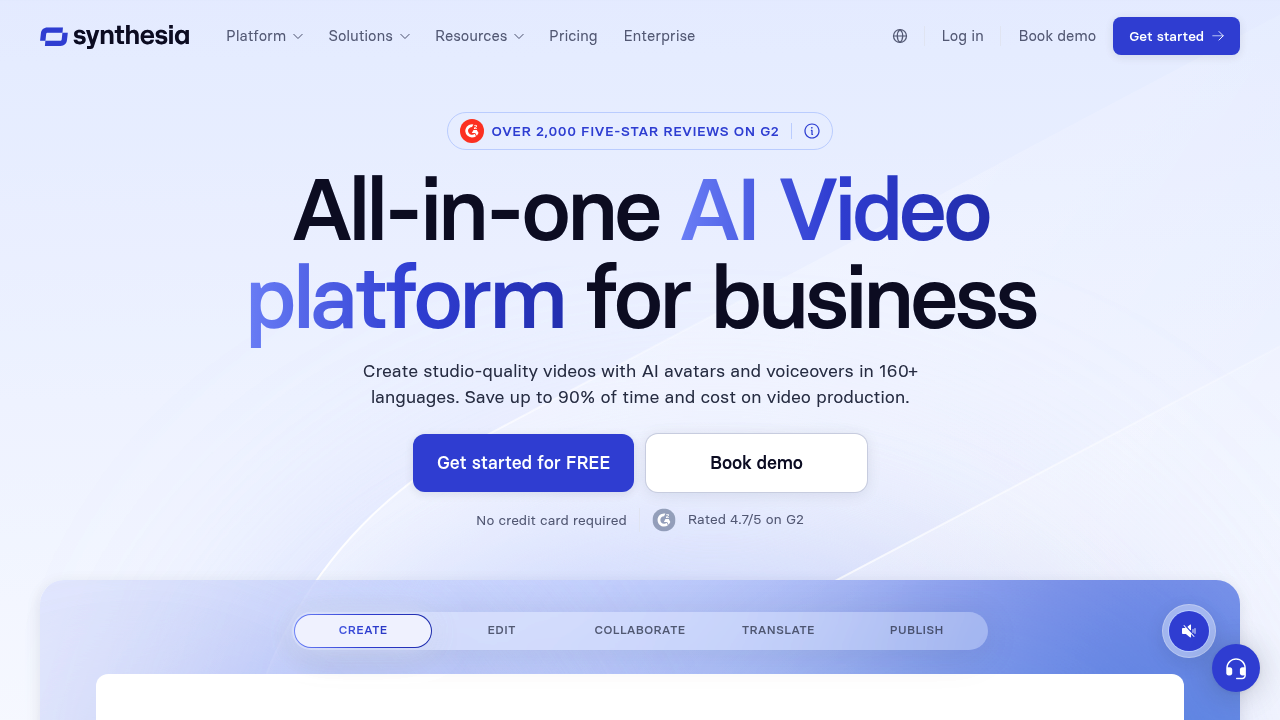
Synthesia is an AI-powered video creation tool designed to help users produce high-quality, lifelike videos without the need for hiring actors or renting studios. It offers a range of features and tools that make video creation efficient and accessible.
Key Benefits and Use Cases
Synthesia is ideal for e-learning, marketing, and corporate communications. It allows users to create videos quickly, saving time and resources. The platform supports multiple languages, dialects, and avatars, making it versatile for diverse content needs.
Who Uses Synthesia
Synthesia is used by educators, marketers, and corporate professionals who need to create engaging and professional videos. Its ease of use makes it accessible to those without prior video editing experience.
What Makes Synthesia Unique
Synthesia stands out due to its ability to generate realistic videos using AI avatars and voices. It offers a user-friendly interface that simplifies the video creation process, allowing users to focus on content rather than technical details.
Core Features
Essential Functions Overview
- Video Creation: Synthesia allows users to create videos using AI avatars and voices.
- Language and Accent Support: The platform supports multiple languages and accents, making it suitable for global audiences.
- Customization Options: Users can choose from various avatars, languages, and voices to personalize their videos.
- Video Templates: Synthesia provides an array of video templates to help users get started quickly.
Common Settings Explained
- Avatar Selection: Users can select from over 90 avatars to match their content needs.
- Voice Selection: The platform offers more than 120 voices to ensure the right tone and accent for the video.
- Script Complexity: While straightforward scripts yield polished results, more intricate narratives may require additional editing to achieve the desired level of quality.
Tips & Troubleshooting
Tips for Best Results
- Script Preparation: Ensure that your script is clear and concise to get the best results from Synthesia’s AI.
- Avatar and Voice Selection: Choose avatars and voices that match your content’s tone and audience.
- Video Templates: Use video templates to streamline the creation process and ensure consistency.
Troubleshooting Basics
- Quality Issues: If the video quality is not up to par, check the script complexity and adjust accordingly.
- Avatar Realism: While the avatars are highly realistic, they may not be perfect. Zooming in on the work area is not possible, so detailing smaller elements can be tiresome.
- Layer Panel: The workspace does not have a layer panel, which can make editing overlapping images or text challenging.
Best Practices
Common Mistakes to Avoid
- Overcomplicating Scripts: Avoid complex scripts that may challenge the AI’s ability to deliver seamless performances.
- Insufficient Editing: Ensure that you invest sufficient time in refining scripts and editing generated videos to achieve the desired level of quality.
Performance Optimization
- Script Optimization: Optimize your script for clarity and conciseness to maximize the AI’s capabilities.
- Avatar and Voice Consistency: Ensure that the chosen avatar and voice are consistent with the content’s tone and audience.
Pros and Cons
Pros
- Easy Video Creation: Synthesia makes it possible to create lifelike videos without hiring actors or renting studios.
- Versatile Options: The platform offers various avatars, languages, and accents, making it versatile for diverse content needs.
- Time and Resource Savings: Synthesia is an efficient platform that allows users to generate videos quickly, saving time and resources.
Cons
- Restrictive Personal Plan: The Personal Plan offers only 120 minutes of videos per year, which is very restrictive.
- Custom AI Avatar Creation Cost: Custom AI avatar creation is expensive, costing $1000 per year per avatar.
- Quality Variability: The quality of the final output may vary depending on script complexity and scene transitions.
Summary
Synthesia is a powerful AI video creation tool that offers a range of features and tools to help users produce high-quality, lifelike videos efficiently. While it has its limitations, such as the restrictive Personal Plan and potential quality variability, it remains a valuable asset for those in need of quick and versatile video creation solutions.
Pricing Plans
Synthesia offers the following pricing plans:
- Free Plan: $0 (up to 3 minutes of video per month, 6 AI avatars, key features like different languages and voices, video templates, and custom uploads).
- Personal Plan: $270 per year (or $30 per month), 120 minutes of videos per year, over 90 avatars, and more than 120 voices.
- Starter Plan: Not available on the official Synthesia website, but mentioned in third-party reviews (approximately £23 per month).
- Creator Plan: Not explicitly listed on the official Synthesia website, but mentioned in third-party reviews.
- Enterprise Plan: Custom pricing based on the number of users, unlimited videos, and over 140 avatars.
Disclaimer: Pricing might be changed, and users should refer to the official Synthesia website for the most up-to-date pricing information.