AutoCut
Effortlessly remove unwanted elements from your photos for a cleaner, more professional look.
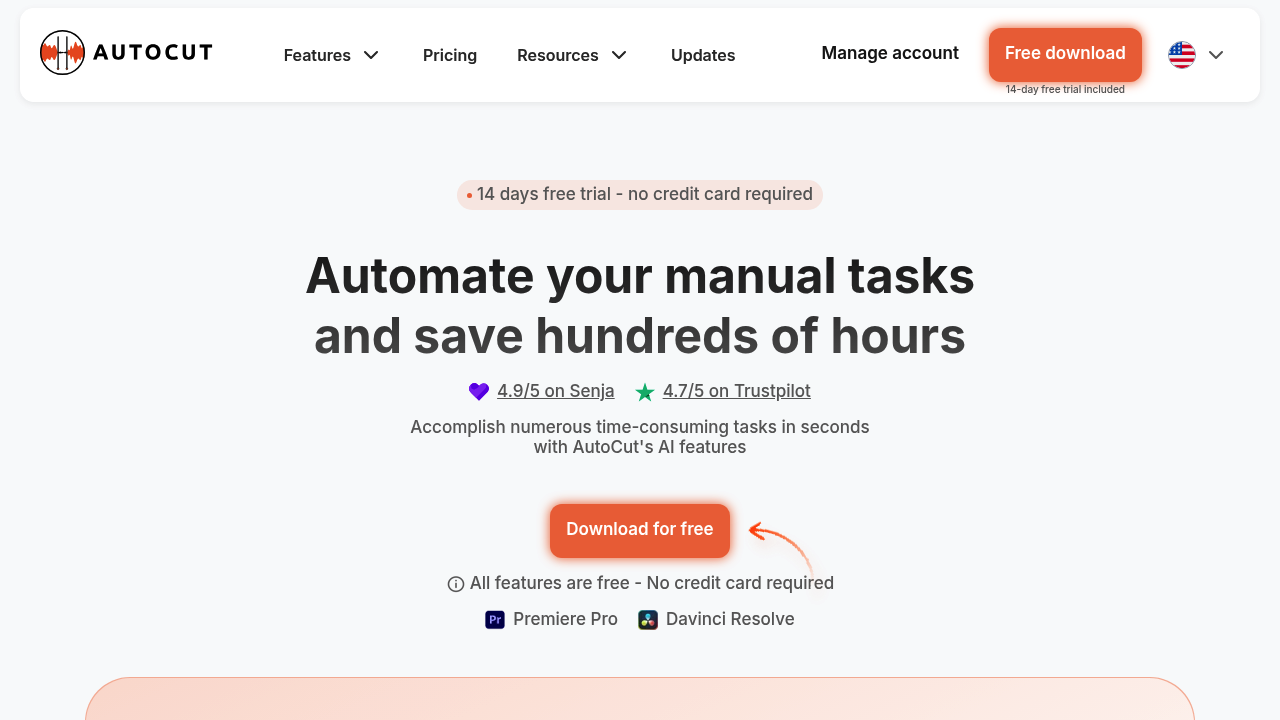
AutoCut: Revolutionizing Video Editing with AI
Introduction
Overview of AutoCut
AutoCut is a sophisticated plugin for Adobe Premiere Pro and DaVinci Resolve that leverages artificial intelligence to automate time-consuming video editing tasks. It is designed to streamline the video production process by handling repetitive and tedious tasks, allowing content creators and editors to focus on the creative aspects of their work.
Key Benefits and Use Cases
AutoCut offers several key benefits, including:
- Automation of Repetitive Tasks: AutoCut automates tasks such as removing silences, adding animated captions, and integrating B-Roll footage, significantly reducing editing time.
- Enhanced Accuracy: The AI-powered plugin enhances accuracy in edits by intelligently filling gaps and adapting to data scarcity.
- Increased Efficiency: AutoCut simplifies podcast editing, zoom effects, and repetition elimination, making the editing process smoother and faster.
Who Uses AutoCut
AutoCut serves a diverse range of users, including:
- Content Creators: Individuals and teams creating videos for various platforms.
- Video Editors: Professionals looking to enhance their workflow efficiency.
- Podcast Producers: Those simplifying podcast editing with AutoCut’s dynamic features.
- Marketing Agencies: Businesses aiming to create engaging video content quickly.
- Educational Institutions: Digital media courses and independent filmmakers using AutoCut for documentary editing.
What Makes AutoCut Unique
AutoCut stands out due to its:
- AI-Powered Features: Advanced AI capabilities that understand the user’s workflow and enhance editing accuracy.
- Seamless Integration: Direct integration with Adobe Premiere Pro and DaVinci Resolve, eliminating the need for file transfers between programs.
Core Features
Essential Functions Overview
AutoCut offers a suite of powerful features, including:
- AutoCaptions: Automatically generates and adds perfectly animated subtitles that sync with the audio, enhancing viewer engagement.
- AutoCut Silences: Detects and eliminates all moments of silence in videos, creating more dynamic and engaging content.
- AutoCut Podcast: Automatically edits podcasts by detecting which camera to activate based on each guest’s microphone input.
- AutoZoom: Applies sophisticated automatic zoom effects to capture audience attention without manual keyframing.
- AutoResize: Uses AI to resize videos for different social media formats while keeping the subject centered.
- AutoProfanity Filter: Maintains content integrity by masking offensive language with customizable sound effects.
- AutoB-Roll: Integrates relevant B-Roll footage automatically to enrich video content.
- AutoViral: Pinpoints high-potential segments in long videos to create engaging shorts, TikToks, and Reels.
- AutoChapters: Analyzes and segments videos, providing exportable chapters in a YouTube-compatible format.
Common Settings Explained
While AutoCut is user-friendly, understanding the common settings can optimize its use:
- Feature Activation: Users can activate or deactivate specific features based on their needs.
- Customization Options: Features like AutoCaptions and AutoZoom can be customized for better alignment with the video’s narrative.
Tips & Troubleshooting
Tips for Best Results
To achieve the best results with AutoCut:
- Understand Your Workflow: Familiarize yourself with how AutoCut integrates with your editing software.
- Use Advanced Features Wisely: Utilize advanced features like AutoB-Roll and AutoViral to enhance your video content.
- Regular Updates: Keep your plugin updated to ensure you have access to the latest features and bug fixes.
Troubleshooting Basics
Common issues with AutoCut include:
- Feature Incompatibility: Ensure that the feature you are using is compatible with your version of Adobe Premiere Pro or DaVinci Resolve.
- Data Scarcity Issues: If AutoCut encounters data scarcity, it may not perform as expected. Adjusting the settings or providing more data can resolve this issue.
Best Practices
Common Mistakes to Avoid
To avoid common mistakes:
- Overreliance on Automation: While AutoCut automates many tasks, it’s essential to review the edits manually to ensure accuracy.
- Insufficient Data: Providing insufficient data can lead to poor performance. Ensure you have enough footage for AutoCut to work effectively.
Performance Optimization
Optimizing performance involves:
- Regular Maintenance: Regularly update your plugin to ensure you have the latest features and bug fixes.
- Feature Management: Manage your features wisely, activating only those that are necessary for your project.
Pros and Cons
Pros
- Time Efficiency: AutoCut significantly reduces editing time by automating repetitive tasks.
- Enhanced Accuracy: The AI-powered plugin enhances accuracy in edits, ensuring a professional finish.
- User-Friendly Interface: AutoCut is designed to be user-friendly, making it accessible to both beginners and professionals.
- Customization Options: Users can customize features like AutoCaptions and AutoZoom to better align with their video’s narrative.
Cons
- Compatibility Issues: AutoCut is currently only compatible with Adobe Premiere Pro and DaVinci Resolve, which may limit its use for users of other editing software.
- Pricing: The AI Plan, which provides full access to all advanced AI features, is $14.90/month ($178.80 billed yearly), which might be a concern for freelancers or small studios on a tight budget.
Summary
AutoCut is a powerful AI-powered plugin designed to streamline video editing tasks. With its advanced features like automatic silence removal, animated caption generation, and sophisticated zoom effects, AutoCut enhances the video production workflow. While it offers significant benefits, it also has some limitations, such as compatibility issues with other editing software and pricing concerns. By understanding its core features, common settings, and best practices, users can maximize the potential of AutoCut and achieve professional-grade video edits efficiently.
Pricing Plans
AutoCut offers two pricing plans:
- Basic Plan: $6.60/month ($79.00 billed yearly) includes core features like AutoCut silences v2 and AutoCaptions.
- AI Plan: $14.90/month ($178.80 billed yearly) provides full access to all advanced AI features.
Disclaimer: Pricing details may change. For the most current information, refer to the AutoCut Pricing Plan Official Site.
Title: AutoCut: Revolutionizing Video Editing with AI
This article provides a comprehensive overview of AutoCut, its key benefits, core features, tips, and best practices. It also highlights the pros and cons of using AutoCut, ensuring that users have a thorough understanding of this powerful AI-powered plugin for Adobe Premiere Pro and DaVinci Resolve.
Reviews
No reviews yetSimilar tools in category
Adobe Premiere Pro
Professional video editing software that allows users to create and refine high-quality videos with advanced features and effects.
Argil
A platform that simplifies and enhances the process of creating engaging presentations.
Atlabs
A platform that streamlines data analysis and visualization for enhanced decision-making.