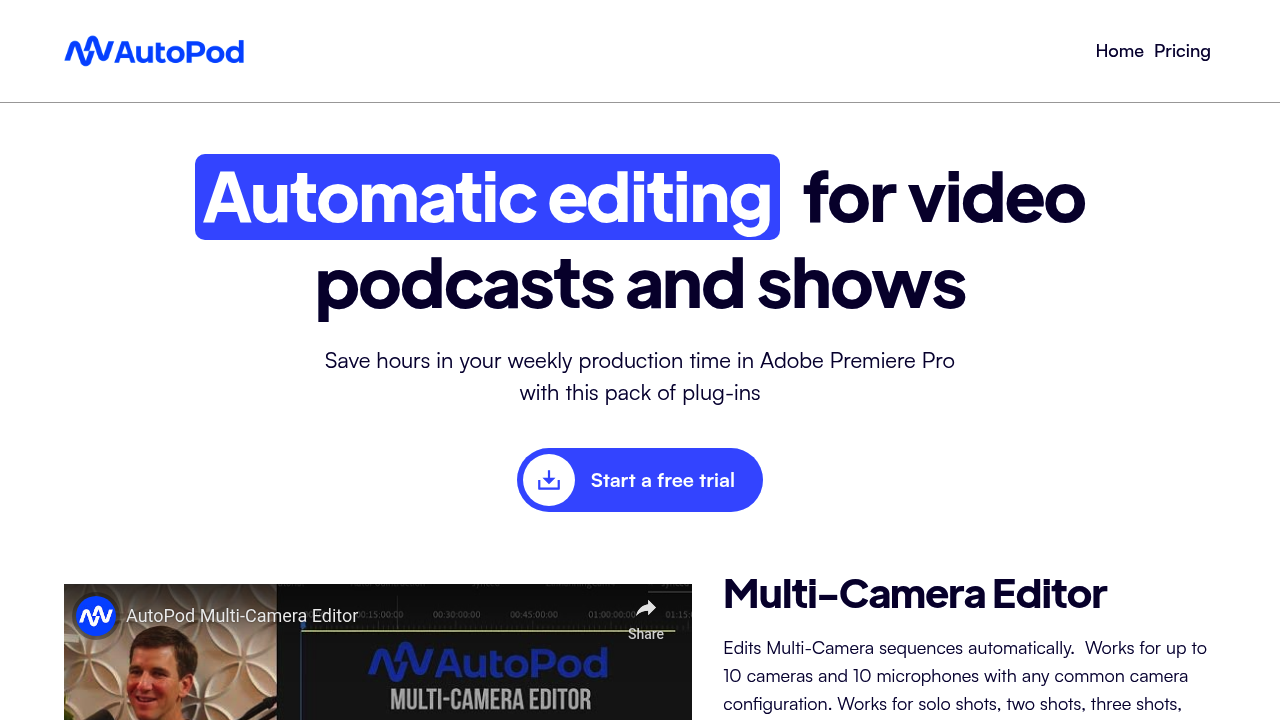
AutoPod: Revolutionizing Podcast Editing with AI
Introduction
Overview of AutoPod
AutoPod is an AI-powered editing tool designed specifically for podcasters. It automates repetitive editing tasks, enhancing audio quality and saving time for solo podcasters and small teams.
Key Benefits and Use Cases
- Time-Saving: AutoPod handles tasks like background noise reduction, adding music, and cutting silent parts, freeing up time for other creative tasks.
- Professional Audio: It ensures consistent sound volumes and enhances audio quality, making your podcast sound more professional.
- Efficient Workflow: The tool streamlines editing processes, making it easy to use even for those without prior editing experience.
- Accessibility: AutoPod works with transcription services, making podcasts more accessible for those with hearing issues.
Who Uses
AutoPod is ideal for solo podcasters and small teams looking to streamline their editing process. It is particularly beneficial for those who want to maintain high-quality audio without the need for extensive manual editing.
What Makes AutoPod Unique
AutoPod stands out due to its affordability and comprehensive set of AI editing features. It offers a solid balance between AI capabilities and approachable pricing, making it an excellent choice for podcasters on a budget.
Pricing Plans
AutoPod offers the following pricing plans:
- Free 30-Day Trial: Test drive the service risk-free for 30 days.
- Monthly Subscription: $29/month (includes all features and updates).
- Annual Subscription: $313/year (includes all features and updates, with one month free).
Please note that pricing might be changed, and for the most up-to-date information, visit the official pricing page.
Core Features
Essential Functions Overview
- Multi-Camera Editor: Seamlessly edits sequences from 2-10 cameras and microphones, working with all common shot types such as solo, two-shot, and wide shots.
- Social Clip Creator: Generates clips in various aspect ratios effortlessly, ideal for creating content for social media platforms.
- Jump Cut Editor: Detects silence and seamlessly implements jump cuts to maintain audience engagement on social media.
- Compatibility: Offers compatibility with popular audio editing software like Adobe Audition and Audacity.
- Automatic On-Demand Content Creation: Based on your broadcast schedule, creating episodes automatically.
- Retroactive Episode Creation: Allows creating episodes retroactively.
Common Settings Explained
- Central Dashboard: A simple to use interface for managing configuration and episodes.
- Episode Management: Easily manage shows and episodes from a central dashboard.
Tips & Troubleshooting
Tips for Best Results
- Use Transcription Services: AutoPod works well with transcription services, making it easier to edit using written transcripts.
- Optimize Audio Quality: Ensure consistent sound volumes and use the tool's noise reduction features to enhance audio quality.
- Test During Free Trial: Take advantage of the free trial to test the tool and see how it can transform your editing workflow.
Troubleshooting Basics
- Performance Issues: Some users have reported occasional performance issues, such as buffering or slow response times, especially when using certain features or editing large projects.
- Audio Control: AutoPod primarily focuses on video editing and may not provide extensive audio control, so manual adjustments might be necessary in some cases.
Best Practices
Common Mistakes to Avoid
- Insufficient Testing: Not testing the tool thoroughly during the free trial can lead to unexpected issues.
- Ignoring Audio Settings: Failing to optimize audio settings can result in poor quality output.
Performance Optimization
- System Requirements: Ensure your system meets the minimum requirements for smooth operation.
- Feature Limitations: Be aware of the tool's limitations, especially regarding multi-camera editing and audio control.
Pros and Cons
Pros
- Time-Saving: Automates repetitive editing tasks, saving time for other creative tasks.
- Professional Audio: Enhances audio quality and ensures consistent sound volumes.
- Efficient Workflow: Streamlines editing processes, making it easy to use even for those without prior editing experience.
- Affordable Pricing: Offers a comprehensive set of features at an affordable price point.
Cons
- Limited Audio Editing Capabilities: Primarily focuses on video editing, which may limit its audio editing capabilities.
- Performance Issues: Some users have reported occasional performance issues, such as buffering or slow response times.
- Limited Team Collaboration Features: Lacks team collaboration features compared to competitors in higher pricing tiers.
Summary
AutoPod is an excellent choice for podcasters looking to streamline their editing process with AI. Its comprehensive set of features, including the multi-camera editor, social clip creator, and jump cut editor, make it an ideal tool for maintaining high-quality audio. With its affordable pricing plans and user-friendly interface, AutoPod is a solid investment for solo podcasters and small teams. Always remember to test the tool during the free trial and be aware of its limitations to get the best results. For the most up-to-date pricing information, visit the official pricing page.
Reviews
No reviews yetSimilar tools in category
Adobe Premiere Pro
Professional video editing software that allows users to create and refine high-quality videos with advanced features and effects.
Argil
A platform that simplifies and enhances the process of creating engaging presentations.
Atlabs
A platform that streamlines data analysis and visualization for enhanced decision-making.