BlinkVideo
A platform that allows users to create engaging video content quickly and easily.
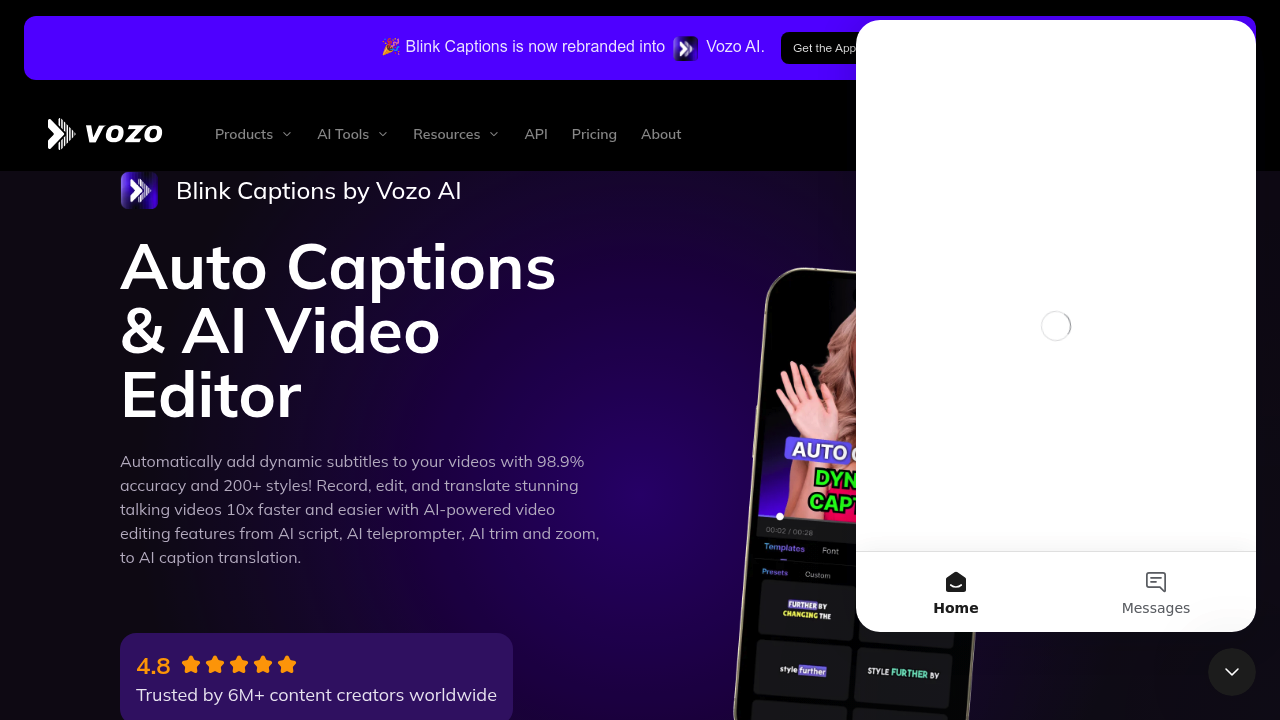
Blink Video: The Ultimate AI-Powered Video Editing Tool
Introduction
Overview of Blink Video
Blink Video is an AI-powered video editing tool designed to make video editing as easy and precise as editing text. It offers a range of features to streamline the video editing process, making it ideal for both beginners and professionals.
Key Benefits and Use Cases
- Efficient Editing: Blink Video simplifies the editing process by providing AI-powered search, smooth and organized transcripts, and the ability to trim and delete pauses, awkward sentences, and filler sounds.
- Key Moment Extraction: Users can easily pull out key moments from the video, remove mistakes and distractions, and create an outline of the video.
- Data Control: Users are in control of their data and can customize their choices when it comes to the use of cookies and similar technologies.
Who Uses
Blink Video is suitable for anyone who needs to edit videos efficiently, including content creators, marketers, educators, and anyone looking to enhance their video content.
What Makes Blink Video Unique
- AI-Powered Search: The tool includes an AI-powered search feature that helps users quickly find specific parts in a video.
- Transcript Management: It provides smooth and organized transcripts, making it easier to navigate through the video content.
- Customization Options: Users can customize their choices regarding data usage, ensuring they have control over their personal information.
Pricing Plans
Blink Video does not offer a specific pricing plan for its video editing tool. However, if you are looking for a similar AI-powered tool, you might consider Project Blink, which is currently in the experimental phase and subject to change. For more information on Project Blink's pricing, you can visit their official site.
Core Features
Essential Functions Overview
- AI-Powered Search: Quickly find specific parts in a video using the AI-powered search feature.
- Transcript Management: Enjoy smooth and organized transcripts to navigate through the video content easily.
- Trim and Delete: Trim and delete pauses, awkward sentences, and filler sounds to refine your video.
- Key Moment Extraction: Pull out key moments from the video to create an outline or highlight important sections.
Common Settings Explained
- Data Control: Customize your choices regarding data usage to ensure control over your personal information.
- Cookie Settings: Manage cookie settings to tailor your experience with the tool.
Tips & Troubleshooting
Tips for Best Results
- Organize Your Footage: Start by organizing your footage to make it easier to find specific parts.
- Use AI Search: Utilize the AI-powered search feature to quickly locate desired sections.
- Customize Transcripts: Adjust transcript settings to optimize readability and navigation.
Troubleshooting Basics
- Data Issues: If you encounter issues with data, check your cookie settings and ensure you have the necessary permissions.
- Feature Glitches: If you experience any glitches, try restarting the tool or checking for updates.
Best Practices
Common Mistakes to Avoid
- Over-Editing: Avoid over-editing, as it can lead to an unprofessional finish.
- Inconsistent Formatting: Ensure consistent formatting throughout the video to maintain coherence.
Performance Optimization
- Optimize Footage: Optimize your footage by removing unnecessary parts to streamline the editing process.
- Regular Updates: Regularly update the tool to ensure you have the latest features and bug fixes.
Pros and Cons
Pros
- Efficient Editing: Simplifies the editing process with AI-powered features.
- Data Control: Users have control over their data and can customize cookie settings.
- Key Moment Extraction: Easily pull out key moments from the video.
Cons
- Experimental Phase: Project Blink is currently in the experimental phase and subject to change.
- Limited Availability: Specific pricing plans for Blink Video are not available, and users may need to consider alternative tools like Project Blink.
Summary
Blink Video is an innovative AI-powered tool designed to enhance the video editing experience. With its AI-powered search, transcript management, and key moment extraction features, it offers a streamlined approach to video editing. While it is currently in the experimental phase, users can explore alternative tools like Project Blink for similar functionalities. Always check the official pricing plans for any updates, as they might change.
Reviews
No reviews yetSimilar tools in category
Adobe Premiere Pro
Professional video editing software that allows users to create and refine high-quality videos with advanced features and effects.
Argil
A platform that simplifies and enhances the process of creating engaging presentations.
Atlabs
A platform that streamlines data analysis and visualization for enhanced decision-making.