Canva
The world's most popular design platform with powerful AI video creation tools. Generate videos from text with Google Veo 3, create presentations, social content, and branded videos — free to start.
Introduction
Canva is the world's most widely used visual design platform, and it has evolved far beyond static graphics into a comprehensive AI video creation suite. With the integration of Google Veo 3, Canva's AI video generator transforms a single line of text into a complete video with motion, music, and voice. Used by over 200 million people globally, Canva democratizes professional video production for individuals, small businesses, educators, and large enterprises alike — with a generous free plan and a Pro tier at $15 per month.
Getting Started
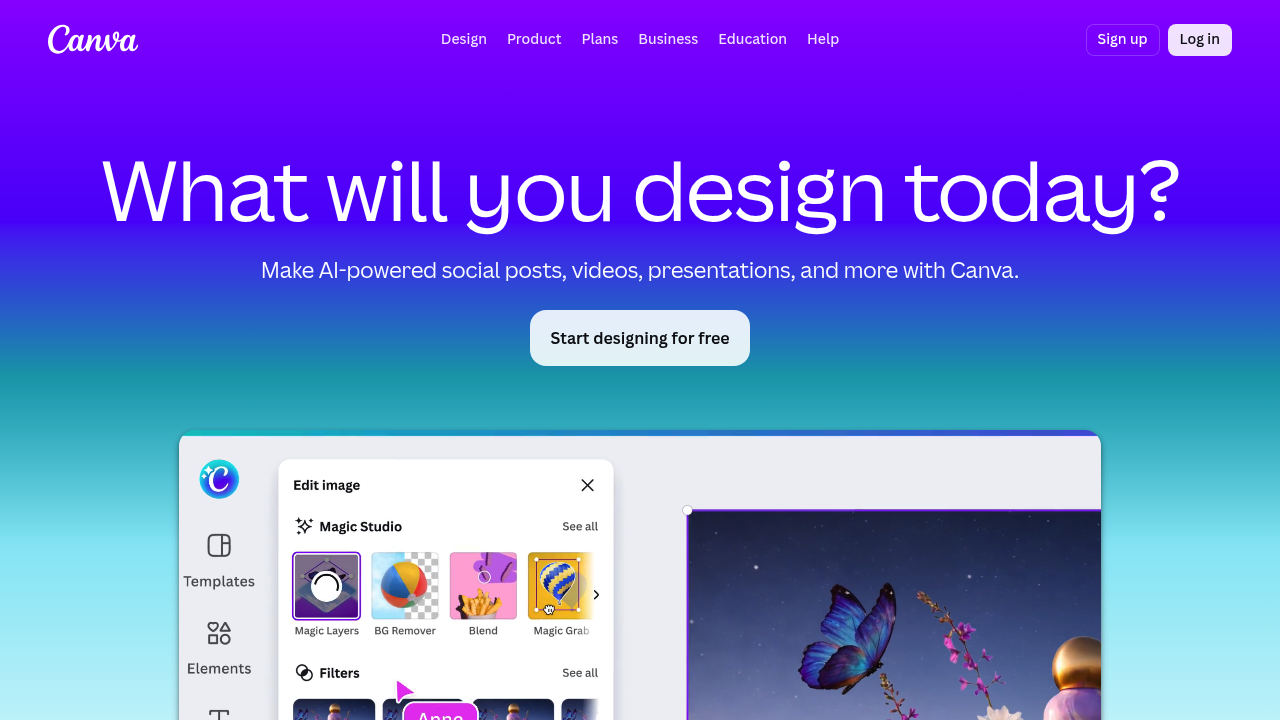
Visit canva.com and create a free account. To create an AI video, click Create a Design and choose your video format (16:9, 9:16 for Reels, square, etc.). Use the AI Text to Video feature to generate video sequences from a text prompt, or start with one of thousands of video templates. Drag stock footage, add text, apply animations, and use the AI tools panel for voice-over generation, background music, and automated captions. Export in MP4 format directly to your device or share via link.
Core Features
- AI Text to Video (Veo 3) — generate complete video clips from a text description
- AI Image Generator — create images from text to use in video compositions
- AI Avatars — digital presenter creation for spokesperson content
- AI Voice Over — natural text-to-speech narration in multiple languages
- AI Background Remover — remove video or image backgrounds instantly
- Video Templates — thousands of customizable templates for social, marketing, and education
- Brand Kit — store logos, colors, and fonts for brand consistency
- Team Collaboration — real-time editing, commenting, and sharing
- Resize & Repurpose — one-click video resizing for all social platforms
- Premium Stock Library — millions of licensed photos, videos, and music tracks
First Project Tutorial
Log in to Canva and select Video from the design types. Choose a template — for example, an Instagram Reels template. Click the AI Text to Video button in the toolbar and type your scene description. Canva generates a video sequence using Google Veo 3. Drag it into your composition, add text overlays using Canva's rich typography tools, apply an AI voice-over by pasting your script, and add music from the stock library. Use Resize to create versions for TikTok, YouTube Shorts, and LinkedIn. Download and publish.
Best Practices & Optimization
Set up your Brand Kit before starting any project — this ensures all colors, fonts, and logos are automatically applied. Use the Bulk Create feature to generate personalized video variants at scale (for event invitations, product ads, etc.). Pair AI video generation with Canva's extensive transition animations for polished storytelling. Use the Trim by Transcript feature when editing talking-head recordings to save editing time significantly.
Pros and Cons
- Pro: Extremely accessible with a powerful free tier
- Pro: Google Veo 3 integration brings cutting-edge video generation to all users
- Pro: Massive template library covering every business and creative use case
- Pro: All-in-one design platform — images, video, presentations, social in one place
- Con: AI video generation quality can vary compared to dedicated video AI tools
- Con: Free plan has export and storage limitations
- Con: Advanced users may find timeline editing less powerful than professional video editors
What Users Are Saying
Canva's AI video features are generating significant buzz on Reddit. A thread on r/IndiaTech highlights users generating full videos with motion, music, and voice from a single text prompt using Canva's Veo 3 integration. The r/canva community actively shares tips for creating AI-powered animated videos, emphasizing how accessible the platform is for non-technical creators.
Summary
Canva is the most accessible AI video creation platform for anyone who wants professional results without a steep learning curve. Its integration with Google Veo 3 makes it a serious contender in the AI video generation space, while its massive template library, brand tools, and collaboration features ensure it serves both individuals and enterprise teams effectively. Start free or upgrade to Pro at $15/month for unlimited features.
Reviews
No reviews yetSimilar tools in category
Adobe Premiere Pro
Argil
A platform that simplifies and enhances the process of creating engaging presentations.
Atlabs
A platform that streamlines data analysis and visualization for enhanced decision-making.