HitPaw Edimakor
An intuitive video editing software that simplifies the process of creating and enhancing videos.
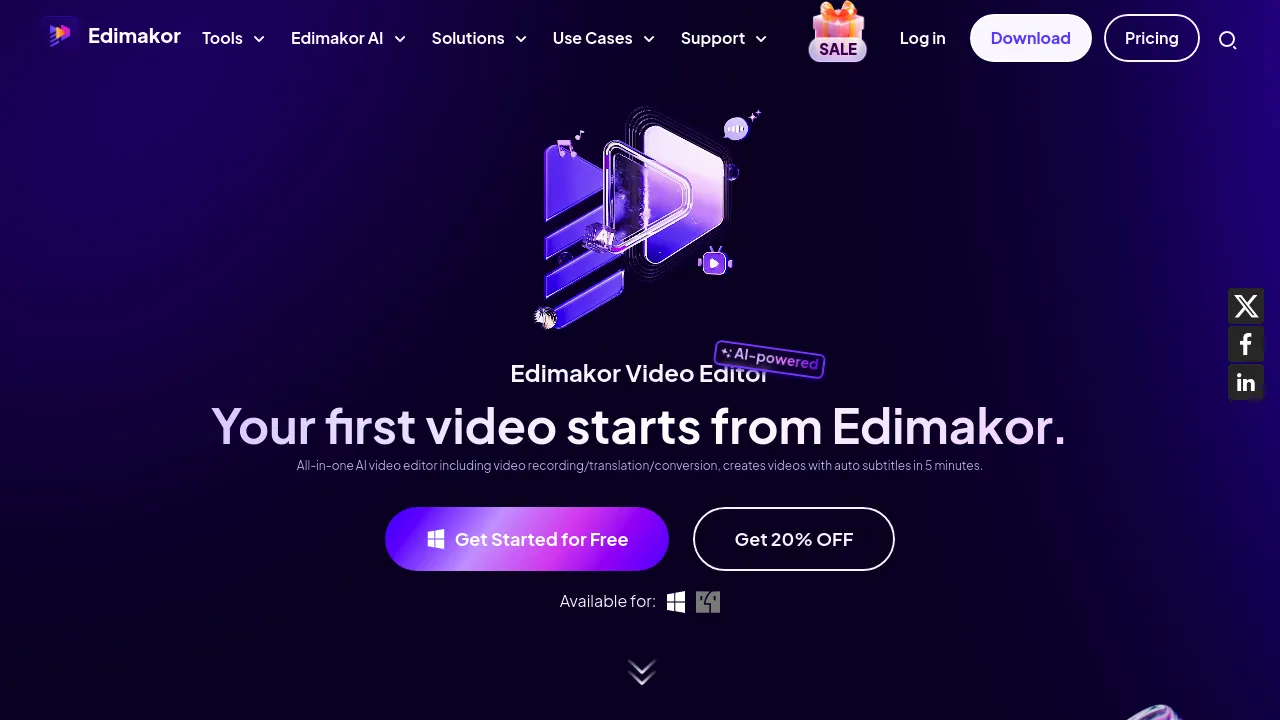
HitPaw Edimakor: Revolutionizing Video Editing with AI
Introduction
Overview of HitPaw Edimakor
HitPaw Edimakor is an AI-powered video editor designed to enhance your video editing experience. It offers a variety of advanced features, making it easy to create professional-quality content. This tool is available for both Windows and Mac, providing users with a seamless editing experience across different platforms.
Key Benefits and Use Cases
HitPaw Edimakor is ideal for various use cases, including:
- Creating Engaging YouTube Videos: Perfect for YouTubers looking to produce high-quality content with professional editing tools and features.
- Producing Educational Content with Clear Subtitles: Ideal for educators who want to add accurate and easy-to-read subtitles to their instructional videos using the auto subtitle maker.
- Enhancing Social Media Posts: Great for social media enthusiasts aiming to make their posts stand out with dynamic effects, filters, and transitions.
- Editing Professional Marketing Videos: Suited for marketers who need to create polished and compelling promotional videos with seamless transitions and audio enhancements.
- Generating Personal Video Projects: Excellent for hobbyists and personal users who want to personalize their videos with customized audio and visual elements, making their memories more memorable.
Who Uses
HitPaw Edimakor is used by a wide range of users, including:
- YouTubers: To create engaging and high-quality content.
- Educators: To produce educational videos with clear subtitles.
- Marketers: To create professional marketing videos.
- Hobbyists: To personalize their personal video projects.
What Makes HitPaw Edimakor Unique
HitPaw Edimakor stands out due to its advanced AI features, including:
- AI Script Generator: Automatically generates scripts for your videos, making content creation more efficient.
- AI Subtitle Generator: Creates accurate subtitles for your videos, enhancing accessibility and engagement.
- AI Cutout: Easily removes backgrounds from your footage, allowing for seamless integration of different visual elements.
- AI Audio Editor: Provides advanced audio editing capabilities to refine and enhance the sound quality of your videos.
- Text to Speech (TTS): Converts written text into natural-sounding speech, adding a professional touch to your video narrations.
Pricing Plans
HitPaw Edimakor offers several pricing plans:
- 1-Month Plan: $19.95 (Tax Excl.) - Includes 1-month free upgrades, one license for 1 computer, and 300 Edimakor AI credits per month.
- 1-Year Plan: $49.95 (Tax Excl.) - Includes 1-year free upgrades, one license for 1 computer, and 1000 Edimakor AI credits per year.
- Perpetual Plan: $69.95 (Tax Excl.) - One-time payment for lifetime free upgrades, one license for 1 computer, and 3000 Edimakor AI credits for lifetime.
- Business Plan (5 PCs): $119.95 (Billed Annually) - Ideal for businesses needing multiple licenses.
Pricing Plans Link: HitPaw Edimakor Pricing Plans
Disclaimer: Pricing might be changed, so always check the official site for the latest information.
Core Features
Essential Functions Overview
HitPaw Edimakor offers a variety of essential functions, including:
- AI-Powered Speech-to-Text: Automatically transcribes speech to text, making it easy to add captions to your videos.
- Video Coloring: Allows users to adjust visual styles and colors to enhance the aesthetic of their videos.
- Speed Control: Enables users to change video speed dynamically, creating dramatic effects or speeding up slow sections.
- Background Removal: Utilizes AI cutout to remove backgrounds from footage, allowing for seamless integration of different visual elements.
- Text Overlays: Allows users to add text overlays to their videos, providing additional context or information.
Common Settings Explained
- Trim and Rearrange Video Clips: Users can trim and rearrange video clips to create the perfect sequence for their project.
- Add Text Annotations: Teachers can use this feature to add text annotations for clarity in educational videos.
- Adjust Video Colors and Tones: Users can adjust video colors and tones to enhance the visual appeal of their content.
- Change Video Speed: Users can dynamically change video speed to create dramatic effects or speed up slow sections.
- Remove Background Noise from Audio: The AI audio editor helps remove background noise from audio, refining the sound quality of your videos.
Tips & Troubleshooting
Tips for Best Results
- Use AI Features Wisely: Leverage the AI features like speech-to-text, subtitle generation, and background removal to streamline your editing process.
- Experiment with Effects: Try out different effects like dynamic transitions, pan and zoom, and mirror effects to enhance the visual appeal of your videos.
- Optimize Audio: Use the AI audio editor to remove background noise and enhance the sound quality of your videos.
Troubleshooting Basics
- Check AI Credits: Ensure you have sufficient AI credits if you're using features like AI cutout or text-to-speech.
- Update Software: Regularly update the software to ensure you have the latest features and bug fixes.
- Consult User Guide: Refer to the user guide if you encounter any issues while using the software.
Best Practices
Common Mistakes to Avoid
- Overusing Effects: Avoid overusing effects as they can make the video look cluttered and unprofessional.
- Ignoring Audio Quality: Don't ignore the audio quality; use the AI audio editor to ensure it's refined and clear.
- Not Testing Subtitles: Always test subtitles to ensure they are accurate and easy to read.
Performance Optimization
- Use High-Quality Footage: Use high-quality footage to ensure the best results.
- Optimize Video Size: Optimize video size to reduce file size and improve playback speed.
- Use Efficient Editing Techniques: Use efficient editing techniques like trimming and rearranging clips to save time.
Pros and Cons
Pros
- Efficient Editing Process: HitPaw Edimakor streamlines the editing process with its AI-powered tools.
- Professional-Quality Videos: The software helps create professional-quality videos with ease.
- User-Friendly Interface: The user-friendly interface makes it accessible for users of all levels.
- Versatile Features: Offers a variety of features, including text-to-speech, background removal, and speed control.
Cons
- Resource Intensive: The software can be resource-intensive, requiring a powerful computer to run smoothly.
- Limited Customization Options: Some users might find the customization options limited compared to other video editing software.
- Dependence on AI: The software's effectiveness depends on the accuracy of its AI algorithms, which can sometimes be off.
Summary
HitPaw Edimakor is a powerful AI video editor that offers a range of advanced features to enhance your video editing experience. With its user-friendly interface and efficient editing process, it is ideal for various use cases, including creating engaging YouTube videos, producing educational content, and enhancing social media posts. The software's unique features, such as AI script generator and AI subtitle generator, make it stand out in the market. While it has some limitations, HitPaw Edimakor is a versatile tool that can help users create professional-quality videos with ease. Always check the official site for the latest pricing information, as it might change.
Reviews
No reviews yetSimilar tools in category
Adobe Premiere Pro
Professional video editing software that allows users to create and refine high-quality videos with advanced features and effects.
Argil
A platform that simplifies and enhances the process of creating engaging presentations.
Atlabs
A platform that streamlines data analysis and visualization for enhanced decision-making.