
NemoVideo
AI video editing agent — edit videos using natural language commands. Trim, caption, remove silences, and automate post-production with plain English. Freemium.
Introduction
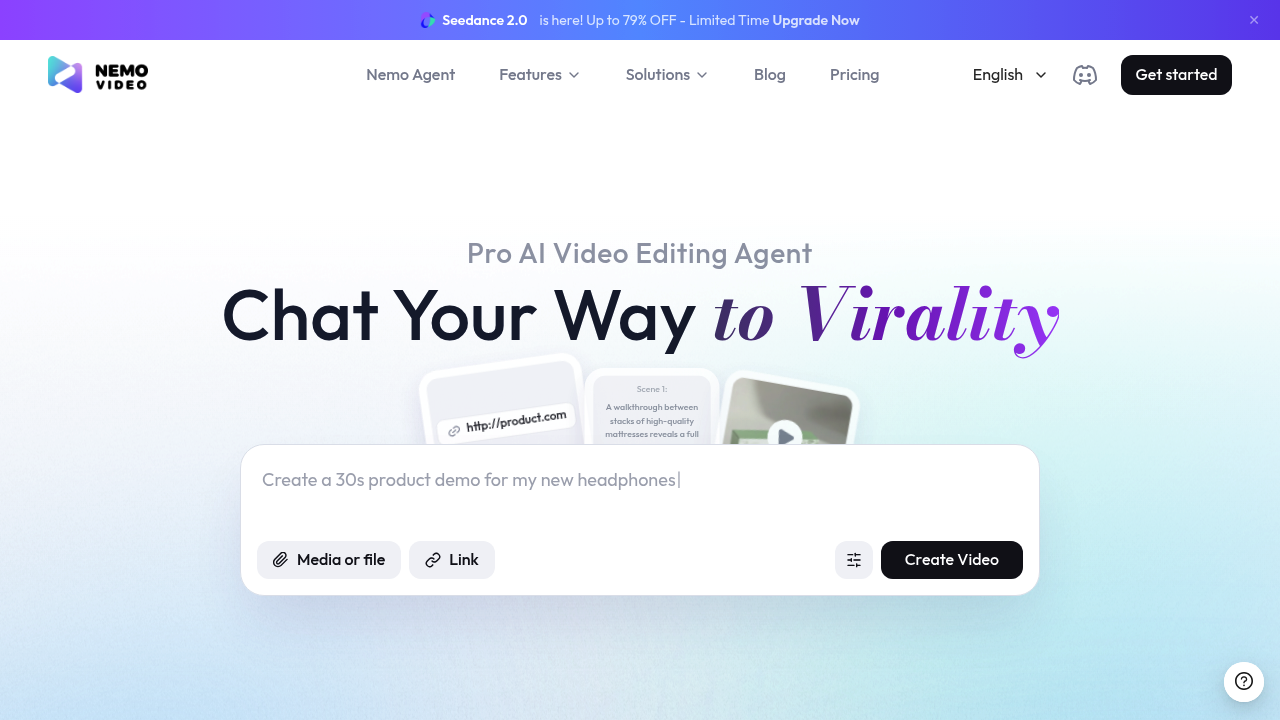
NemoVideo is an AI-powered video editing agent that lets you edit videos using natural language commands. Instead of navigating complex timelines and menus, simply describe what you want — "cut the silence at 0:45", "add captions", or "make the intro more dynamic" — and NemoVideo's AI agent executes the edits automatically. It's ideal for content creators, YouTubers, and marketers who want to speed up post-production without specialized editing skills. NemoVideo offers a freemium model with free tier access and paid plans for professional workloads.
Getting Started
Access NemoVideo at nemovideo.com. Sign up with email or Google, then upload your first video clip or start with a sample project. The interface is built around a chat-style command panel on the left and a video preview on the right — making it feel more like working with an AI assistant than a traditional video editor. No prior editing experience is needed.
Core Features
- Natural Language Editing: Type editing commands in plain English — trim, cut, speed up, add text overlays, apply color grades — and the AI executes them on your timeline.
- Automated Silence Removal: Detect and remove silent gaps from interviews and podcasts in one command, saving hours of manual editing.
- Auto-Captions: Generate accurate captions from speech with word-level sync — one command to caption an entire video.
- B-Roll Suggestions: The AI suggests relevant B-roll cuts based on transcript context to improve video flow.
- Export & Automation: Export final videos in MP4, and automate repetitive editing workflows across multiple clips.
First Project Tutorial
- Sign up at nemovideo.com and upload a video.
- In the command box, type: "Remove all silences longer than 1 second".
- Preview the result in the video player on the right.
- Type: "Add captions in white text at the bottom".
- Continue editing with natural language until satisfied, then export.
Best Practices
- Be specific in your commands — "cut the intro to 5 seconds" is better than "shorten the intro".
- Use silence removal as your first step to significantly reduce raw footage length.
- Preview before exporting — AI edits are great but benefit from a final human review.
- Leverage automation for batch processing similar content like podcast episodes or webinar recordings.
Pros and Cons
Pros: Zero learning curve, natural language commands, powerful automation for repetitive tasks, great for non-editors.
Cons: Less precise control than professional editors (DaVinci, Premiere), freemium tier has limits, best for dialogue-heavy content.
What Users Are Saying
NemoVideo is discussed in communities like r/VideoEditing and r/ContentCreation, where users highlight it as a game-changer for solo creators who don't have time to master complex editing tools. Ready to edit video with AI? Try NemoVideo free.
Reviews
No reviews yetSimilar tools in category
Adobe Premiere Pro
Argil
A platform that simplifies and enhances the process of creating engaging presentations.
Atlabs
A platform that streamlines data analysis and visualization for enhanced decision-making.