
Vid.AI
Automate video creation by transforming text into engaging visual content effortlessly.
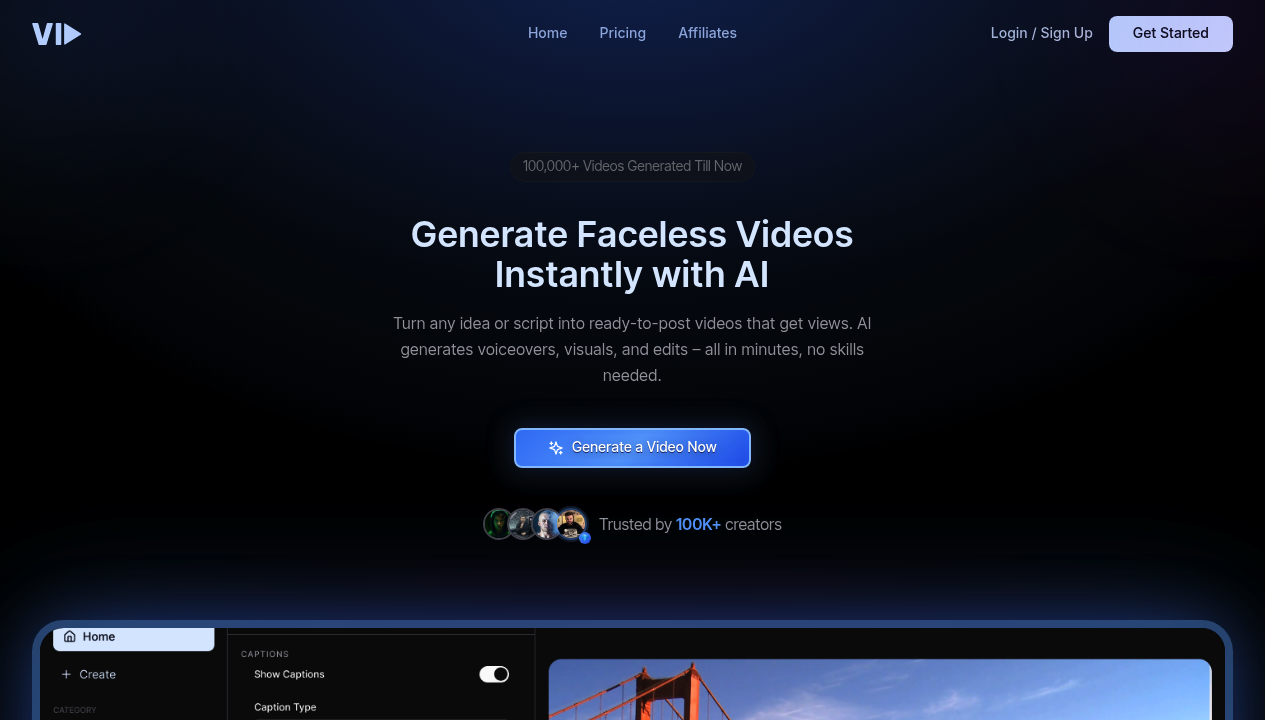
Vidyo.ai: Revolutionizing Video Creation with AI
Introduction
Overview of Vidyo.ai
Vidyo.ai is an innovative AI tool designed to transform the video creation process. It integrates artificial intelligence to streamline the editing process, making it easier for content creators to produce engaging videos for platforms like YouTube and TikTok.
Key Benefits and Use Cases
Vidyo.ai offers several key benefits, including:
- Efficient Video Editing: The AI algorithm identifies key moments in your video, allowing you to create shareable clips and prioritize content for maximum virality.
- Customization Made Easy: Users can choose from various templates, adjust start and end times, and explore video elements for added flair.
- Identifying Viral Potential: The tool generates a popularity rating for each clip, helping creators make informed decisions about which videos to publish.
Who Uses
Vidyo.ai is ideal for:
- Content Creators: Those looking to elevate their visual storytelling on social media platforms.
- Video Editors: Professionals seeking to streamline their workflow and enhance video quality.
- Marketers: Businesses aiming to create engaging, shareable content for marketing campaigns.
What Makes Vidyo.ai Unique
Vidyo.ai stands out with its:
- Advanced AI Algorithm: The tool's sophisticated algorithm identifies key moments in your video, making it easier to create engaging content.
- User-Friendly Interface: The intuitive interface allows users to navigate and customize their videos efficiently.
- Customization Features: Users can choose from various templates and adjust settings to create visually appealing videos.
Core Features
Essential Functions Overview
Vidyo.ai offers a range of essential functions:
- Video Analysis: The AI algorithm analyzes your video content, identifying key moments and assigning a popularity rating.
- Clip Selection: The tool helps you select the most engaging clips from your video.
- Customization Options: Users can choose from various templates, adjust start and end times, and explore video elements.
- Integration with Social Media Platforms: The tool is designed to help creators share their videos on platforms like YouTube and TikTok.
Common Settings Explained
- Upload Video File: Users can upload their video files to start the analysis process.
- Choose Templates: Select from various templates to customize your video.
- Adjust Start and End Times: Use the slider to adjust the start and end times of your clips.
- Explore Video Elements: Add flair to your videos using various video elements.
Tips & Troubleshooting
Tips for Best Results
To get the best results from Vidyo.ai:
- Use High-Quality Video Files: Ensure your video files are high-quality to get accurate analysis.
- Identify Key Moments: Focus on the key moments identified by the AI algorithm.
- Customize Your Video: Use the customization options to make your video more engaging.
Troubleshooting Basics
Common issues with Vidyo.ai include:
- Silence and Filler Handling: The tool does not automatically cut out silences or fillers. Users need to manually adjust these sections.
- Free Version Limitations: The free version allows only one video upload at a time.
Best Practices
Common Mistakes to Avoid
To avoid common mistakes:
- Don’t Overlook Key Moments: Ensure you focus on the key moments identified by the AI algorithm.
- Avoid Over-Editing: Balance customization with the original content to maintain engagement.
Performance Optimization
To optimize performance:
- Use Efficient Templates: Choose templates that align with your content style.
- Adjust Settings Carefully: Make adjustments carefully to avoid over-editing.
Pros and Cons
Pros
- Well-Organized Clip Selection: Vidyo.ai excels at identifying the focus of your video, allowing you to trust the virality score and prioritize your video content.
- Simple Interface: The default options are great for quick edits, and the tool creates ample customization features that are easy to navigate.
- Customization Made Easy: Users can choose from various templates and adjust settings to create visually appealing videos.
Cons
- Silence and Filler Handling: Vidyo.ai doesn’t automatically cut out silences or fillers, and the slider for manual adjustments can be challenging.
- Free Version Limitations: While lavish with 75 minutes of footage, the free version allows only one video upload at a time.
Summary
Vidyo.ai is a powerful tool for content creators, offering advanced AI capabilities to streamline video editing and enhance engagement. With its user-friendly interface and customization features, Vidyo.ai is ideal for those looking to elevate their visual storytelling on social media platforms. While it has some limitations, particularly in the free version, it remains a valuable resource for creating professional videos.
Pricing Plans Vidyo.ai offers several pricing options:
- Free Plan: 75 minutes of footage, one video upload at a time, contains Vidyo.ai watermark.
- Pricing Plans: For more features and customization, prices start at $18 per month (billed annually) for the standard plan, with enterprise custom pricing available.
Disclaimer Pricing might be changed, so please check the official pricing page for the most up-to-date information: Vidyo.ai Pricing.
Note: The pricing information provided is accurate as of the current date but may be subject to change. Always refer to the official pricing page for the most up-to-date information.
Reviews
No reviews yetSimilar tools in category
Adobe Premiere Pro
Argil
A platform that simplifies and enhances the process of creating engaging presentations.
Atlabs
A platform that streamlines data analysis and visualization for enhanced decision-making.