Video Highlight
Video Highlight is an AI video research tool that generates timestamped summaries, searchable transcripts, and chat-based Q&A for YouTube, Vimeo, and uploaded video files in 37+ languages.
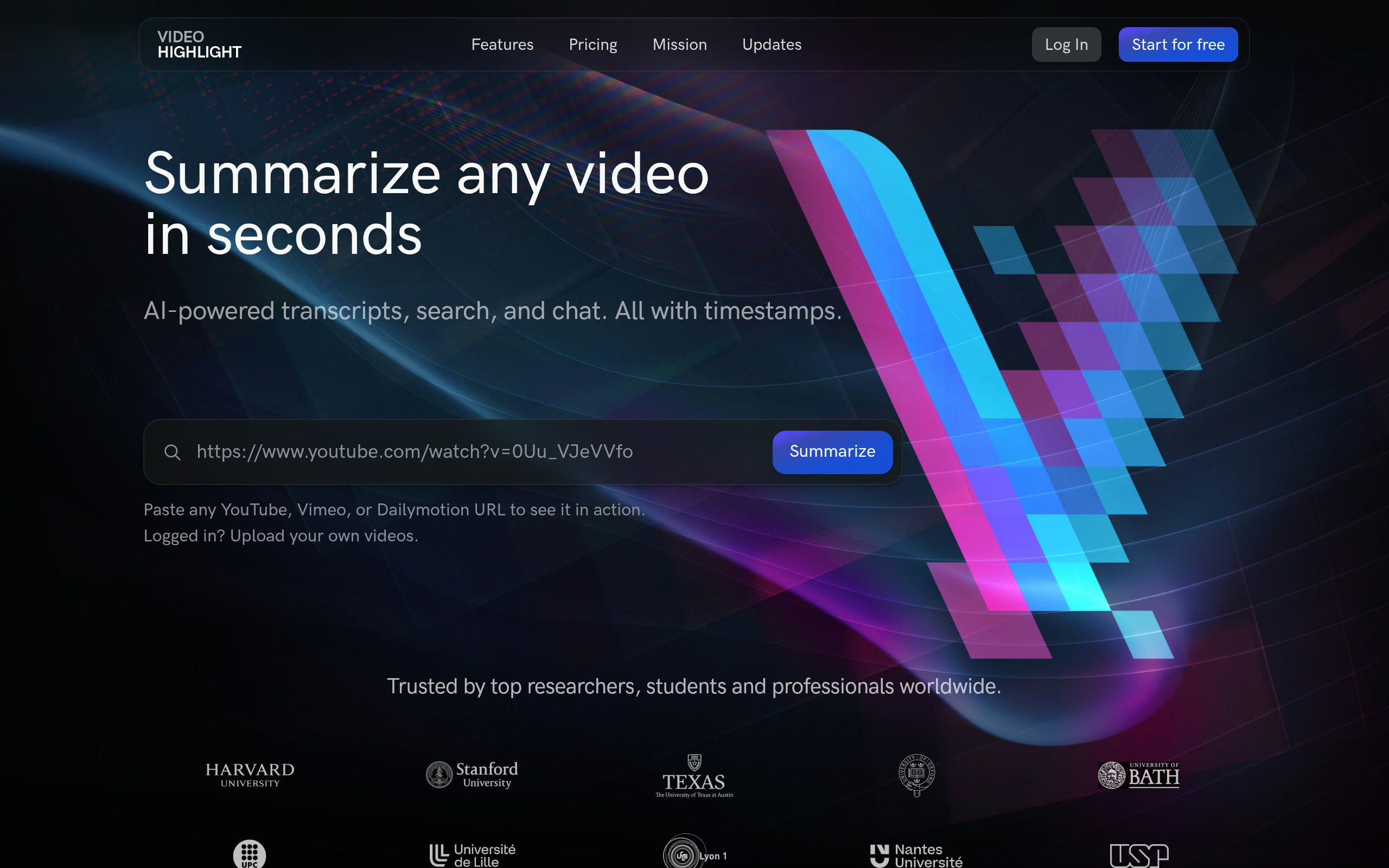
Video Highlight: AI-Powered Video Research and Summarization Tool (2026)
Video Highlight is an AI-powered video research tool by Video Highlight Inc. that generates timestamped summaries, searchable transcripts, and interactive Q&A for YouTube, Vimeo, and Dailymotion videos — as well as privately uploaded MP4, MOV, MKV, and AVI files. It serves researchers, students, journalists, and professionals who analyze video content at scale. Video Highlight is not a video creation or editing tool — users who need to generate or modify video should look at other platforms.
Quick Fact Sheet
| Feature | Details |
|---|---|
| Primary use case | AI video summarization, transcription, and research |
| Best for | Researchers, students, journalists, knowledge workers |
| Access type | Web app + browser extension |
| Input types | YouTube, Vimeo, Dailymotion URLs; private MP4/MOV/MKV/AVI upload; MP3/WAV/M4A audio |
| Output formats | Timestamped summaries, searchable transcripts, notes (Markdown, Word, CSV) |
| Output resolution | N/A (analysis tool, not video generation) |
| Max video duration | Not publicly documented |
| Generation speed | Summaries generated in seconds |
| Watermark (free tier) | N/A |
| Language support | 37+ languages for transcription |
| API availability | Not publicly documented |
| Integrations | Notion export, Readwise export, YouTube playlist/channel sync |
| Collaboration | Teams plan available; share playlists, highlights, and notes |
| Pricing model | Freemium |
| Free plan | Limited summaries; exact limit not publicly listed |
| Paid plans | Individual and Teams plans; pricing requires account signup to view |
What Video Highlight Does Well
Timestamped Summaries and Key Moments
Video Highlight generates timestamped summaries that let users jump directly to the parts of a video that matter. Instead of scrubbing through a 2-hour conference recording or lecture, users get structured key points with exact timestamps — making it practical for research workflows where time is the constraint.
Chat With Video (Q&A with Timestamps)
Users can ask natural language questions about any video and receive precise answers with timestamps directing them to the relevant segment. This chat-with-video feature allows researchers to query video content the way they would a document — without watching the entire recording.
37+ Language Transcript Support
Transcription covers 37+ languages, enabling researchers to work with non-English video content and access foreign-language materials through AI-assisted summaries and searchable transcripts. This cross-language support distinguishes Video Highlight from most transcript tools focused primarily on English.
Cross-Video Search and Playlists
Users can organize videos into playlists and run a single search query across their entire video collection simultaneously. Cross-video search makes Video Highlight useful for systematic literature reviews, competitive research, or tracking a topic across multiple conference recordings.
Notion and Readwise Integration
Summaries, highlights, and transcripts export directly to Notion and Readwise — two popular knowledge management tools used by researchers and writers. This makes Video Highlight practical as a step in an existing research pipeline rather than a standalone destination.
Known Limitations
- Not a video creation tool: Video Highlight analyzes and summarizes existing video — it does not generate, edit, or enhance video footage. Users expecting production capabilities will be disappointed.
- Free tier limits unclear: The exact number of free summaries is not prominently disclosed on the pricing page, which creates friction before commitment.
- No public API: Integration into custom research pipelines requires manual export; there is no documented API for automated video processing at scale.
- Private video upload limitations: Private upload supports MP4, MOV, MKV, AVI but maximum file size and duration limits are not publicly documented.
- Transcript accuracy varies: Like all AI transcription tools, accuracy depends on audio quality, accent, and background noise — heavily accented speech or poor audio may produce transcript errors that affect summary quality.
Best For
- Academic researchers who need to process lecture recordings, conference talks, and interview footage
- Journalists and analysts conducting video-based research across multiple sources
- Students who use YouTube and recorded lectures as primary study materials
- Business teams tracking competitor videos, webinars, and industry conference content
Who Should Look Elsewhere
- Users who need to create, edit, or generate video content (InVideo, Runway, Descript)
- Podcast producers looking for audio-first transcription workflows (Descript, Sonix)
- Developers needing API access for bulk video processing pipelines (Twelve Labs, AssemblyAI)
Pricing & Cost at Scale
Video Highlight uses a freemium model. Free access includes a limited number of summaries — exact limits are not publicly disclosed on the pricing page. Paid plans include individual and Teams tiers; pricing requires account creation to view. The Teams plan enables shared playlists, highlights, and notes across a group. For research-heavy users processing dozens of videos weekly, the paid tier cost should be evaluated against the time savings from AI-assisted research workflows.
Technical Details & Integrations
Video Highlight works via a web interface and optionally a browser extension. It ingests YouTube, Vimeo, and Dailymotion URLs directly by paste — no download required. Private video upload supports MP4, MOV, MKV, and AVI; audio upload supports MP3, WAV, and M4A. Transcription supports 37+ languages. Export options include Notion, Readwise, Word, Markdown, and CSV formats. YouTube playlist and channel sync is available for bulk import. Video alerts function like Google Alerts for video content.
Getting Started
- Visit videohighlight.com and create a free account
- Paste a YouTube, Vimeo, or Dailymotion URL into the input field
- Wait a few seconds for the AI summary and transcript to generate
- Navigate to key moments using timestamps, or use Chat With Video to ask questions
- Export your highlights and notes to Notion, Readwise, or as a document
What Users Are Saying
Video Highlight has received positive reviews from the student and researcher communities for its transcript accuracy and the chat-with-video functionality. Users on Product Hunt cite the Notion integration as a key workflow benefit. Some users note the free tier limitations are restrictive for high-volume research use.
- Reviews: Product Hunt
FAQ
What is Video Highlight?
Video Highlight is an AI tool that creates timestamped summaries, searchable transcripts, and chat-based Q&A for YouTube, Vimeo, and uploaded video and audio files. It is designed for researchers, students, and knowledge workers — not video creators or editors.
Does Video Highlight work with private videos?
Yes. Users can upload private MP4, MOV, MKV, and AVI video files, as well as MP3, WAV, and M4A audio files, directly to Video Highlight for processing.
What languages does Video Highlight support?
Video Highlight supports transcription in 37+ languages, enabling research across non-English video content.
Can Video Highlight search across multiple videos?
Yes. The Cross-Video Search feature lets users run a single search query across their entire saved video collection simultaneously.
Does Video Highlight integrate with Notion?
Yes. Users can export summaries, highlights, and transcripts directly to Notion. Readwise export is also available.
Sources
Reviews
No reviews yetSimilar tools in category
Adobe Premiere Pro
Argil
A platform that simplifies and enhances the process of creating engaging presentations.
Atlabs
A platform that streamlines data analysis and visualization for enhanced decision-making.