
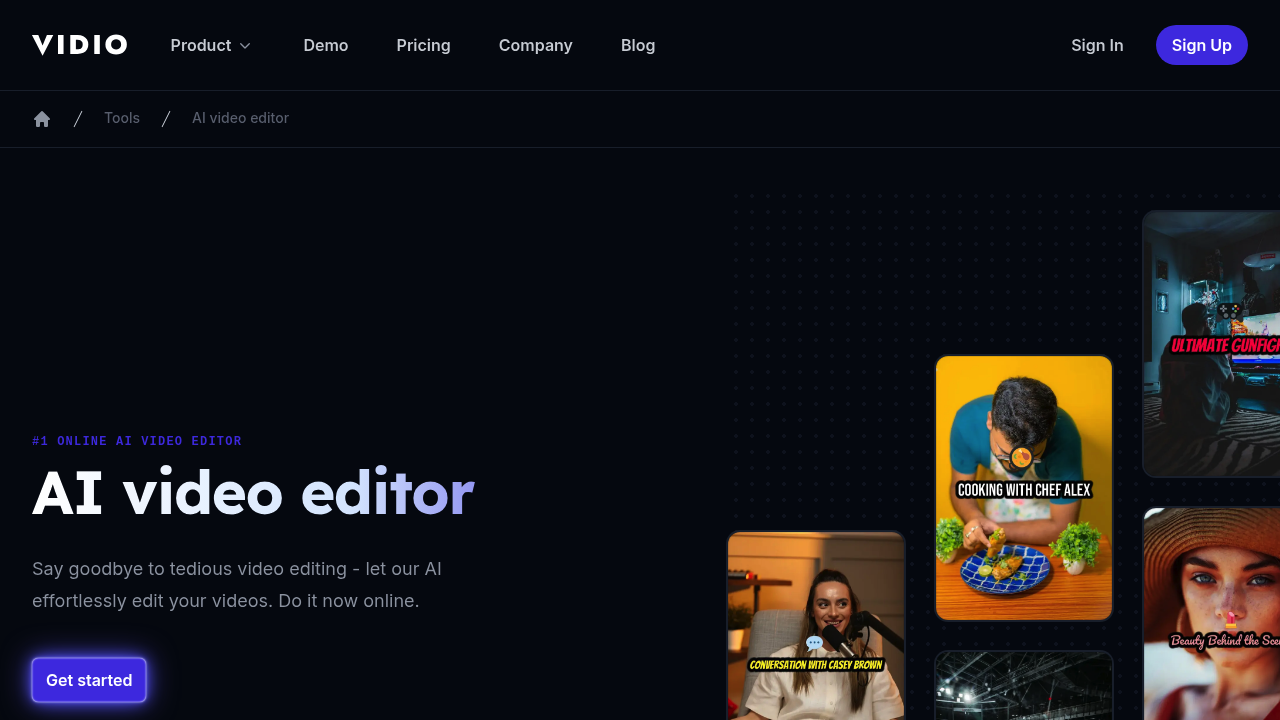
Vidio: The Ultimate AI Video Generation Tool
Introduction
Overview of Vidio
Vidio is an AI video generation tool designed to help users create high-quality videos quickly and efficiently. It offers a range of features that make video creation accessible to both beginners and professionals.
Key Benefits and Use Cases
Vidio provides several key benefits, including:
- Realistic AI Voiceovers: Create realistic voiceovers for your videos using AI.
- Impressive Avatars: Use AI avatars that are synchronized with lip movements, adding a professional touch to your videos.
- Ease of Use: The intuitive interface makes it easy to create basic videos quickly.
Who Uses
Vidio is suitable for:
- Content Creators: Bloggers, YouTubers, and social media influencers can use Vidio to enhance their content.
- Businesses: Companies looking to create engaging corporate videos or marketing materials can also benefit from Vidio.
What Makes Vidio Unique
Vidio stands out due to its:
- User-Friendly Interface: Easy to navigate and use, even for those without extensive video editing experience.
- Advanced Features: Realistic AI voiceovers and synchronized avatars set it apart from other video generation tools.
Pricing Plans
Vidio offers the following pricing plans:
- Free: Limited access to basic AI video creation tools. Learn more about the free plan.
- Plus: $20/month - Ideal for creators starting their journey. Includes 50 minutes of AI generation per month, 80 iStock access, and 100 GB of storage. Learn more about the Plus plan.
- Max: $48/month - Suitable for growing and established creators. Includes 200 minutes of AI generation per month, 320 iStock access, and 400 GB of storage. Learn more about the Max plan.
Disclaimer: Pricing might be changed, so always check the official site for the most up-to-date pricing information.
Core Features
Essential Functions Overview
Vidio's core features include:
- AI Video Generation: Create high-quality videos using AI.
- AI Voiceovers: Add realistic voiceovers to your videos.
- AI Avatars: Use synchronized avatars for a professional look.
Common Settings Explained
- AI Generator Calls: The number of AI generator calls you can make per month varies based on the plan you choose.
- Storage: The amount of storage space you have available for your videos.
- Exports: The number of exports you can make per week, with the Max plan offering unlimited exports.
Tips & Troubleshooting
Tips for Best Results
- Choose the Right Plan: Select a plan that fits your needs, whether you're a beginner or an established creator.
- Use High-Quality Stock Footage: Enhance your videos with high-quality stock footage available through iStock.
- Experiment with Different Avatars: Try out different avatars to find the one that best fits your content.
Troubleshooting Basics
- Check Your Internet Connection: Ensure your internet connection is stable to avoid any issues with video generation.
- Clear Cache: Clear your browser cache if you encounter any loading issues.
- Contact Support: If you're experiencing persistent problems, contact Vidio's support team for assistance.
Best Practices
Common Mistakes to Avoid
- Overusing AI Avatars: While avatars are useful, overusing them can make your videos look less authentic.
- Ignoring Audio Quality: Ensure that your audio quality is good, as poor audio can detract from the overall quality of your video.
- Not Testing Thoroughly: Always test your videos thoroughly before finalizing them to catch any errors.
Performance Optimization
- Optimize Your Footage: Use high-resolution footage to ensure your videos look their best.
- Keep It Simple: Avoid overcomplicating your videos with too many elements, as this can slow down the generation process.
- Use the Right Settings: Adjust settings according to the type of video you're creating to optimize performance.
Pros and Cons
Pros
- Ease of Use: Intuitive interface makes it easy to create videos.
- Realistic Features: Realistic AI voiceovers and avatars add a professional touch.
- Affordable Pricing: Offers competitive pricing plans for different user needs.
Cons
- Limited Free Plan: The free plan has limited access to features.
- Dependence on Internet: Requires a stable internet connection for smooth operation.
- Customer Support: Some users may find the customer support response time to be slower than expected.
Summary
Vidio is an excellent AI video generation tool that offers a range of features to help users create high-quality videos quickly and efficiently. With its user-friendly interface, realistic AI voiceovers, and synchronized avatars, Vidio is a great choice for content creators and businesses alike. While it has its limitations, such as the limited free plan and dependence on internet, Vidio's affordable pricing plans and competitive features make it a valuable tool in the world of video creation. Always check the official site for the most up-to-date pricing information, as it may change over time.
Reviews
No reviews yetSimilar tools in category
Adobe Premiere Pro
Argil
A platform that simplifies and enhances the process of creating engaging presentations.
Atlabs
A platform that streamlines data analysis and visualization for enhanced decision-making.