
Vmaker
Vmaker is an all-in-one AI video platform used by 25M+ users. Record screen and webcam in 4K, generate AI avatar videos from text, edit with AI tools, add auto-subtitles in 35+ languages, and publish to all platforms — in one seamless workflow.
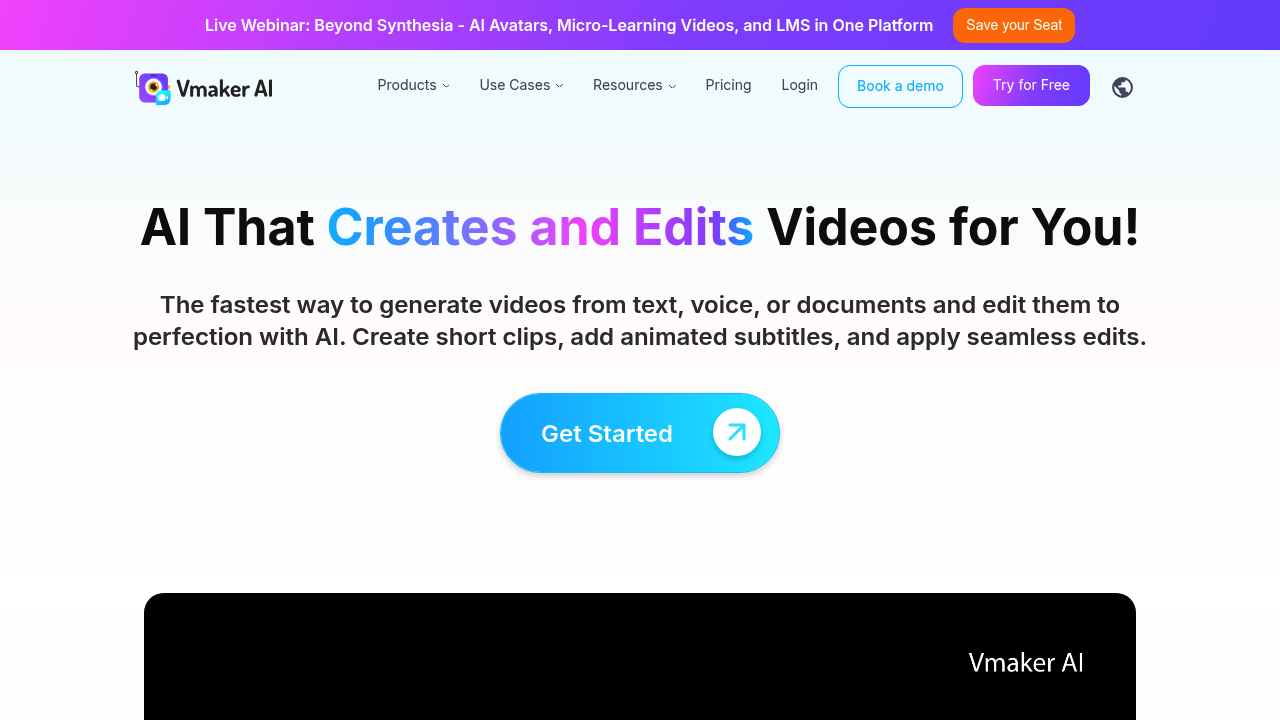
The Complete Beginner's Guide to Vmaker: AI Video Creator, Editor and Screen Recorder
Introduction
Vmaker is an all-in-one AI video platform trusted by 25 million+ users that combines AI video generation, screen recording, webcam recording, AI video editing, AI avatars, and subtitle generation in a single, integrated cloud-based solution. Vmaker enables teams to go from raw footage or a simple text prompt to a finished, published video without switching between multiple applications.
For marketing teams, L&D professionals, product teams, and educators, Vmaker addresses the fragmented nature of modern video production. Recording, editing, transcribing, adding subtitles, and repurposing content into short clips traditionally require separate tools. Vmaker's unified platform eliminates these context switches and creates a continuous workflow from capture to publish.
Vmaker is particularly well-suited for SaaS companies creating product demo videos and onboarding content, marketing teams producing social media videos at scale, HR and L&D teams building training courses and micro-learning content, and individual content creators who need a fast, professional workflow without a steep learning curve.
Vmaker's differentiating feature is its Talking Head AI Avatar engine — which converts text to video using 100+ AI avatars with 99% lip-sync accuracy — combined with a full editing suite and AI subtitle generator supporting 35+ languages with 10+ animation styles. This combination of generation, editing, and distribution tools in one platform is rare among video creation tools.
Vmaker offers a free plan for individuals and paid plans for teams. Pricing details are available at the official pricing page. A free trial is available. Prices are subject to change.
Getting Started
Vmaker is fully cloud-based and accessible via any modern browser on Windows, macOS, and Linux. It also offers a Chrome extension for quick screen and webcam recording that integrates seamlessly with the online editor. No software installation is required for the core platform. The screen recorder is available as a Chrome extension or a desktop app for Windows and macOS.
After signing up, users are presented with a clean dashboard offering quick-start options: Record Screen, Create AI Video, Edit Video, or Generate Subtitles. The interface is designed for speed — users can capture a screen recording, import it into the editor, add AI subtitles, and export a final video in under 15 minutes without any prior video editing experience.
Core Features
AI Avatar Text-to-Video
Vmaker's AI avatar engine converts text scripts into professional talking head videos using over 100 AI avatars with 99% lip-sync accuracy. Users can select an avatar that matches their brand's tone, input their script, and generate a polished presenter video in minutes. The feature is ideal for product explainers, training modules, and marketing messages where a human presenter is more engaging than slides.
4K Screen and Webcam Recording
Vmaker's screen recorder captures desktop and webcam footage at up to 4K resolution. The simultaneous screen and camera capture is ideal for software demos, tutorials, and webinar recordings. Recordings are automatically uploaded to the cloud and immediately available for editing in the Vmaker editor without manual file transfers.
AI Video Editor
The Vmaker AI editor transforms raw video into publish-ready content. Its AI features include automatic silence removal, background noise reduction, B-roll suggestions, highlight generation, and one-click resize for different social media formats. The full editing suite also provides trimming, text overlays, transitions, brand kit application, and multi-track audio editing.
AI Subtitles in 35+ Languages
Vmaker's subtitle engine automatically generates synchronized captions from video audio in over 35 languages. Subtitles can be customized with 10+ animation styles, fonts, and colors, and exported as burned-in captions or as SRT/VTT files for use with external players and platforms. Translation into 100+ languages is supported for multilingual content distribution.
First Project Tutorial
Step 1: Record or import your content. Use the Vmaker Chrome extension to capture your screen and webcam simultaneously. Alternatively, import an existing video file by dragging it into the editor, or click "Create AI Video" to start from a text script.
Step 2: Edit in the AI editor. Open the recording in the editor. Apply "Remove Silence" to automatically cut dead air. Use "Highlight Generator" to identify key moments for short-form repurposing. Apply your brand kit for fonts and colors.
Step 3: Add subtitles. Click "Generate Subtitles" and select your target language. Review the auto-generated captions, make any corrections, then choose a subtitle animation style that matches your content's tone.
Step 4: Export and publish. Select your target format and resolution. Export a single file or generate platform-specific versions (16:9 for YouTube, 9:16 for TikTok/Reels) from the same project with one click.
Best Practices
- Use the Chrome extension for screen recordings to ensure seamless, direct-to-cloud capture — this eliminates the manual upload step and lets you start editing immediately.
- Apply the silence remover on every recorded video as a first edit pass — it typically reduces video length by 15–25% and significantly improves viewer retention.
- Use Vmaker's Long to Short Video AI feature to automatically generate short-form clips from longer webinars, interviews, or tutorials for social media distribution.
- Build a team brand kit once and apply it consistently across all projects — it ensures every video output reflects your organization's visual identity without per-project manual styling.
Pros and Cons
Pros
- Truly all-in-one platform covering recording, AI generation, editing, subtitles, and publishing
- AI avatar engine with 100+ avatars and 99% lip-sync accuracy for text-to-video creation
- AI silence removal and highlight detection save significant editing time
- Free plan available for individual creators
Cons
- Free plan includes Vmaker watermarks and limited export resolution
- AI avatar variety, while extensive, may not match niche brand personas without custom avatar options
- Advanced features like Long to Short AI and Highlights Generator may require higher-tier plans
- The full editing suite has a moderate learning curve for users with no prior video editing experience
What Users Are Saying
Vmaker's 25 million+ user base reflects its broad appeal across corporate, educational, and creator communities. Marketing and SaaS teams frequently highlight the screen-to-edit pipeline as a significant productivity gain for product demo and onboarding content. L&D professionals value the multilingual subtitle support for localizing training videos. Creators appreciate the AI-powered editing shortcuts that compress post-production time dramatically.
Common user concerns include the feature limitations on the free plan and the desire for more granular control over AI avatar expressions and gestures. Some users report occasional processing delays during peak hours for AI-heavy tasks like video generation and subtitle production.
Have you tried Vmaker? Share your experience in the review section below to help other creators make the right choice!
Summary
Vmaker is a comprehensive AI video platform that successfully integrates screen recording, text-to-video AI avatar generation, intelligent editing, multilingual subtitle creation, and social media publishing into a single, accessible cloud-based tool. With 25 million+ users and a continuously expanding AI feature set, Vmaker is an excellent choice for marketing teams, L&D departments, and content creators who need to produce high-quality, publish-ready video content at scale without managing multiple disconnected tools.
Reviews
No reviews yetSimilar tools in category
Adobe Premiere Pro
Argil
A platform that simplifies and enhances the process of creating engaging presentations.
Atlabs
A platform that streamlines data analysis and visualization for enhanced decision-making.