Aimages
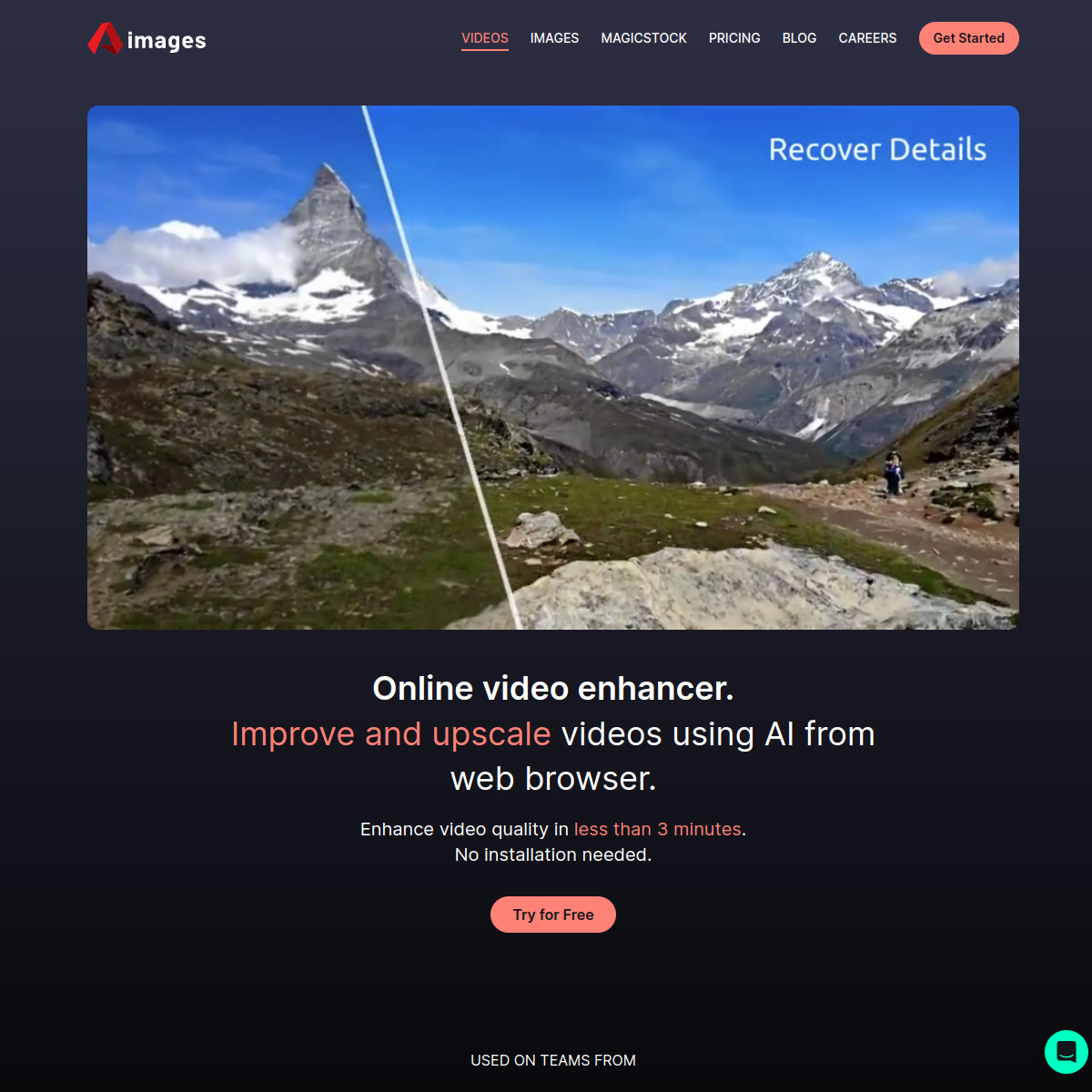
Aimages is a browser-based AI video enhancer and upscaler that improves video quality using AI filters — no installation needed, with 312,000+ satisfied users and subscription plans from €11/month.
Aimages: Browser-Based AI Video Enhancer and Upscaler for Fast Quality Improvement (2026)
Aimages is an online AI video enhancement tool developed for creators, filmmakers, and businesses who need to improve the quality of existing footage without installing software. The platform uses machine learning-based AI filters to upscale resolution, reduce noise, restore old footage, and enhance color — directly in the browser. With 312,667+ satisfied users, 350,169+ enhanced videos, and subscription plans starting at €11/month, Aimages targets creators upgrading older or lower-quality footage for modern distribution. It is not a video generation tool — creators who need to generate new video content from prompts should look at text-to-video platforms instead.
Aimages: Key Specs at a Glance
| Attribute | Detail |
|---|---|
| Developer | Aimages (independent) |
| Users | 312,667+ |
| Videos Enhanced | 350,169+ |
| Processing | Cloud-based, browser-only, no installation |
| Free Tier | Yes — €0/mo, 2 AI filters/video, up to 720p preview, 7-second preview |
| Standard Plan | €11/month — 25 credits/mo, 3 AI filters, up to 1080p, files never deleted |
| Premium Plan | €25/month — 60 credits/mo, 4 AI filters, up to 2K |
| Elite Plan | €61/month — 150 credits/mo, 5 AI filters, up to QHD |
| Pay-as-you-go | Yes — purchase credits without subscription |
| Max output resolution | QHD (Elite plan) |
| Parallel processing | 1 (Free) to 10 (Elite) videos simultaneously |
| AI image generation | Yes — MagicStock AI Artist included |
| Platform | Web browser |
| Mobile app | Not documented |
What Aimages Does Well
Zero-Installation Video Enhancement
Aimages runs entirely in the browser — no software download, no GPU requirement on the user's end. This is its primary operational advantage over desktop-based enhancers like Topaz Video AI or DaVinci Resolve's AI features. Creators can enhance footage from any device without managing local rendering infrastructure.
AI Filter Stacking
Aimages allows stacking multiple AI filters per video, increasing from 2 filters on the free tier to 5 on the Elite plan. Filters can be combined to tackle multiple quality issues simultaneously (e.g., upscale + denoise + color correction in a single pass), reducing the number of processing steps required.
Old Footage Restoration
The platform is used by production studios to restore archival footage — a referenced use case from Matan Uziel (Executive Producer at Real Women Real Stories), who described Aimages as "the best web-based video and photo enhancement service" for making old films presentable in high quality. This positions Aimages as a practical tool for post-production restoration workflows.
Predictable Cost with Pay-as-You-Go Option
Beyond subscriptions, Aimages offers pay-as-you-go credit purchases. This is useful for users with irregular enhancement needs who don't want a monthly commitment.
Free Preview Before Committing
Free tier users get a 7-second preview of the enhanced video before purchasing credits. This allows creators to verify that the AI enhancement actually improves their specific footage before committing costs.
Known Limitations
- Not a generation tool: Aimages only enhances existing footage — it cannot generate new video content from prompts.
- Credit limits can be restrictive: Standard plan's 25 credits/month limits high-volume users. Credit costs per video are estimated but vary based on video length and resolution.
- Resolution cap by plan: Free preview is capped at 720p; QHD output requires the Elite plan at €61/month.
- Browser-based processing times: Cloud rendering means processing speed depends on server queue — parallel processing is limited (1 video at a time on free, 10 on Elite).
Best For: Who Should Use Aimages
- Content creators who need to upscale older video content for modern platforms without desktop software
- Small production companies restoring archival or low-quality footage for client delivery
- Marketers who need to improve the quality of existing product videos before republishing
- Creators on any device who need a quick quality improvement workflow without GPU-heavy local tools
Who Should Look Elsewhere
- Creators generating new AI video content — Aimages enhances, not generates
- Professional post-production studios needing fine-grained frame-level control — use Topaz Video AI or DaVinci Resolve
- Users needing QHD output on a budget — Elite plan at €61/month may not be cost-effective vs. desktop alternatives
Pricing & Cost at Scale
Free: €0/month, 2 AI filters, 720p preview (7 seconds), 3 video slots, 30-day file storage. Standard: €11/month, 25 credits/month, 3 AI filters, 1080p, 10 video slots, permanent storage. Premium: €25/month, 60 credits/month, 4 AI filters, 2K. Elite: €61/month, 150 credits/month, 5 AI filters, QHD, 10 parallel videos. Pay-as-you-go credits also available for one-off use.
One credit enhances approximately 19 minutes of 720p video or 176 images.
Technical Details & Integrations
Aimages runs as a cloud-based processing platform. Users upload videos, select AI enhancement filters, and the platform renders the enhanced output on cloud infrastructure. No GPU or local installation is required. The platform also includes MagicStock (AI image generation) and AI Artist tools as part of the same subscription. No third-party integrations are publicly documented. Processing uses machine learning models trained on video enhancement tasks including super-resolution, denoising, and color grading.
Getting Started
- Go to aimages.ai and create a free account (no credit card required)
- Upload your video file from any device
- Select up to 2 AI enhancement filters (free tier) — choose from upscaling, denoising, color improvement
- Preview the first 7 seconds of the enhanced video for free before committing
- Purchase credits or subscribe to download the full enhanced video
Pro tip: Use the free 7-second preview on multiple filter combinations before purchasing to find the optimal enhancement settings for your specific footage type.
What Users Are Saying
Matan Uziel (Executive Producer at Real Women Real Stories) has publicly described Aimages as "the best web-based video and photo enhancement service." No verified Reddit community threads with substantial user reviews were found at the time of publishing.
FAQ
Is Aimages free to use?
Yes, with limitations. The free tier provides access to 2 AI filters per video with a 7-second preview at up to 720p. Full enhanced video downloads require purchasing credits or a subscription.
What types of videos can Aimages enhance?
Aimages enhances existing video files — old footage, low-resolution recordings, noisy footage, or underexposed clips. It is not a video generator; it improves what you already have.
What is the maximum output resolution?
QHD (Quad HD) on the Elite plan at €61/month. Standard plan maxes at 1080p; Premium at 2K.
How long does video enhancement take?
Processing time depends on video length, resolution, and the number of AI filters applied. Parallel processing speed ranges from 1 video at a time (free) to 10 videos simultaneously (Elite).
Can I use Aimages without a subscription?
Yes — pay-as-you-go credits are available, allowing you to pay only for what you need without a monthly commitment.
Sources
Reviews
No reviews yetSimilar tools in category
AutoCut
Effortlessly remove unwanted elements from your photos for a cleaner, more professional look.
Clipchamp
Create videos with royalty-free music and stock footage, use a pre-made video template, and export in up to 4K video resolution. Get started in-browser, download the Windows app, or create on the go with iOS app.
Cognitivemill
An AI-driven platform that automates the analysis of vast amounts of data to generate actionable insights.