Jupitrr
An AI-driven platform that automates and enhances your social media marketing efforts.
Jupitrr AI Video Maker: A Comprehensive Guide
Introduction
Overview of Jupitrr AI Video Maker
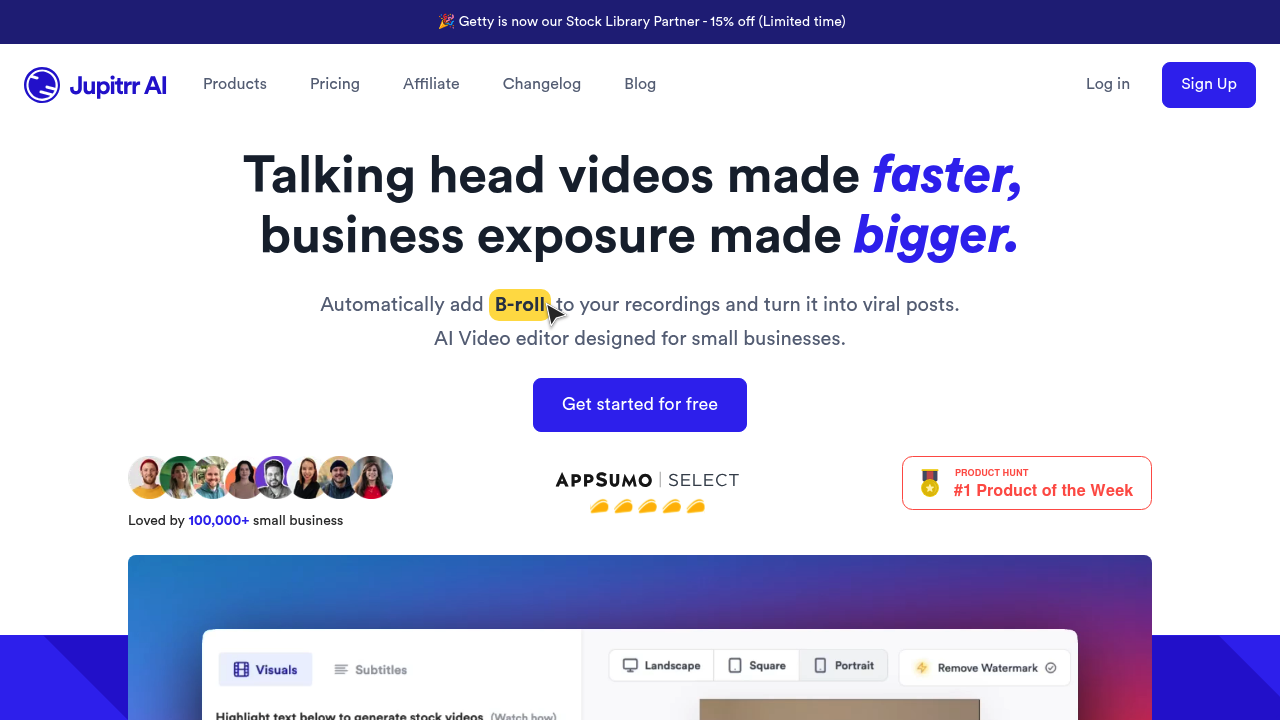
Jupitrr AI Video Maker is an AI-powered tool designed to streamline video creation by automatically generating stock footage, subtitles, and more. It is ideal for social media marketers, content creators, and business owners looking to enhance their video content quickly and efficiently.
Key Benefits and Use Cases
Jupitrr AI Video Maker offers several key benefits:
- Quick Video Creation: Generate high-quality videos with minimal effort.
- Accessibility: Enhance video accessibility with customizable subtitles.
- Versatility: Supports various social media platforms like YouTube, TikTok, and Instagram.
- AI-Powered: Leverages AI to transcribe audio and generate relevant stock footage.
Who Uses Jupitrr AI Video Maker
Jupitrr AI Video Maker is typically used by:
- Social Media Marketers: To create engaging content for social media platforms.
- Content Creators: To simplify the process of creating high-quality videos.
- Business Owners: To enhance their marketing strategies with professional-looking videos.
What Makes Jupitrr AI Video Maker Unique
Jupitrr AI Video Maker stands out due to its:
- User-Friendly Interface: Easy to navigate and use, even for those without extensive video editing experience.
- AI-Driven Features: Automatically generates stock footage and subtitles, saving time and effort.
- Customization Options: Allows users to choose from various subtitle styles and video formats.
Core Features
Essential Functions Overview
Jupitrr AI Video Maker offers the following essential functions:
- AI Video Maker: Transforms audio content into video files with generated stock footage and subtitles.
- Subtitle Generation: Provides a range of subtitle styles, including closed captions and TikTok/Reels captions.
- Video Export: Allows users to export videos in different resolutions and qualities, suitable for various platforms.
Common Settings Explained
- Dashboard: The main dashboard allows users to view and manage their projects, track audiogram and AI credits, and access the AI Video Maker.
- AI Video Maker Interface: Users can upload their video or audio file, and the AI will automatically generate stock footage and subtitles.
- Subtitle Editing: Users can edit generated subtitles, although the editing options are somewhat limited.
Tips & Troubleshooting
Tips for Best Results
- Choose the Right Plan: Select a plan that fits your needs, considering the duration of your videos and the export resolution required.
- Use High-Quality Audio: Ensure your audio is clear and high-quality for better transcription results.
- Customize Subtitles: Adjust subtitle styles and formats to suit your audience and platform.
Troubleshooting Basics
- Irrelevant Assets: If the tool generates irrelevant images or videos, try adjusting the settings or re-uploading the file.
- Limited Editing Options: If you need more advanced editing options, consider using alternative tools like Bloggy or Exemplary AI.
Best Practices
Common Mistakes to Avoid
- Insufficient Audio Quality: Poor audio quality can lead to inaccurate transcriptions and poor video quality.
- Inadequate Plan Selection: Choosing a plan that doesn’t meet your needs can limit your functionality and export options.
Performance Optimization
- Optimize File Size: Ensure your files are within the maximum size limit to avoid errors.
- Regular Updates: Keep an eye on updates and new features to maximize the tool’s potential.
Pros and Cons
Pros
- User-Friendly Interface: Easy to use, even for those without extensive video editing experience.
- Quick Video Creation: Generates high-quality videos quickly and efficiently.
- Customization Options: Offers a range of subtitle styles and video formats.
- AI-Powered: Leverages AI to transcribe audio and generate relevant stock footage.
Cons
- Limited Editing Options: The editing options for subtitles and typography are somewhat limited.
- Occasional Irrelevant Assets: The tool may occasionally generate irrelevant images, videos, or text.
- Lack of Support for YouTube Links: Currently does not support adding YouTube video links directly.
Summary
Jupitrr AI Video Maker is a powerful tool for creating high-quality videos quickly and efficiently. Its user-friendly interface, AI-driven features, and customization options make it an ideal choice for social media marketers, content creators, and business owners. However, it has some limitations, such as limited editing options and occasional generation of irrelevant assets. Despite these limitations, Jupitrr AI Video Maker remains a valuable tool for streamlining video creation.
Pricing Plans
Jupitrr AI Video Maker offers the following pricing plans:
- Free: $0 per month (limited features)
- Starter: $10.8 per month (5 minutes of video usage, up to 50MB file size)
- Creator Popular: $13.2 per month (10 minutes of video usage, up to 100MB file size)
- Pro: $25.2 per month (360 minutes of video usage, up to 200MB file size)
Please note that pricing might be changed, and you should check the official site for the most up-to-date pricing information: Jupitrr Pricing.
Reviews
No reviews yetSimilar tools in category
AutoCut
Effortlessly remove unwanted elements from your photos for a cleaner, more professional look.
Clipchamp
Create videos with royalty-free music and stock footage, use a pre-made video template, and export in up to 4K video resolution. Get started in-browser, download the Windows app, or create on the go with iOS app.

Cognitivemill
An AI-driven platform that automates the analysis of vast amounts of data to generate actionable insights.