
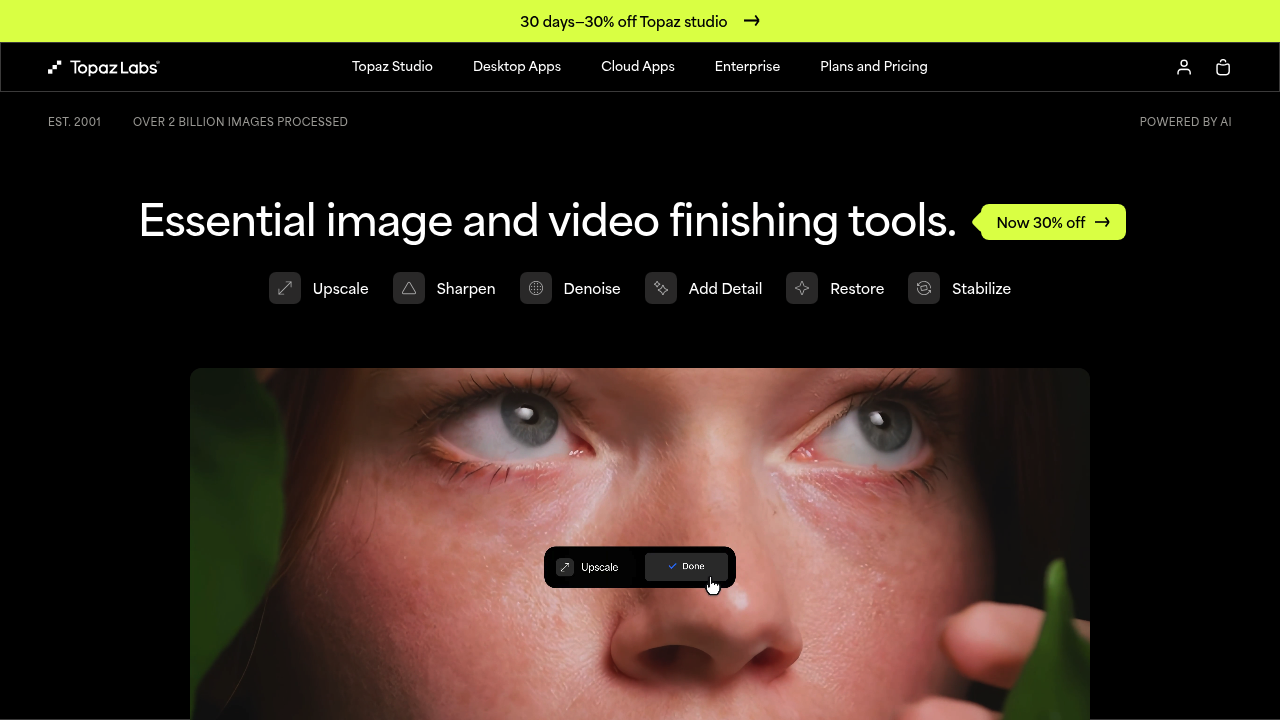
Topaz Labs: Enhancing Your Photos with AI
Introduction
Overview of Topaz Labs
Topaz Labs is a software company that specializes in developing AI-powered photo and video editing tools. Their flagship product, Topaz Photo AI, is designed to leverage the power of artificial intelligence for various photo editing tasks.
Key Benefits and Use Cases
Topaz Photo AI offers several key benefits, including:
- AI-Powered Enhancements: The software uses machine learning algorithms to enhance image quality, reduce noise, and sharpen blurry images.
- Autopilot Feature: This feature automatically optimizes images, making it easier to achieve professional-grade results without extensive manual editing.
- Face Recovery: The software can detect and enhance faces in images, improving their resolution and quality.
- Cloud Rendering: Users can opt for cloud rendering, which offloads processing tasks to the cloud, reducing the strain on hardware and allowing for faster processing times.
Who Uses
Topaz Photo AI is used by both professional photographers and amateur enthusiasts. Its user-friendly interface and powerful features make it accessible to a wide range of users.
What Makes Topaz Photo AI Unique
Topaz Photo AI stands out due to its comprehensive feature set and the ability to combine multiple enhancements in a single application. For instance, it can simultaneously denoise and sharpen an image, offering a unique combination of features that few other photo editing tools can match.
Pricing Plans
Topaz Labs offers a single bundle pricing plan:
- One Big Bundle: $299
- Includes one year of free upgrades.
- Includes standalone and LR/PS plugins for both Mac and Windows.
- Download and install on 2 computers.
- You own the version you bought forever, with one year of unlimited upgrades.
- 30-day returns policy.
- Purchase an Upgrade License whenever you want – every year, or every few years. No commitment or subscription required.
Pricing Plans Official Site: Topaz Labs Pricing
Disclaimer: Pricing might be changed, so please check the official site for the latest information.
Core Features
Essential Functions Overview
Topaz Photo AI offers a variety of essential functions:
- Autopilot: Automatically optimizes images by setting up preliminary edits.
- Upscaling: Increases the size and quality of your image.
- Noise Removal and Reduction: Reduces and removes noise objects in your images.
- Sharpening: Sharpens your entire image or individual subjects in your image.
- Face Detection & Recovery: Detects and separately edits faces that are detected in an image.
- Preserve Text: Saves text from edits and filters applied by the program.
- Adjust Lighting: Corrects both under and over exposure in a photo.
- Color Balance: Controls the temperature (warmth/coolness) of your imported image.
Common Settings Explained
- Autopilot Settings: Users can set up initial settings and ranges for each setting in the preferences menu.
- Sharpening Models: Four different sharpening models are available: Standard, Strong, Lens Blur, and Motion Blur, each offering distinct results.
- Denoise Level: Users can adjust the denoise level of each sharpening model or leave AutoPilot to make adjustments.
Tips & Troubleshooting
Tips for Best Results
- Use AutoPilot: Let AutoPilot optimize your images for a robust starting point.
- Customize Settings: Adjust settings according to your specific needs for better results.
- Batch Processing: Apply enhancements to multiple images at once for efficiency.
Troubleshooting Basics
- Check Image Quality: Ensure the original image is clear and high-resolution for better enhancements.
- Adjust Settings Gradually: Avoid over-sharpening or over-denoising, as it can lead to artifacts.
- Use Masking Tools: Apply sharpening or denoising to specific areas of the image using masking tools.
Best Practices
Common Mistakes to Avoid
- Over-Enhancing: Avoid over-sharpening or over-denoising, as it can lead to loss of detail or artifacts.
- Ignoring AutoPilot: Don’t ignore AutoPilot’s initial settings; they provide a solid foundation for further edits.
- Not Saving Text: Always use Preserve Text to save text from edits and filters applied by the program.
Performance Optimization
- Cloud Rendering: Use cloud rendering for faster processing times, especially for large files or multiple images.
- Hardware Requirements: Ensure your hardware meets the minimum requirements for smooth performance.
Pros and Cons
Pros
- Comprehensive Features: Combines multiple enhancements like denoising and sharpening in a single application.
- User-Friendly Interface: Easy to use, even for beginners.
- Cloud Rendering Option: Offloads processing tasks to the cloud for faster rendering.
- Robust Autopilot Feature: Automatically optimizes images for a robust starting point.
Cons
- Resource Intensive: Can be resource-intensive, especially for complex edits.
- Steep Learning Curve for Advanced Users: While user-friendly for beginners, advanced users may find some features complex to master.
- Cost: The single bundle price may be steep for some users.
Summary
Topaz Photo AI is a powerful AI-powered photo editing tool that offers a comprehensive set of features designed to enhance image quality, reduce noise, and sharpen blurry images. Its unique combination of features, user-friendly interface, and robust Autopilot feature make it an excellent choice for both professional photographers and amateur enthusiasts. With its competitive pricing plan and 30-day return policy, Topaz Photo AI is definitely worth considering for anyone looking to elevate their photo editing skills. Always check the official site for the latest pricing information, as it may change.
Reviews
No reviews yetSimilar tools in category
AutoCut
Effortlessly remove unwanted elements from your photos for a cleaner, more professional look.
Clipchamp
Create videos with royalty-free music and stock footage, use a pre-made video template, and export in up to 4K video resolution. Get started in-browser, download the Windows app, or create on the go with iOS app.
Cognitivemill
An AI-driven platform that automates the analysis of vast amounts of data to generate actionable insights.