
Topaz Video AI
Enhance your videos with advanced AI technology for improved quality and resolution.
Topaz Video AI: A Comprehensive Review
Introduction
Overview of Topaz Video AI
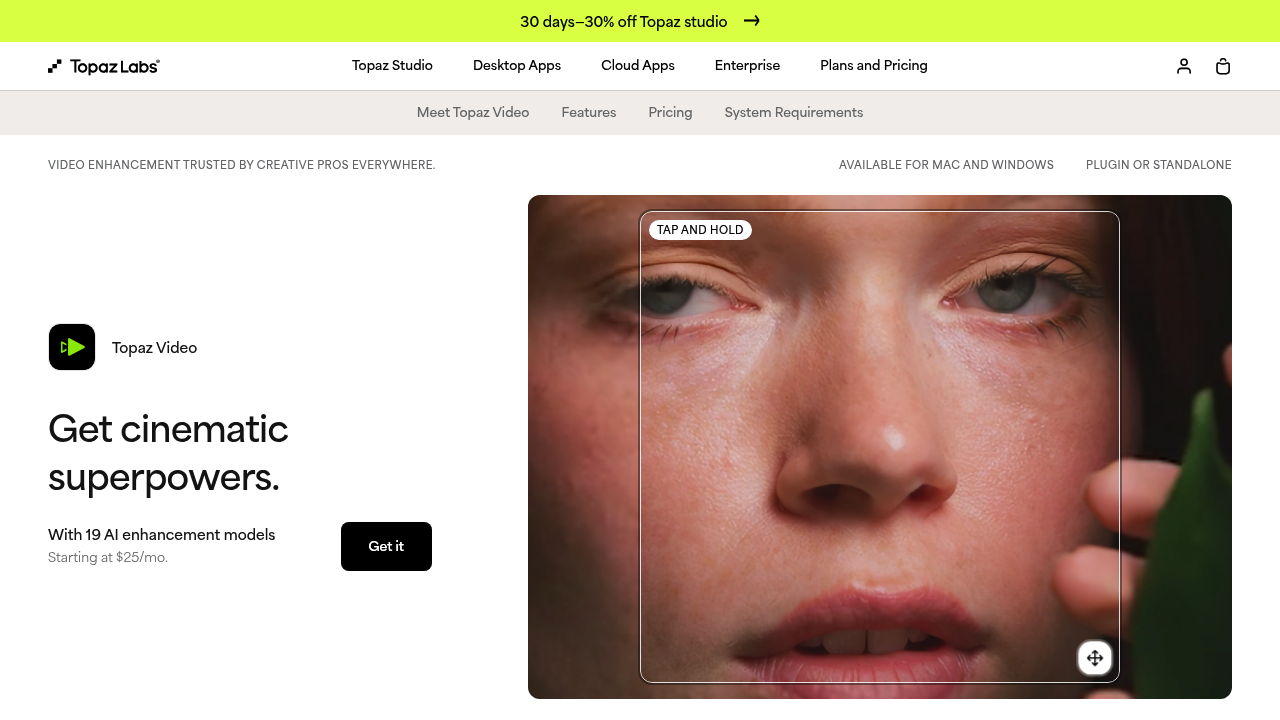
Topaz Video AI is an advanced AI-powered video enhancement tool designed to upscale low-resolution videos, remove interlacing artifacts, stabilize shaky footage, and enhance overall video quality. It is particularly useful for older footage and those seeking to improve the detail and sharpness of their videos.
Key Benefits and Use Cases
Topaz Video AI offers several key benefits:
- Upscaling Resolution: Enhance low-resolution videos to higher resolutions, including up to 8K.
- Noise Reduction: Remove noise and grain from your videos.
- Stabilization: Stabilize shaky or jittery motion caused by unstable cameras.
- Slow Motion: Add captivating slow-motion effects to your videos.
- Detail Enhancement: Intelligently analyze frames to restore missing details and enhance overall sharpness.
Who Uses
Topaz Video AI is ideal for:
- Content Creators: YouTubers, filmmakers, and video producers looking to improve the quality of their content.
- Photographers: Those who want to enhance their video footage taken with lower-end cameras.
- Archivists: Individuals preserving historical footage by upgrading its quality.
What Makes Topaz Video AI Unique
Topaz Video AI stands out due to its:
- Advanced AI Technology: Utilizes sophisticated AI algorithms for detailed enhancements.
- User-Friendly Interface: A redesigned interface with improved visual aesthetics and usability.
- Multi-Threaded Architecture: Enhances processing speed and performance.
Core Features
Essential Functions Overview
Topaz Video AI offers a variety of essential functions:
- Preset Options: Pre-configured settings for common enhancements.
- Video Enhancement: Options for upscaling, noise reduction, and detail enhancement.
- Stabilization: Tools to stabilize shaky footage.
- Motion Deblur: Removes blur caused by motion.
- Frame Interpolation: Smooths out frames for smoother playback.
- Grain Reduction: Reduces grain and noise in videos.
Common Settings Explained
- Resolution: Adjust the resolution of your video from SD to 8K.
- Codec and Format: Choose the appropriate codec and format for your output.
- Bitrate and Quality: Set the bitrate and quality level for optimal performance.
- Audio Settings: Adjust audio settings such as codec, channel, and sample rate.
Tips & Troubleshooting
Tips for Best Results
- Use Presets Wisely: Start with presets and adjust settings as needed.
- Preview Before Export: Use the preview feature to ensure desired results.
- Adjust Settings Gradually: Make incremental changes to avoid over-enhancing your video.
- Check Compatibility: Ensure your computer meets the hardware requirements for smooth processing.
Troubleshooting Basics
- Slow Processing Speed: Check if your computer meets the minimum hardware requirements.
- Unnatural Enhancements: Adjust settings to avoid unnatural face or object enhancements.
- Export Issues: Ensure detailed settings are correctly configured for export.
Best Practices
Common Mistakes to Avoid
- Over-Enhancement: Avoid over-enhancing your video, as it can lead to unnatural results.
- Inadequate Hardware: Ensure your computer has sufficient hardware to handle the processing demands of Topaz Video AI.
- Incorrect Settings: Double-check all settings before exporting to avoid errors.
Performance Optimization
- Update Software Regularly: Keep your software updated to ensure you have the latest features and performance improvements.
- Use Multi-Threading: Utilize multi-threading for faster previews and exports.
- Optimize Export Settings: Adjust export settings to balance quality and file size.
Pros and Cons
Pros
- Advanced AI Technology: Utilizes sophisticated AI algorithms for detailed enhancements.
- User-Friendly Interface: A redesigned interface with improved visual aesthetics and usability.
- Multi-Threaded Architecture: Enhances processing speed and performance.
- Robust Tools: Offers a variety of tools for upscaling, noise reduction, stabilization, and more.
Cons
- High Pricing: The software costs $299 for a one-time purchase, with additional fees for subsequent updates.
- Limited Advanced Capabilities: Some users may find the advanced enhancement capabilities limited.
- High Hardware Requirements: The software requires significant hardware resources for smooth processing.
- Unnatural Enhancements: Some users may experience unnatural face or object enhancements if not adjusted properly.
Summary
Topaz Video AI is a powerful tool for enhancing video quality, offering advanced AI technology, a user-friendly interface, and robust tools for various enhancements. While it comes with a higher price tag and requires significant hardware resources, it is ideal for content creators, photographers, and archivists looking to improve their video content. Always check the official pricing plan for the most current information, as prices may change.
Pricing Plans: Topaz Video AI is priced at $299 for a one-time purchase, which includes unlimited updates for the first year. After the first year, subsequent software updates may require an additional fee of up to $99 per year.
Disclaimer: Pricing information is subject to change. Always check the official pricing plan on the Topaz Video AI website for the most current information.
Official Pricing Plan Link: Topaz Video AI Pricing
Reviews
No reviews yetSimilar tools in category
AutoCut
Effortlessly remove unwanted elements from your photos for a cleaner, more professional look.
Clipchamp
Create videos with royalty-free music and stock footage, use a pre-made video template, and export in up to 4K video resolution. Get started in-browser, download the Windows app, or create on the go with iOS app.
Cognitivemill
An AI-driven platform that automates the analysis of vast amounts of data to generate actionable insights.