
AKOOL
AI-powered video creation suite with avatars, face swap, video translation, and text-to-video generation. Free plan available, Pro from $39/mo.
Introduction
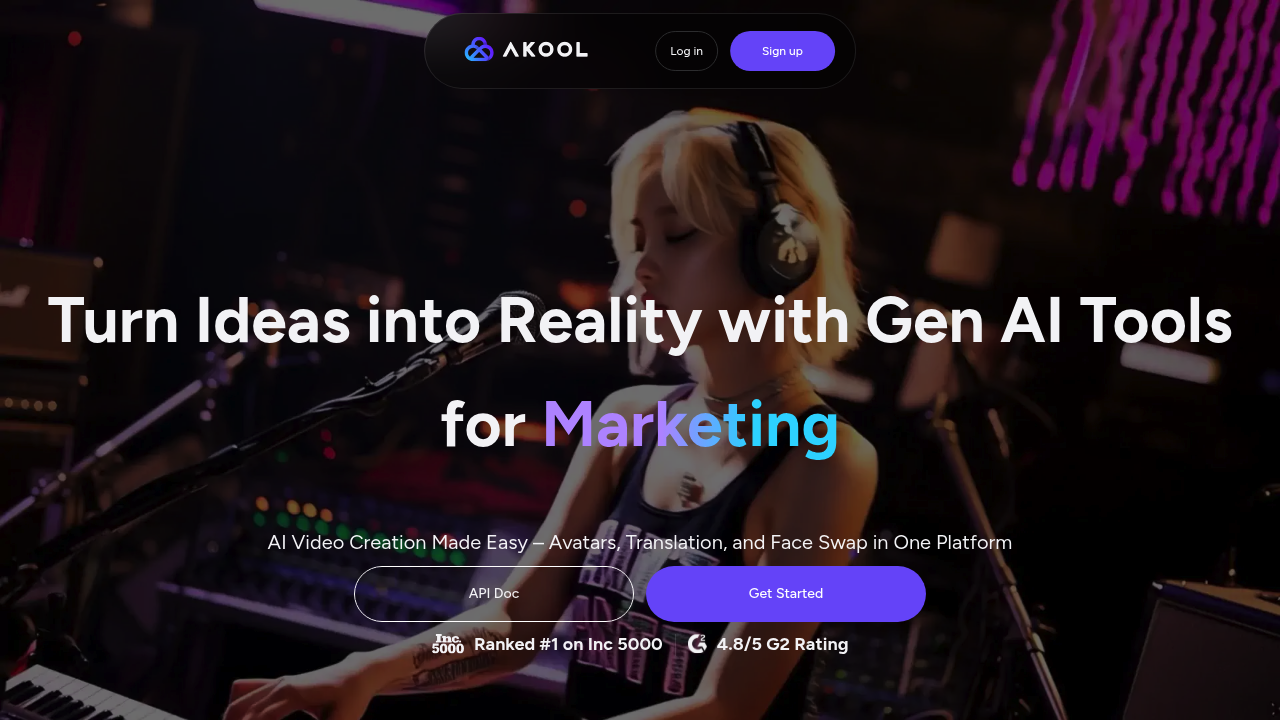
AKOOL is an AI-powered video creation suite designed for marketers, content creators, and businesses that need high-quality video content at scale. AKOOL brings together text-to-video generation, AI avatars, face swap, video translation, and real-time streaming into one unified platform. Whether you're localizing a global campaign or building personalized video ads, AKOOL's AI video generation engine delivers production-ready results without requiring a film crew. Pricing starts with a Free plan (100 credits/month), with Pro at $39/mo and Business at $79/mo.
Getting Started
AKOOL is fully browser-based — no downloads or installations required. Simply visit akool.com, sign up with Google or email, and you'll land on the main dashboard. From there, pick a tool: Avatar Video, Face Swap, Image Generator, Video Translator, or Text-to-Video. The interface is clean with a left-side navigation panel and a large canvas area for your project. API access is also available for developers who want to integrate AKOOL into their own workflows.
Core Features
- AI Avatar Videos: Choose from 100+ realistic AI avatars or upload your own photo to create a custom digital presenter. Avatars speak naturally in 50+ languages with lip-sync accuracy.
- Face Swap: Replace faces in photos and videos in seconds with realistic blending. Used for entertainment, marketing personalization, and content adaptation.
- Video Translation: Automatically translate and dub videos into 50+ languages — voice cloned and lip-synced for a native viewing experience.
- Text-to-Video Generation: Describe your scene in text and AKOOL generates high-quality video clips powered by the latest AI video models.
- Real-Time Streaming API: Build interactive AI video applications with AKOOL's streaming API, enabling live avatar conversations and real-time video generation.
First Project Tutorial
- Sign up at akool.com and start on the Free plan (100 credits).
- Click Avatar Video in the left sidebar.
- Select an avatar from the library or upload your own photo.
- Type your script or paste your text in the script editor.
- Choose language and voice, then click Generate.
- Preview the output — download or share directly from the platform.
Best Practices
- Use short, punchy scripts (under 90 seconds) for best avatar lip-sync quality.
- For video translation, upload clean audio with minimal background noise for accurate voice cloning.
- Leverage the API for bulk video personalization in marketing campaigns.
- Test with the Free plan before committing to a paid tier to validate your use case.
Pros and Cons
Pros: All-in-one AI video suite, generous free tier, realistic multilingual avatars, fast rendering, strong API for developers.
Cons: Free plan limited to 100 credits/month, some advanced features locked behind Business plan, occasional rendering queue times during peak hours.
What Users Are Saying
AKOOL has been discussed in communities like r/ChatGPT and r/AIVideoCreation, where users highlight its value for multilingual content production and AI avatar quality. Ready to create AI-powered videos at scale? Try AKOOL free today.
Reviews
No reviews yetSimilar tools in category
2short.ai
Generate concise and engaging summaries for any text.
AI Studios
Generate high-quality videos and images tailored to your needs.
Argil
A platform that simplifies and enhances the process of creating engaging presentations.