Clip.fm
ClipFM turns long-form video into short clips for social media. We use AI to find the best moments of your video and give you ready-to-post clips within minutes.
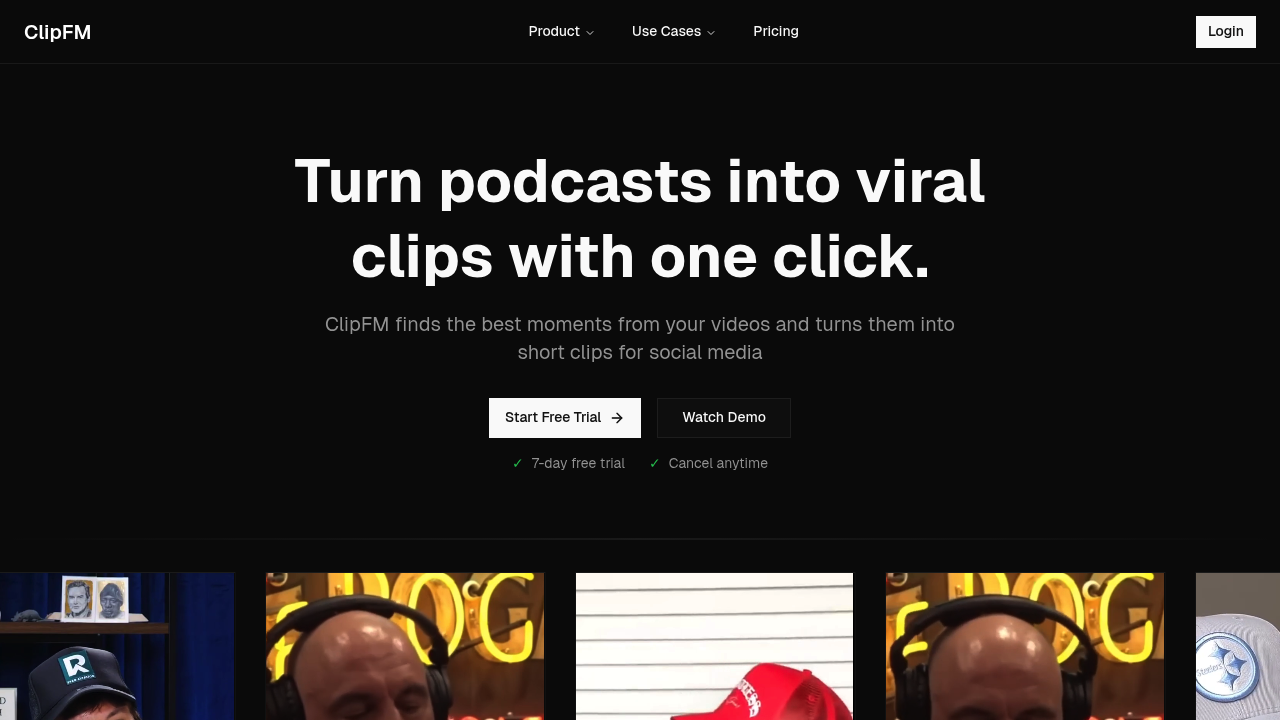
Clip.fm: Transforming Podcasts into Engaging Clips with AI
Introduction
Overview of Clip.fm
Clip.fm is an innovative AI-powered tool designed to transform podcasts into engaging, viral clips with a simple one-click process. Tailored for professional teams and individual creators, this platform leverages advanced AI to pinpoint the most captivating moments in any podcast, facilitating quick customization and exportation of clips.
Key Benefits and Use Cases
Clip.fm offers several key benefits and use cases:
- Create Engaging Social Media Content: Generate short, shareable clips that can be easily posted on social media platforms like YouTube, TikTok, and Instagram.
- Highlight Key Ideas from Podcast Episodes: Identify and extract the most important parts of podcast episodes, making it easier to summarize and share key information.
- Generate Promotional Clips for Podcast Advertising: Create promotional clips that can be used to advertise podcasts, increasing their visibility and reach.
Who Uses Clip.fm
Clip.fm is used by:
- Podcasters: To create engaging clips from their episodes.
- Editors: To streamline the editing process and save time.
- Marketers: To enhance their social media marketing strategies.
- Agencies: To offer a cost-effective solution for content creation and optimization.
What Makes Clip.fm Unique
Clip.fm stands out due to its:
- Advanced AI Technology: The platform uses advanced AI to automatically identify and extract the most engaging moments from podcasts.
- Customizable Clip Editor: Users can fine-tune the AI-selected clips using a user-friendly editor, adjusting timestamps and content for optimal relevance.
- Efficient Content Repurposing: The tool enables creators to transform long-form audio into shareable clips, maximizing content exposure and audience engagement.
Pricing Plans
Clip.fm offers the following pricing plans:
- Free Plan: $0 per month (limited features)
- Hobbyist Plan: $49 per month (transcribes up to 10 hours of content per month, generates 50-100 clips)
- Pro Plan: $99 per month (transcribes up to 10 hours of content per month, generates 50-100 clips)
Please note that pricing might be changed. For the most current pricing information, visit Clip.fm Pricing Plans.
Core Features
Essential Functions Overview
Clip.fm's core features include:
- Transcription: Automatically transcribes podcast content.
- Clip Generation: Identifies and extracts the most engaging moments from podcasts.
- Content Optimization: Optimizes clips for length and virality.
- Overlaid Captions: Adds customizable captions to the clips.
- Customization: Allows users to adjust clip timestamps and content for optimal relevance.
Common Settings Explained
- Transcription Settings: Users can adjust the transcription settings to improve accuracy.
- Clip Selection: The AI tool selects the most engaging moments based on factors like Q&A, key ideas, quotes, and humor.
- Caption Customization: Users can customize the font colors and style of the overlaid captions.
Tips & Troubleshooting
Tips for Best Results
- Choose the Right Plan: Select a plan that fits your content creation needs.
- Use High-Quality Audio: Ensure the audio quality is high to get the best results from the AI tool.
- Customize Clips: Fine-tune the AI-selected clips to better suit your audience.
- Regularly Update Content: Keep your content fresh to maintain audience engagement.
Troubleshooting Basics
- Check Audio Quality: If the AI tool is not selecting the right moments, check the audio quality.
- Adjust Transcription Settings: Fine-tune the transcription settings to improve accuracy.
- Contact Support: If issues persist, contact Clip.fm's customer support for assistance.
Best Practices
Common Mistakes to Avoid
- Inconsistent Audio Quality: Ensure consistent audio quality to get accurate results.
- Insufficient Customization: Don’t rely solely on AI; customize clips to better suit your audience.
- Ignoring Feedback: Pay attention to user feedback to improve the effectiveness of your clips.
Performance Optimization
- Regularly Update Software: Keep the software updated to ensure you have the latest features and improvements.
- Monitor Performance: Regularly monitor the performance of the tool to identify areas for improvement.
- Optimize Content: Optimize your content for different platforms to maximize reach.
Pros and Cons
Pros
- Time-Saving: Automates the process of identifying and extracting engaging moments from podcasts.
- Cost-Effective: Significantly reduces the cost associated with professional editing services.
- Customizable: Allows users to fine-tune the AI-selected clips for optimal relevance.
- Efficient Content Repurposing: Transforms long-form audio into shareable clips, maximizing content exposure and audience engagement.
Cons
- Limited Language Support: Currently only supports English, with plans to expand to additional languages.
- Dependence on AI Accuracy: The effectiveness of the tool depends on the accuracy of the AI, which can sometimes be inconsistent.
- Limited Manual Control: While customizable, the tool relies heavily on AI, which might not always meet user expectations.
Summary
Clip.fm is an innovative AI-powered tool designed to transform podcasts into engaging, viral clips. With its advanced AI technology, customizable clip editor, and efficient content repurposing capabilities, it is a valuable asset for podcasters, editors, marketers, and agencies. The platform offers a free plan, a hobbyist plan, and a pro plan, ensuring there is a pricing option for every user. By following the best practices and avoiding common mistakes, users can maximize the effectiveness of Clip.fm and create high-quality, engaging clips that enhance their social media presence and audience reach.
Reviews
No reviews yetSimilar tools in category
2short.ai
Generate concise and engaging summaries for any text.
AI Studios
Generate high-quality videos and images tailored to your needs.
Argil
A platform that simplifies and enhances the process of creating engaging presentations.