DeepMake
DeepMake uses generative AI make content creation fast and easy. We leverage the leading open source AI to give you VFX in a few clicks, create stock video from text prompts, instantly segment layers, and more.
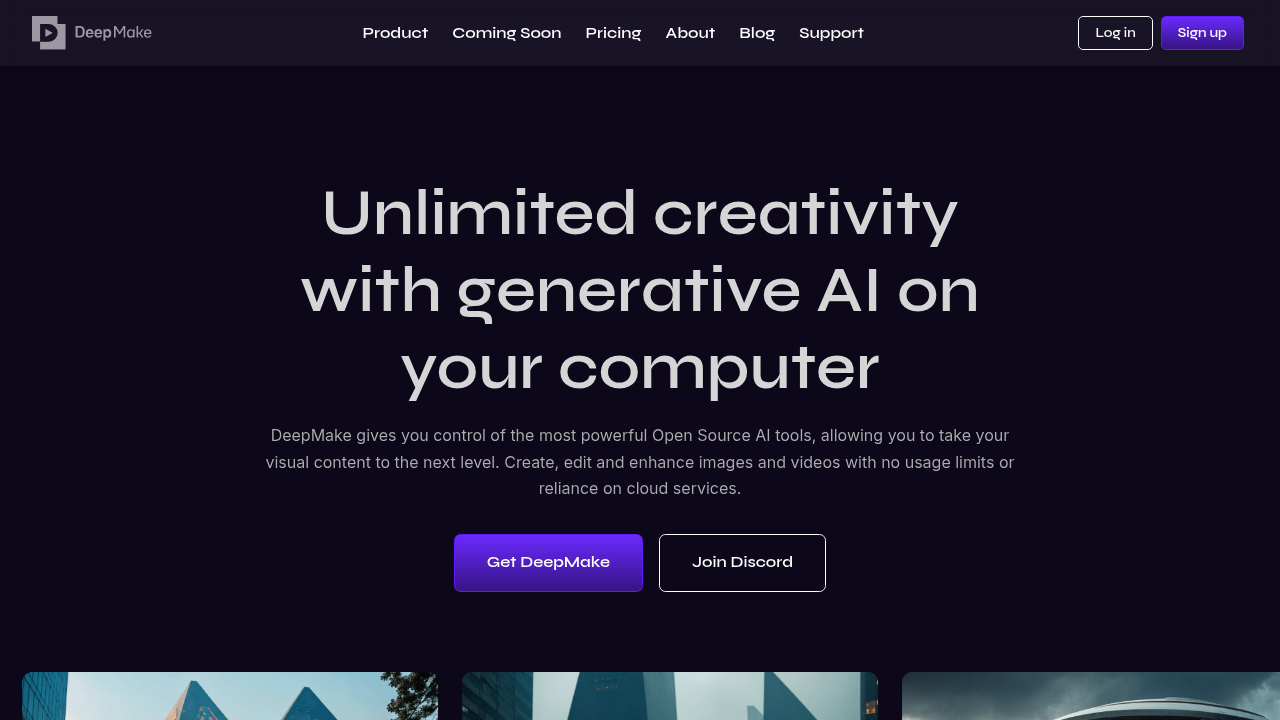
DeepMake: Revolutionizing Content Creation with AI
Introduction
Overview of DeepMake
DeepMake is an AI tool designed to enhance content creation by leveraging the power of generative AI. It allows users to create, edit, and enhance images and videos with ease, using advanced AI algorithms running locally on their computers.
Key Benefits and Use Cases
DeepMake offers several key benefits, including:
- No Usage Fees: Unlike cloud-based platforms, DeepMake does not charge usage fees, providing users with unlimited creativity without additional costs.
- Higher Control: The AI tools run locally, giving users complete control over the generated output, ensuring their creations meet their exact specifications.
- Frequent Updates: New AI tools are added monthly, keeping users at the forefront of technological advancements in AI.
Who Uses DeepMake
DeepMake is ideal for:
- Designers and Artists: Professionals looking to enhance their visual content with high-quality images and videos.
- VFX and Video Editors: Those working in the film and video industry can utilize DeepMake's advanced editing features.
- Content Creators: Bloggers, YouTubers, and social media influencers can use DeepMake to create engaging visual content.
What Makes DeepMake Unique
DeepMake stands out due to its:
- Local AI Processing: Running AI tools locally on your machine ensures no reliance on cloud services, providing unparalleled security and control.
- Integration with File Formats: Smooth imports and exports of images and videos in various file formats make it a versatile tool.
Core Features
Essential Functions Overview
DeepMake offers several essential functions:
- Text-to-Image Generation: Instantly generate high-quality images from written prompts.
- Image-to-Image Generation: Refine, augment, or generate high-quality images from other images.
- Smart Masking for Faces: Automatically mask faces in your video for next-level editing.
- Smart Masking for Any Object: Mask characters, backgrounds, and objects in your video.
- Image and Video Upscaling: Enhance the quality of images and videos using AI.
Common Settings Explained
To get the most out of DeepMake, users should familiarize themselves with common settings:
- AI Tool Selection: Choose the appropriate AI tool based on the task at hand.
- Prompt Optimization: Optimize written prompts for better image generation.
- Masking Adjustments: Adjust masking settings for precise object detection.
Tips & Troubleshooting
Tips for Best Results
To achieve the best results with DeepMake:
- Use High-Quality Prompts: Ensure that your written prompts are clear and detailed.
- Experiment with Tools: Try out different AI tools to find the one that best suits your needs.
- Regularly Update Software: Keep your software up-to-date to access new AI tools and features.
Troubleshooting Basics
Common issues with DeepMake include:
- Resource Intensity: Running powerful AI tools locally can be resource-intensive, requiring high-end hardware.
- Learning Curve: The range of functionalities might be overwhelming for beginners, requiring time to master.
- Limited Cloud Integration: Users who prefer cloud-based workflows may find the lack of cloud integration limiting.
Best Practices
Common Mistakes to Avoid
Avoid these common mistakes:
- Insufficient Hardware: Ensure your computer meets the system requirements to run DeepMake efficiently.
- Inadequate Training: Spend time training yourself with the various functionalities of DeepMake.
Performance Optimization
Optimize performance by:
- Using Local Resources: Utilize your local GPU power to render in your VFX workflow.
- Regular Maintenance: Keep your software and hardware up-to-date to ensure optimal performance.
Pros and Cons
Pros
- No Usage Fees: No usage limits or fees, enabling uninterrupted work.
- Higher Control: Greater control over outputs due to local running AI tools.
- Frequent Updates: Continuous addition of new tools and features keeps you ahead in the creative game.
Cons
- System Requirements: Running such powerful AI tools locally can be resource-intensive and may require high-end hardware.
- Learning Curve: The range of functionalities might be overwhelming for beginners and require time to master.
- Limited Cloud Integration: Users who prefer cloud-based workflows may find the lack of cloud integration limiting.
Summary
DeepMake is a powerful AI tool designed to enhance content creation by providing users with local AI processing, no usage fees, and a high level of control over the generated output. Its frequent updates and integration with various file formats make it a versatile tool for designers, artists, and VFX editors. While it offers many benefits, it also requires high-end hardware and may have a steep learning curve. For more information on pricing plans, please visit the official site.
Disclaimer: Pricing plans are subject to change and may not reflect the current pricing at the time of reading. Always check the official site for the latest information.
Pricing Plans
DeepMake offers different pricing plans, including a one-time purchase option. For the most up-to-date pricing information, please visit the official pricing page.
Current Pricing Plans (Subject to Change)
- One-Time Purchase: Available via different pricing plans, including a one-time purchase option.
By leveraging the power of generative AI, DeepMake is revolutionizing the way we create and edit visual content. Whether you're a professional designer or an enthusiast, DeepMake provides the tools and flexibility needed to take your creative projects to the next level.
Reviews
No reviews yetSimilar tools in category
2short.ai
Generate concise and engaging summaries for any text.
AI Studios
Generate high-quality videos and images tailored to your needs.
Argil
A platform that simplifies and enhances the process of creating engaging presentations.