DeepMotion
AI-powered motion capture platform that converts any video into 3D character animations (BVH/FBX/GLB) without hardware. Full body, hand, and face tracking with physics-based correction for game developers, 3D animators, and XR creators.
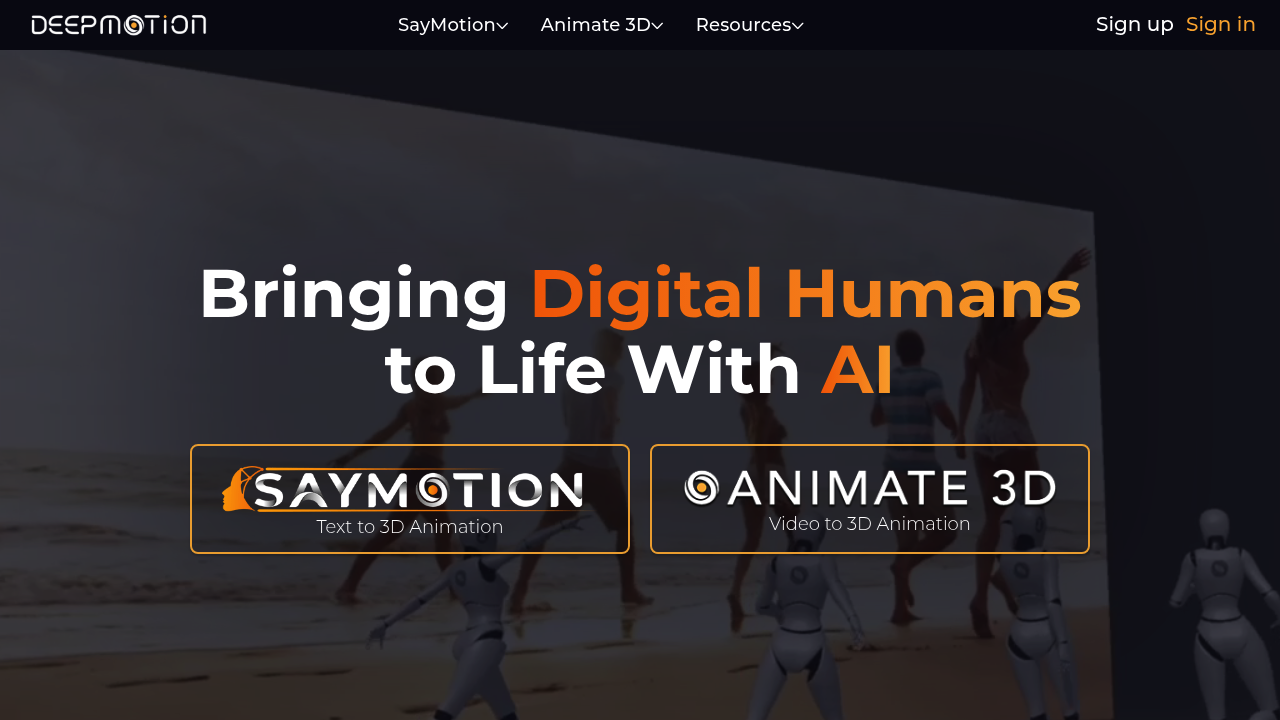
Introduction to DeepMotion
DeepMotion is an AI-powered motion capture and 3D animation platform that converts regular video footage into professional-grade 3D character animations — without any specialized hardware, motion capture suits, or complex software setups. Its flagship product, Animate 3D, uses computer vision and deep learning to automatically track human body movement from any video and export it as animation data (BVH, FBX, GLTF/GLB) for use in game engines, VR/AR platforms, and 3D software.
DeepMotion is used extensively by indie game developers, 3D animators, XR artists, VR/AR studios, and digital filmmakers who need realistic human motion data without the cost and complexity of traditional motion capture setups.
DeepMotion offers a freemium model. The free tier provides limited monthly processing minutes. The Standard plan starts at approximately $12.50/month and the Pro plan at approximately $49.50/month (billed annually), with higher monthly processing allowances and faster rendering. Enterprise/API plans are available for bulk and custom workflows. Prices are subject to change. Check official pricing here.
Getting Started with DeepMotion
DeepMotion's Animate 3D operates entirely via web browser — no software installation required. Sign up at deepmotion.com, choose a plan (or start free), and upload your video. The platform runs AI motion analysis server-side. Supported video formats include MP4, MOV, and AVI. For best results, ensure the full body of the subject is visible and well-lit in the input video.
An API is available for developers who want to integrate DeepMotion's motion capture capabilities directly into their own pipelines or applications.
Core Features
AI Motion Capture from Video
DeepMotion's core technology extracts full-body skeletal animation data directly from any standard video. No markers, suits, or specialized cameras are needed. The AI analyzes joint positions and movement trajectories frame-by-frame, generating smooth, accurate motion capture data at up to 60 FPS. Multi-person tracking is supported — multiple characters in a single video can each be captured simultaneously.
Full Body & Hand Tracking
Beyond body tracking, DeepMotion captures finger and hand movements with high fidelity — critical for animations involving gestures, dialogue, and detailed interaction sequences. Facial capture features are also available for capturing expressions and lip movements.
Animation Export Formats
DeepMotion exports animation data in industry-standard formats: BVH (BioVision Hierarchy), FBX, and GLTF/GLB. These formats are compatible with Blender, Unreal Engine, Unity, Maya, Cinema 4D, and virtually any 3D production pipeline. Video rendering is also supported — generate a preview video of your animated character directly in the platform.
Physics Simulation
DeepMotion's pipeline includes physics-based motion refinement — automatically correcting common AI motion artifacts like foot sliding, jitter, and unnatural joint rotation. This significantly reduces the manual cleanup typically required post-capture.
Retargeting & Scene Sharing
Captured motions can be retargeted to custom 3D character rigs, and scenes can be shared via link for collaborative review. Real-time collaboration features allow team members to access and comment on animations together.
First Project Tutorial
- Sign up at deepmotion.com
- Click "Animate 3D" and then "Upload Video"
- Select a video showing a person performing a clear, well-lit motion (walking, dancing, exercise)
- Choose your settings: full body tracking, hand capture (on/off), target frame rate
- Submit for processing — depending on video length and plan, results arrive in 1–10 minutes
- Preview the generated 3D animation in the browser viewer
- Download in BVH or FBX format for use in Blender or Unity
- Apply to your character rig using standard retargeting workflows
Best Practices
- Film in good lighting — AI tracking accuracy drops significantly in low-light or backlit environments
- Ensure full body visibility — keep the entire subject in frame from head to toe throughout the clip
- Use contrasting clothing — tight-fitting clothing in a color different from the background improves tracking
- Apply Blender's Graph Editor smoothing post-export to reduce remaining keyframe jitter
- Decimate keyframes in Blender to optimize performance while preserving motion quality
Pros & Cons
Pros
- No hardware requirements — any video camera works
- Multi-person motion capture from standard footage
- Full body + hand + face tracking
- Industry-standard export formats (BVH, FBX, GLB)
- Physics-based motion correction reduces cleanup time
- Free tier available for testing
Cons
- Accuracy depends heavily on input video quality and lighting
- Complex or fast motions (martial arts, acrobatics) may require manual correction
- Free plan processing minutes are limited
- Not suitable for real-time motion capture applications
What Users Are Saying
DeepMotion is widely discussed among game developers, 3D animators, and XR creators:
- r/Unity3D — DeepMotion multi-person tracking from video release discussion
- r/animation — Discussion on AI motion capture ethics and DeepMotion use
- r/gamedev — Critical review of DeepMotion with community discussion
Summary
DeepMotion's Animate 3D democratizes professional motion capture by eliminating the need for expensive hardware and complex setups. For indie game developers, 3D animators, and XR creators who need realistic human motion data from readily available video footage, DeepMotion provides a powerful, accessible, and increasingly accurate solution. Its physics-based correction and broad export format support make it a practical tool for real production pipelines.
Reviews
No reviews yetSimilar tools in category
2short.ai
Generate concise and engaging summaries for any text.
AI Studios
Generate high-quality videos and images tailored to your needs.
Argil
A platform that simplifies and enhances the process of creating engaging presentations.