LensGo AI
LensGo AI is a creative AI studio for text-to-video and image-to-video generation, UGC ads, AI headshots, and style transfer — supporting 10+ models including Veo 3.1, Runway, and Kling V3.
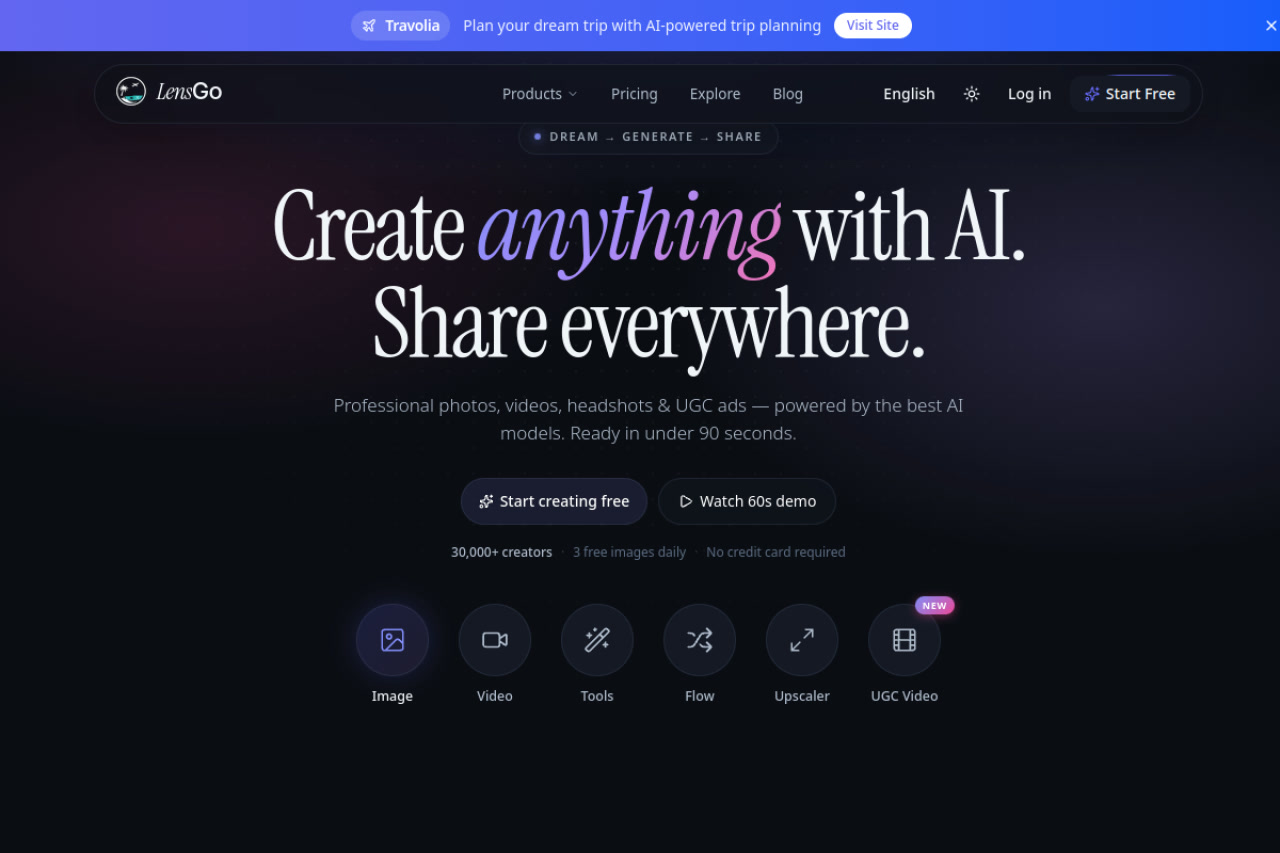
LensGo AI: Multi-Model Creative Studio for Text-to-Video, UGC Ads, and AI Headshots (2026)
LensGo AI is a cloud-based creative platform that consolidates text-to-video generation, image-to-video, UGC (user-generated content) video ads, AI headshots, background removal, and style transfer into one subscription. It supports 10+ AI models including Veo 3.1, Runway, and Kling, giving creators flexibility in output style without juggling multiple accounts. With 30,000+ creators and 3 free images daily on the free tier, LensGo targets solo content creators, small marketers, and brand teams. It is not a specialized video editing platform — creators needing detailed timeline editing, subtitle workflows, or long-form video production should look at dedicated editors.
LensGo AI: Key Specs at a Glance
| Attribute | Detail |
|---|---|
| Developer | LensGo AI (independent) |
| Users | 30,000+ creators |
| Supported Models | Veo 3.1, Runway, Kling, and 7+ others |
| Input Types | Text prompt, image, video reference |
| Generation Types | Text-to-video, image-to-video, text-to-image, UGC video, AI headshots |
| Free Tier | Yes — 3 images/day, watermarked, limited models |
| Creator Plan | $19/month — 100 credits, HD, no watermark, commercial rights |
| Studio Plan | $49/month — 400 credits, 4K, 3 team seats, API access |
| Video duration | 5s – 60s depending on model |
| Output resolution | HD (Creator), 4K (Studio) |
| API access | Studio plan only |
| Commercial rights | Creator and Studio plans |
| Watermark (free) | Yes |
| Flow Canvas | Beta — node-based pipeline builder |
What LensGo AI Does Well
Multi-Model Video Generation Under One Subscription
LensGo aggregates 10+ AI models — including Veo 3.1, Runway, and Kling — in a single interface. Creators can compare model outputs for the same prompt without switching platforms. Video clips range from 5 to 60 seconds depending on the model selected, covering use cases from quick social content to longer explainer clips.
UGC Video Ad Generation
LensGo's UGC Video feature generates authentic-looking product showcase videos in 7 formats without requiring filming or actors. For e-commerce brands and performance marketers, this directly replaces expensive UGC creator campaigns for product demonstrations, with commercial rights included on paid plans.
AI Headshots with Fast Turnaround
The AI Headshot Generator creates studio-quality professional portraits from a few selfies in 30+ styles with approximately 20-minute turnaround. This is operationally useful for teams who need consistent professional headshots for LinkedIn, websites, or email signatures without photography sessions.
Flow Canvas (Beta): Node-Based Pipeline Builder
Creator and Studio plan subscribers get access to Flow Canvas, a beta feature that enables node-based pipeline building. Creators can chain prompts, styles, and models together to automate complex multi-step generation workflows — useful for high-volume content production teams.
4K Export on Studio Plan
At $49/month, the Studio plan includes 4K video export, 3 team seats, priority queue access, and API integration. For small agencies or brand teams, this enables high-quality output delivery to clients without a per-seat overhead comparable to enterprise tools.
Known Limitations
- Free tier is image-only practically: 3 free images/day with watermarks — insufficient for video generation workflow testing.
- Credit system is opaque: Specific credit costs per model and per video duration are not fully documented in public pricing.
- Flow Canvas is beta: Node-based pipeline building is still in beta; stability and feature completeness may vary.
- No audio generation: LensGo generates video content but does not include AI music or voiceover generation natively.
Best For: Who Should Use LensGo AI
- E-commerce brands needing product video ads and UGC-style content without hiring creators
- Content creators who want multi-model video generation access under one $19/month Creator plan
- Small agencies needing team-based creative production at $49/month with API access
- Professionals needing AI headshots alongside video generation in one platform
Who Should Look Elsewhere
- Creators needing AI audio, music, or voiceover alongside video — LensGo does not include these natively
- Production teams needing dedicated video editing timeline — LensGo is a generation tool, not an editor
- High-volume API users on a budget — API access requires the $49/mo Studio plan
Pricing & Cost at Scale
Free: 3 images/day, watermarked, Studio access with 6 models. Creator ($19/mo): 100 credits/month, HD, no watermark, all 10+ models, UGC Video, Flow Canvas (Beta), commercial rights. Studio ($49/mo): 400 credits/month, priority queue, 4K, 3 team seats, API access, priority support. Add-on credits available on demand.
Technical Details & Integrations
LensGo operates as a web-based platform aggregating external AI models via API. Studio plan subscribers gain API access for integrating LensGo generation into their own workflows. Flow Canvas enables node-based pipeline automation within the platform. No native integrations with external tools (social media publishing, cloud storage) are documented publicly. The platform supports web access; no dedicated mobile app is listed.
Getting Started
- Go to lensgo.ai and create a free account — 3 free image generations per day, no credit card required
- Navigate to the AI Video Generator tool from the Studio dashboard
- Select your model (Veo 3.1, Runway, Kling, or another) and enter your text or image prompt
- Review the generated clip (5–60 seconds depending on model)
- Download in HD (watermark-free on Creator plan and above)
Pro tip: Use Flow Canvas (beta) to build a reusable pipeline that chains your text prompt through multiple models and automatically selects the best output based on predefined quality criteria.
What Users Are Saying
No verified Reddit community threads with substantial LensGo AI-specific user reviews were found at the time of publishing. The platform reports 30,000+ active creators as of May 2026.
FAQ
Is LensGo AI free?
Yes, with limitations. The free tier provides 3 image generations per day with watermarks and access to 6 models. Video generation on the free tier is restricted. The Creator plan ($19/mo) unlocks full HD video generation without watermarks.
What video models does LensGo support?
LensGo supports 10+ models including Veo 3.1, Runway, and Kling V3. The full model list is available within the platform. Different models are better suited for photorealistic vs. stylized vs. animated outputs.
Can I use LensGo AI for commercial projects?
Yes, commercial rights are included in Creator ($19/mo) and Studio ($49/mo) plans. The free tier does not include commercial rights.
Does LensGo have an API?
Yes, but API access requires the Studio plan at $49/month. The API enables programmatic video and image generation for integration into your own tools or automation workflows.
What is the maximum video length on LensGo AI?
Video clips range from 5 to 60 seconds depending on the model selected. LensGo is not designed for long-form video production.
Sources
Reviews
No reviews yetSimilar tools in category
2short.ai
Generate concise and engaging summaries for any text.
AI Studios
Generate high-quality videos and images tailored to your needs.
Argil
A platform that simplifies and enhances the process of creating engaging presentations.