
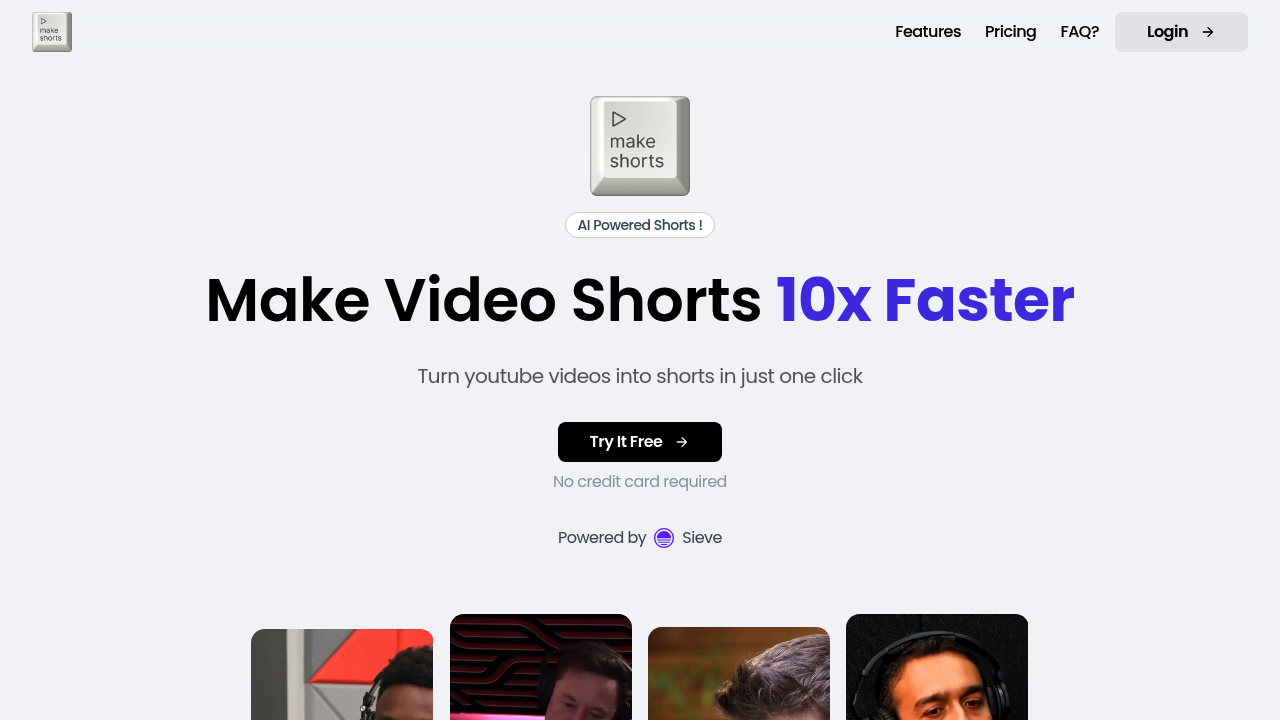
MakeShorts: The Ultimate AI-Powered YouTube Shorts Creator
Introduction
Overview of MakeShorts
MakeShorts is an AI-powered tool designed to transform your videos into engaging YouTube Shorts, TikTok, and Reels. It leverages advanced AI models to automatically generate the most captivating short clips from your videos, saving you time and effort.
Key Benefits and Use Cases
- Effortless Content Creation: Say goodbye to manually creating short videos. MakeShorts generates viral clips in seconds, not hours.
- Customization: The tool supports a wide range of languages, including Czech, Chinese, Danish, Dutch, English, and many more, making it a global solution.
- Enhanced Engagement: Automatic subtitles and social captions enhance the viewer experience, boosting discovery and engagement.
Who Uses
MakeShorts is ideal for content creators, marketers, and anyone looking to repurpose their video content for various social media platforms. It is particularly useful for those with limited editing experience.
What Makes MakeShorts Unique
- AI Clipping: Automatically generates the most engaging shorts from videos.
- Autofocus Cropping: Converts landscape videos into stunning vertical content, keeping the main speaker in the spotlight.
- AI Subtitling and Captions: Fast and accurate transcription with AI, making your shorts more accessible and engaging.
Core Features
Essential Functions Overview
- AI Clipping: Automatically generates short clips from your videos.
- Autofocus Cropping: Converts landscape videos into vertical content.
- AI Subtitling and Captions: Adds fast and accurate subtitles and social captions.
- AI Social Captions: Generates auto-descriptions and hashtags to boost discovery.
Common Settings Explained
- Video Import: Currently supports importing videos via YouTube links. Direct video uploads are not available at this time.
- Shorts Generation: The time it takes to generate shorts depends on the length of the original video and the number of shorts you want to create.
- Customization Options: Users can select specific timeframes and keyword-based parts in videos to tailor their content.
Tips & Troubleshooting
Tips for Best Results
- Choose the Right Video: Select videos with clear, engaging content that can be easily cropped into short clips.
- Adjust Settings: Experiment with different settings to find the perfect balance between engagement and relevance.
- Review and Refine: Always review the generated shorts and make necessary adjustments for better performance.
Troubleshooting Basics
- Technical Issues: If you encounter any technical issues, check the MakeShorts support page or contact their customer support team.
- Caption Errors: If captions are not accurate, try re-generating them or manually editing them for better results.
Best Practices
Common Mistakes to Avoid
- Inconsistent Branding: Ensure that all generated shorts maintain your brand's tone and style.
- Poor Quality Content: Avoid using low-quality videos as they may not translate well into engaging shorts.
- Over-Editing: Balance between customization and over-editing to keep the content natural and engaging.
Performance Optimization
- Optimize for Platforms: Tailor your shorts for each platform's unique audience and format.
- Consistency is Key: Regularly post high-quality shorts to maintain audience engagement.
- Monitor Performance: Use analytics tools to track the performance of your shorts and adjust your strategy accordingly.
Pros and Cons
Pros
- Effortless Content Creation: Saves time and effort in creating engaging short clips.
- Customization Options: Supports a wide range of languages and customization options.
- Enhanced Engagement: Automatic subtitles and social captions boost viewer engagement.
- Global Compatibility: Compatible with various social media platforms like YouTube, TikTok, and Reels.
Cons
- Limited Direct Uploads: Currently only supports importing videos via YouTube links.
- Technical Issues: May encounter technical issues, especially during peak usage times.
- Caption Accuracy: Requires occasional manual editing for accurate captions.
Summary
MakeShorts is an innovative AI tool that transforms your videos into engaging social media clips with ease. Its advanced AI models, customization options, and automatic captioning features make it a valuable asset for content creators and marketers. While it has its limitations, such as limited direct uploads, MakeShorts remains a powerful tool for repurposing video content and enhancing viewer engagement.
Pricing Plans
MakeShorts offers flexible pricing plans based on upload minutes. Here are the current pricing plans:
- Basic Plan: $9.99/month (includes 30 minutes of upload time)
- Premium Plan: $19.99/month (includes 60 minutes of upload time)
- Enterprise Plan: Custom pricing for heavy users (includes unlimited upload time)
Please note that pricing may be subject to change. For the most up-to-date pricing information, visit the MakeShorts Pricing Page.
Disclaimer: Pricing may be changed at any time. Always check the official website for the latest pricing details.
Reviews
No reviews yetSimilar tools in category
2short.ai
Generate concise and engaging summaries for any text.
AI Studios
Generate high-quality videos and images tailored to your needs.
Argil
A platform that simplifies and enhances the process of creating engaging presentations.