Mango AI
Mango AI is an online AI video maker offering talking photo, text-to-video, AI dance generator, lip sync, avatar dialogue, image-to-video, and 20+ AI video tools for business, education, and personal content creation.
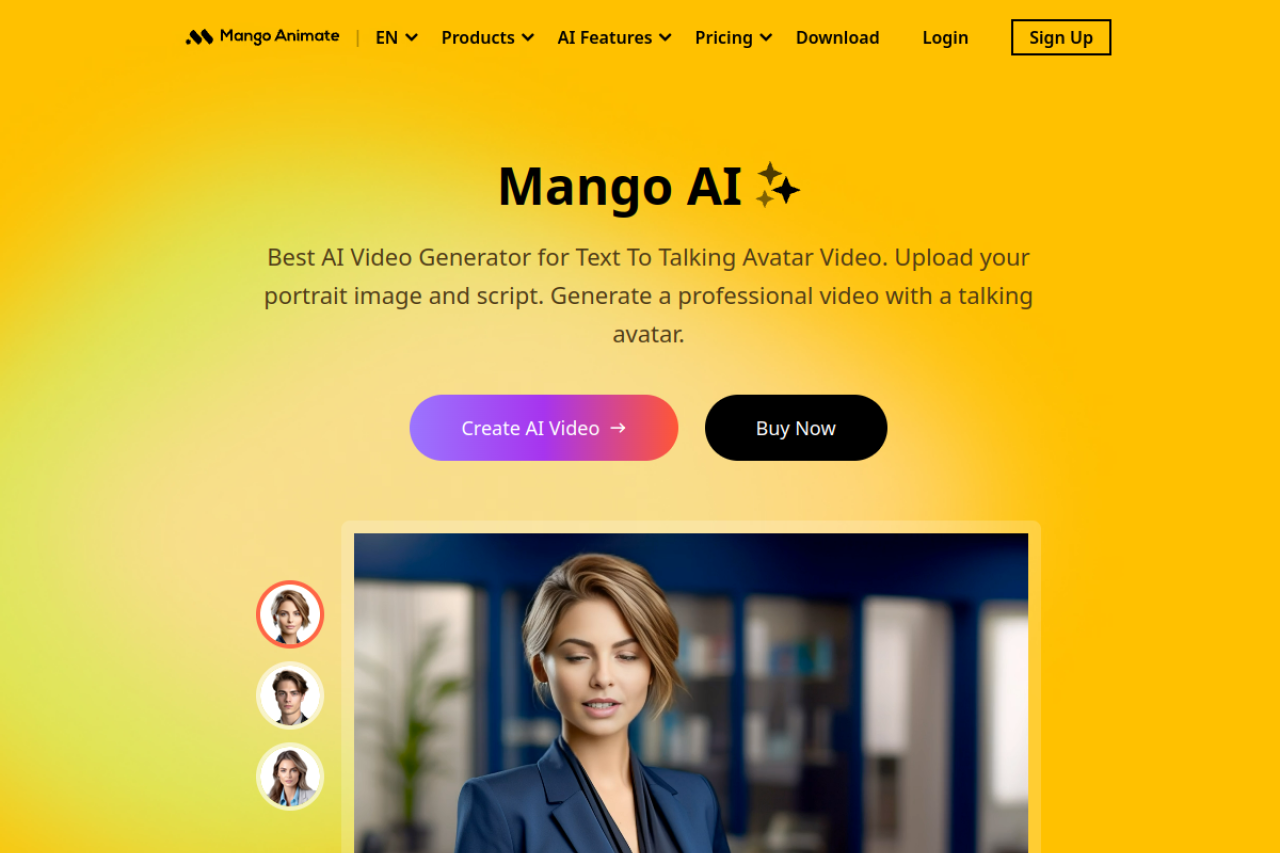
Mango AI: AI Video Maker with Talking Photos & Avatars (2026)
Mango AI (by Mango Animate) is a browser-based AI video platform focused on avatar-driven and animated video creation. Its standout features are talking photo technology (animate any static image to lip-sync audio), AI dance generators, and a growing library of 20+ AI video tools including text-to-video, image-to-video, lip sync, video face swap, and custom AI avatars. It targets non-technical creators in business, education, and social media who want engaging, personality-driven video without filming equipment. Not the right tool if you need cinematic generative footage from text prompts—think HeyGen territory rather than Runway.
| Feature | Details |
|---|---|
| Primary use case | Talking photos, avatar dialogue, animated AI video |
| Best for | Social media creators, educators, small business marketers |
| Access type | Web browser (no install required) |
| Input types | Text, images, audio uploads, reference videos |
| Output formats | MP4 |
| Output resolution | Up to 1080p (paid plans) |
| Max video duration | Up to 15 min audio per video (Business plan) |
| Generation speed | Seconds to minutes depending on feature |
| Watermark (free tier) | Yes — watermark on free plan outputs |
| Language support | Multilingual voices (standard and premium) |
| API availability | Not publicly documented |
| Integrations | None publicly listed |
| Collaboration | Personal/commercial licensing; no team workspace |
| Pricing model | Freemium + credit-based plans |
| Free plan | 180 credits, watermarked, personal use only |
| Paid plans | Starter: 600 credits/personal; Pro: 1,200 credits/commercial; Business: 6,000 credits/commercial |
What Mango AI Does Well
Talking Photo Technology
Upload any portrait photo and audio clip; Mango AI generates a realistic lip-synced video. Works for pets, cartoons, historical figures, and custom avatars—not just human faces. Results are among the smoothest for static-image-to-talking-head in the freemium tier.
AI Dance & Animation Variety
The AI Dance Generator and Picture-to-Dance tools apply dance motion to any photo. The tool library is unusually broad: singing photos, talking animals, AI baby podcast, pet podcast, and more novelty generators that work for viral social content.
No-Download Web App
Everything runs in the browser. No FFmpeg, no local GPU required. Accessible from any device with a modern browser.
Commercial Licensing on Paid Plans
Pro and Business plans include commercial use rights, making outputs usable in client deliverables, ads, and paid content.
Known Limitations
- Free plan watermarks all outputs and limits daily usage—3 face swaps/day, 2 animate photos/day.
- No publicly documented API; automating Mango AI into pipelines is not straightforward.
- Text-to-video quality is below dedicated generative models like Kling or Runway—avatar-style only, not cinematic footage.
- Credit system can be opaque: different features consume different credit amounts, not fully transparent upfront.
Best For
- Social media managers who want viral talking-pet or animated-face videos quickly
- Educators creating engaging explainer videos with digital avatars
- Small businesses making low-cost marketing videos without actors
- Hobbyists experimenting with AI animation effects
Who Should Look Elsewhere
- Developers needing an API for programmatic video generation (try fal.ai or Runway API)
- Filmmakers needing photorealistic generative video from text prompts (try Kling, Veo, or Runway)
- Teams needing collaboration, brand kits, or multi-user workspaces
Pricing & Cost at Scale
- Free: 180 credits, watermark, personal use
- Starter: 600 credits, no watermark, personal use — pricing not publicly listed (check official site)
- Pro: 1,200 credits, commercial use, premium voices
- Business: 6,000 credits, commercial, up to 15 min audio uploads
- Credit costs per feature vary; face swap up to 90s on paid plans
Technical Details & Integrations
Mango AI runs entirely in the browser via cloud processing. No local GPU or software install needed. Outputs are MP4 files. The platform is part of the Mango Animate suite which also includes a whiteboard animation maker, presentation maker, and character maker—all separate products under the same account.
Getting Started
- Visit mangoanimate.com and sign up for a free account
- Navigate to the Mango AI section
- Choose a feature (e.g., Talking Photo)
- Upload a photo and record or upload audio
- Generate and download your video
What Users Are Saying
FAQ
- Is Mango AI free?
- Yes, with a free plan offering 180 credits and watermarked outputs. Paid plans remove watermarks and add commercial rights.
- What is a "credit" in Mango AI?
- Credits are consumed per generation. Different features use different amounts; the exact cost per feature is shown in the app before generating.
- Can I use Mango AI outputs commercially?
- Only on Pro and Business plans. Free and Starter plans are personal use only.
- Does Mango AI have an API?
- Not publicly documented as of May 2026. Check the official site for updates.
- What video formats does Mango AI export?
- MP4 is the primary output format.
Sources
Reviews
No reviews yetSimilar tools in category
2short.ai
Generate concise and engaging summaries for any text.
AI Studios
Generate high-quality videos and images tailored to your needs.
Argil
A platform that simplifies and enhances the process of creating engaging presentations.