Powtoon
AI video platform for explainers, training, internal communication, and branded business videos.
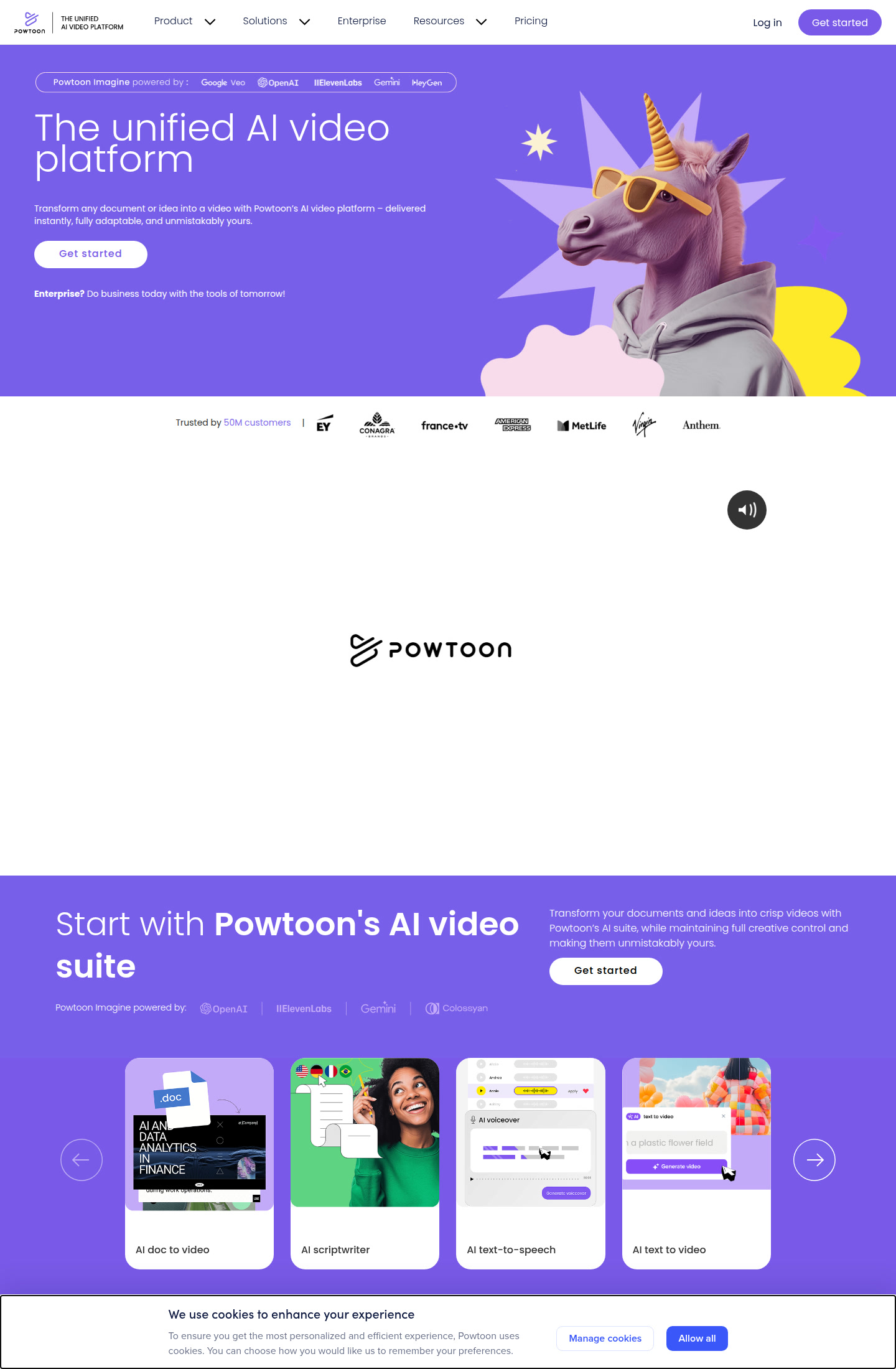
Powtoon: AI Video Generator for Training, Internal Comms, and Explainer Content (2026)
Powtoon is a browser-based video platform that now bundles document-to-video, AI script writing, text-to-speech, avatars, translation, dubbing, and editable scene assembly into one workflow. It is best for teams that need polished business videos fast without opening a traditional NLE. The practical differentiator is not raw generative novelty, but the mix of AI creation and template-driven editing: you can generate a first draft, then still control branding, timing, layouts, and exports. If you mainly want cinematic prompt-first clips or photorealistic B-roll generation, stronger pure-generation tools will usually fit better.
Powtoon: Key Specs at a Glance
| Company | Powtoon |
|---|---|
| Access | Web app |
| Primary workflow | Document or idea to editable business video |
| Best fit | Training, explainers, internal communications, presentations, social clips |
| Input types | Documents, text prompts, scripts, slide-style content, media assets |
| Output format | MP4 download on paid plans |
| Output resolution | 720p on Free; HD 1080p on Lite; Full HD on higher paid plans |
| Max video length | 3 minutes Free, 10 minutes Lite, 20 minutes Professional |
| Watermark policy | Powtoon watermark on Free; limited watermark-free exports on Lite; broader removal on higher plans |
| AI features | Anything-to-video, text-to-speech, avatars, dubbing, translation, AI clip generation |
| API availability | Not publicly documented |
| Pricing model | Freemium subscription plus AI credit packages |
What Powtoon Actually Does Well
Powtoon is strongest when the goal is a structured, presentation-like video rather than a purely generative prompt experiment. The platform is built around familiar business deliverables: onboarding videos, explainers, training modules, internal comms updates, sales decks turned into motion, and short branded clips for social distribution. That matters because the editing environment is opinionated in a useful way. Instead of asking you to assemble every motion layer from scratch, Powtoon gives you templates, guided scenes, branding controls, and AI helpers that reduce the amount of manual timeline work.
The current pricing page also shows that the AI layer is not an afterthought. Even the Lite and Professional tiers include AI Anything to Video, image generation, Veo3 clip generation, ElevenLabs text-to-speech, HeyGen avatars, translation, and dubbing. For a team that wants one subscription to cover first-draft generation and final business-ready editing, that bundle is a meaningful operational advantage over pairing separate prompt generators, subtitle tools, and voice tools.
Best Workflows
- L&D and training teams: turn policy documents, process updates, and onboarding materials into digestible internal videos without depending on a motion designer for every revision.
- Marketing teams: create short explainers, landing-page support videos, and repurposed social assets while keeping branding, text, and voiceover inside one system.
- Small businesses: get a presentable first version quickly, then refine visuals instead of learning a full desktop editing stack.
Pricing and Value
Powtoon offers a real free entry point, but it is intentionally constrained: 720p output, up to 3 minutes per video, watermarking, and basic templates. The first serious paid tier is Lite at $15/month billed yearly, which upgrades exports to HD 1080p, extends project length to 10 minutes, removes the watermark on up to 5 exports per month, and includes 300 AI credits renewing yearly. Professional at $40/month billed yearly pushes video length to 20 minutes, unlocks unlimited premium exports, broader content access, camera movement control, and 500 AI credits renewing yearly. Advanced at $125/month billed yearly adds heavier branding and customization control.
There is also a separate AI credit marketplace. The smallest listed package is $25 and can be exchanged for text-to-speech voiceovers, avatar minutes, subtitle generation, or translation minutes. That is useful if your team mostly lives on a normal editing tier but only occasionally needs extra avatar or dubbing capacity.
From a value perspective, Powtoon makes the most sense when one account will replace several lightweight tools at once. If your team only needs prompt-based short clips, the bundled editing environment can feel expensive. If you need reviewable, brand-safe business video output every week, the all-in-one pricing becomes easier to justify.
Limitations You Should Know
- Not built for cinematic prompt-first generation: Powtoon is more controlled and business-oriented than tools aimed at stylized film-like outputs.
- Free plan is restrictive: the watermark, 720p cap, and 3-minute limit mean most real production use starts on a paid tier.
- AI usage is still credit-governed: heavy avatar, dubbing, or clip generation workflows can add cost beyond the headline subscription.
- API and deep technical controls are unclear: if you need documented automation, model-level tuning, or developer-first throughput controls, the official site does not publish enough detail.
How It Compares
Compared with a pure prompt video generator, Powtoon gives you more governance, more template structure, and clearer business-video output, but less experimental visual range. Compared with classic presentation-video tools, it has a much stronger AI layer today. The practical takeaway is simple: choose Powtoon when your bottleneck is turning business content into finished communication assets, not when your bottleneck is photorealistic generative storytelling.
What Users Are Saying
External reviews around Powtoon consistently frame it as accessible and practical rather than cutting-edge. Reviewers like the speed of getting to a presentable draft, the beginner-friendly editor, and its suitability for training or presentation-style communication. The recurring downside is that the product can feel template-led, and advanced users may want more production freedom or lower AI-related cost overhead as usage scales.
When Not to Choose Powtoon
Skip Powtoon if you need frame-level editing, motion graphics depth, or prompt-native cinematic video generation as the core deliverable. It is also a poor fit if your workflow depends on a documented API, custom model routing, or low-level rendering controls. In those cases, a desktop editor plus specialist AI tools will usually be more flexible.
Final Verdict
Powtoon is a good fit for companies that want faster video production without giving up the predictability of templates, branding controls, and editable scenes. It is less exciting than the newest research-heavy generators, but often more useful for actual business teams. If your goal is repeatable training, explainer, onboarding, or internal video output, Powtoon’s current bundle is more complete than many people expect.
FAQ
Is there a free plan?
Yes. Powtoon has a free plan, but it includes 720p output, a watermark, and shorter project limits.
Can Powtoon export HD video?
Yes. The Lite plan adds MP4 downloads in HD 1080p, while higher plans expand export flexibility further.
Does Powtoon include avatars and voice tools?
Yes. The current pricing page lists AI avatars, ElevenLabs text-to-speech, dubbing, and translation in paid tiers.
Is Powtoon good for cinematic short films?
No. It is better suited to structured business communication than cinematic prompt-first filmmaking.
Reviews
No reviews yetSimilar tools in category
2short.ai
Generate concise and engaging summaries for any text.
AI Studios
Generate high-quality videos and images tailored to your needs.
Argil
A platform that simplifies and enhances the process of creating engaging presentations.