
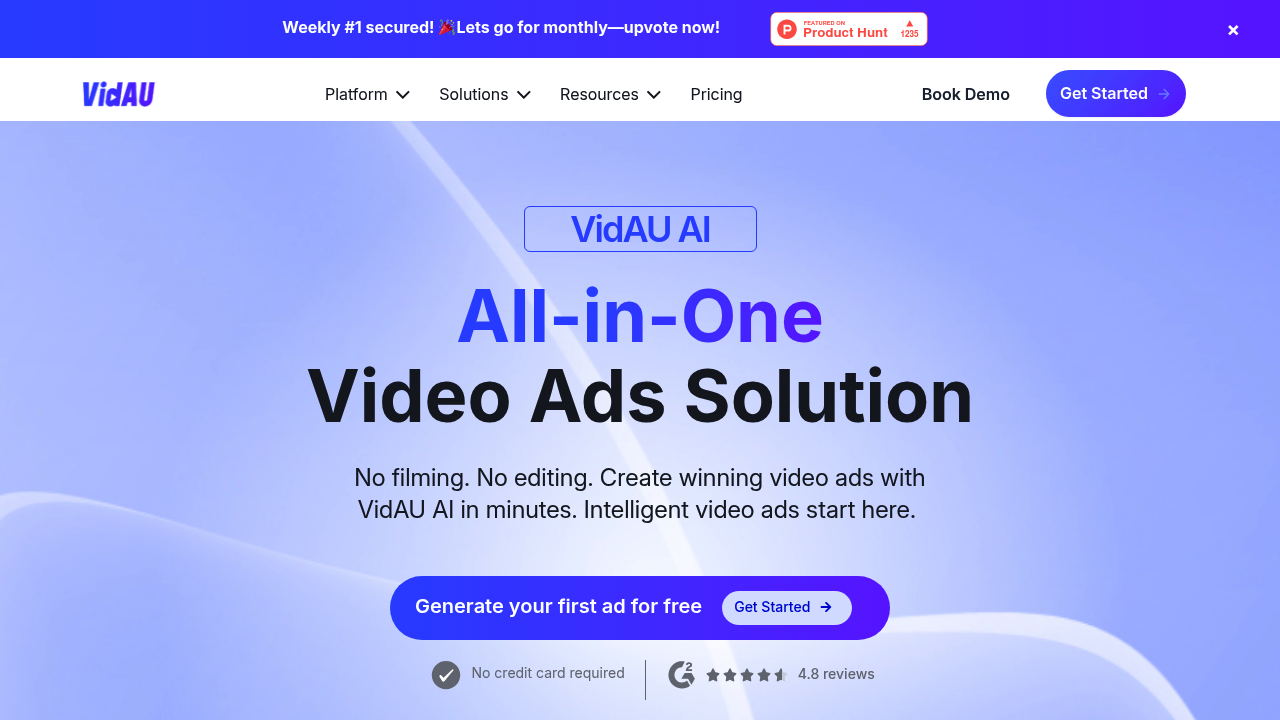
VidAU: Revolutionizing Video Creation and Editing with AI
Introduction
Overview of VidAU
VidAU is an AI-powered video creation and editing tool designed to help businesses and content creators produce high-quality videos quickly and efficiently. It features an innovative AI Avatar Spokesperson Video Generator, enabling users to create professional-looking videos without on-screen talent, cameras, or microphones.
Key Benefits and Use Cases
VidAU offers several key benefits, including:
- Efficient Video Production: Significantly reduces the time and effort required to create high-quality videos.
- Versatile Toolset: Offers a wide range of features suitable for various video content types.
- Cost-effective: Eliminates the need for extensive video production teams and equipment.
Use cases include:
- Social Media Content: Influencers and social media managers can use VidAU to create eye-catching short-form videos for platforms like TikTok, Instagram Reels, and YouTube Shorts.
- Marketing Videos: Ideal for creating marketing videos that align with different industries' brand tones.
- Educational Content: Suitable for educational content that requires customization and efficiency.
Who Uses VidAU
VidAU is for content creators, marketers, educators, or business owners looking to elevate their video production game without the steep learning curve of traditional editing software. It is ideal for those who struggle to keep up with the demand for high-quality video content across multiple platforms and languages.
What Makes VidAU Unique
VidAU stands out due to its:
- AI Video Face Swap: Seamlessly replaces faces in videos with AI technology.
- AI Video Translator: Automatically translates and dubs videos into multiple languages.
- AI Avatar Video: Creates lifelike avatar videos for various applications.
- Voice Cloning: Generates realistic voiceovers that mimic inflections and mannerisms.
- Subtitle & Watermark Management: Adds, edits, or removes subtitles and watermarks effortlessly.
- Multi-language Support: Creates content for global audiences with ease.
- AI-powered Editing Tools: Streamlines the video creation process with intelligent editing features.
- User-friendly Interface: Intuitive controls for both beginners and experienced users.
- Cloud-based Platform: Access your projects from anywhere, anytime.
Core Features
Essential Functions Overview
VidAU offers a variety of essential functions, including:
- AI Video Face Swap: Replace faces in videos with AI technology.
- AI Video Translator: Automatically translate and dub videos into multiple languages.
- AI Avatar Video: Create lifelike avatar videos.
- Voice Cloning: Generate realistic voiceovers.
- Subtitle & Watermark Management: Add, edit, or remove subtitles and watermarks.
- Multi-language Support: Create content for global audiences.
- AI-powered Editing Tools: Streamline the video creation process with intelligent editing features.
Common Settings Explained
Common settings include:
- Customization Options: Extensive customization options, including 40+ avatars, 150+ voiceovers, 49+ languages, and 200+ templates.
- Template Usage: Use pre-designed templates to simplify the video creation process.
- Avatar Customization: Tailor avatars to specific needs and styles.
Tips & Troubleshooting
Tips for Best Results
To achieve the best results with VidAU:
- Use Stable Internet: Ensure a stable internet connection for all functionalities.
- Explore Templates: Utilize pre-designed templates to streamline the video creation process.
- Customize Avatars: Tailor avatars to specific needs and styles.
- Edit Carefully: Fine-tune every aspect in the editor dashboard, including adding texts, changing music, altering effects, and adjusting transitions.
Troubleshooting Basics
Common issues and solutions include:
- Internet Dependency: If you encounter issues due to internet instability, try restarting your connection or checking for updates.
- Feature Complexity: New users may need some time to utilize all advanced features fully. Refer to the user manual or tutorials for guidance.
Best Practices
Common Mistakes to Avoid
Avoid common mistakes such as:
- Overcomplicating Edits: Keep edits simple and focused to avoid overwhelming the video.
- Ignoring Customization Options: Fail to explore customization options, which can significantly enhance the video quality.
Performance Optimization
To optimize performance:
- Regular Updates: Keep VidAU updated to ensure you have the latest features and bug fixes.
- Optimize Templates: Use optimized templates that are designed for efficient video creation.
Pros and Cons
Pros
Pros of using VidAU include:
- Efficient Video Production: Significantly reduces the time and effort required to create high-quality videos.
- Versatile Toolset: Offers a wide range of features suitable for various video content types.
- Cost-effective: Eliminates the need for extensive video production teams and equipment.
- User-friendly Interface: Intuitive controls for both beginners and experienced users.
- Cloud-based Platform: Access your projects from anywhere, anytime.
Cons
Cons of using VidAU include:
- Learning Curve: New users may need some time to utilize all advanced features fully.
- Internet Dependency: Requires a stable internet connection for all functionalities.
Summary
VidAU is an AI-powered video creation and editing tool that offers a wide range of features to streamline the video production process. Its user-friendly interface, customization options, and cloud-based platform make it an ideal choice for content creators, marketers, educators, and business owners. While it offers several benefits, it also requires a stable internet connection and may have a learning curve for new users. For more information on pricing plans, please visit VidAU Pricing Plans. Note that pricing might be changed, so always check the official site for the latest information.
Disclaimer: Pricing plans are subject to change and may not reflect the current prices. Always check the official site for the latest information.
Reviews
No reviews yetSimilar tools in category
2short.ai
Generate concise and engaging summaries for any text.
AI Studios
Generate high-quality videos and images tailored to your needs.
Argil
A platform that simplifies and enhances the process of creating engaging presentations.