
vidyo.ai
Transform your videos into engaging, shareable content with automated editing and enhancements.
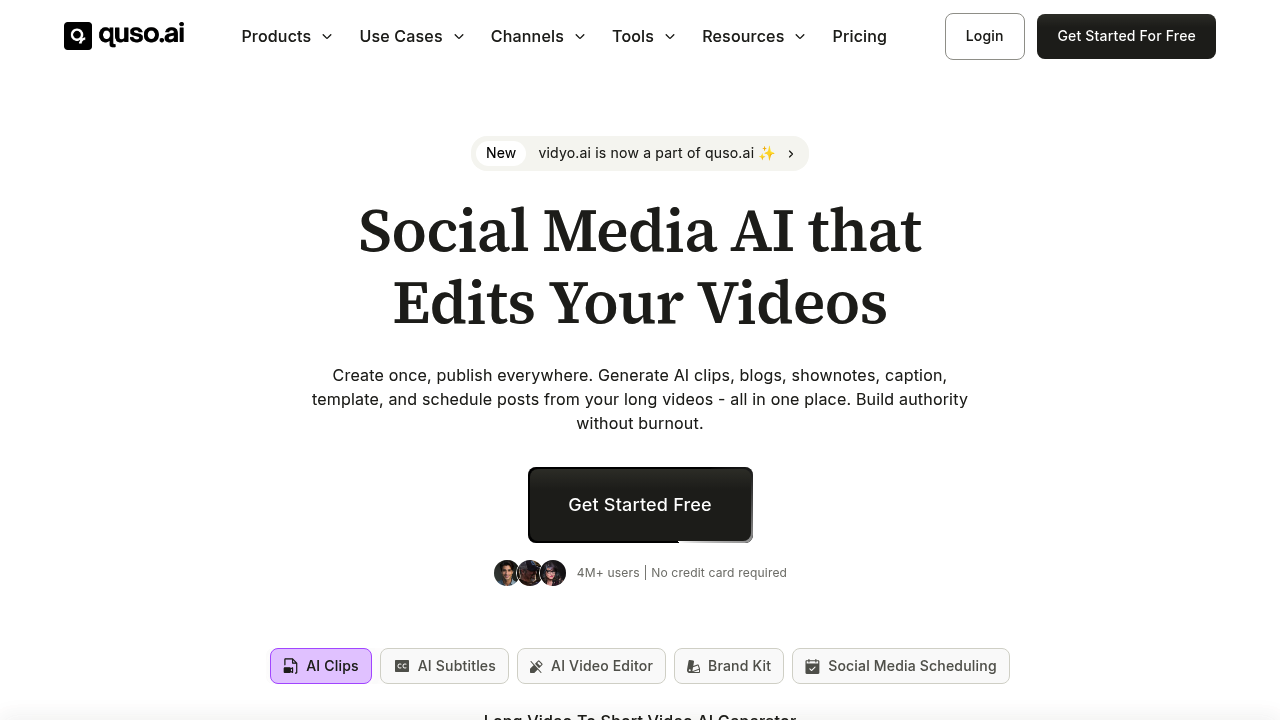
Vidyo.ai: Revolutionizing Video Content Creation with AI
Introduction
Overview of Vidyo.ai
Vidyo.ai is an AI-powered video editing and repurposing tool designed to streamline content creation for various platforms. It offers a range of features that automate tasks such as clipping, captioning, and more, making it a valuable asset for digital marketers, content creators, and video producers.
Key Benefits and Use Cases
Vidyo.ai provides several key benefits, including:
- Time-saving: Automates repetitive tasks, reducing the time spent on video editing and repurposing.
- Cost-effective: Lowers production costs by automating tasks.
- User-friendly interface: Catering to both beginners and professionals, making it easy to use.
Who Uses
Vidyo.ai is widely used by:
- Digital marketing agencies: To craft compelling content for diverse social media campaigns.
- Content creators: For enhancing online engagement and maximizing video production efficiency.
- Podcasters and video producers: To create high-quality content quickly and efficiently.
What Makes Vidyo.ai Unique
Vidyo.ai stands out due to its:
- AI-driven video editing: Automates tasks like clipping and captioning.
- Comprehensive features: Includes tools for video to text, video to blog, image to video, and more.
- Versatile solution: Suitable for various platforms, including YouTube, TikTok, and social media.
Core Features
Essential Functions Overview
Vidyo.ai offers a variety of essential functions, including:
- Gary Vee Style Progress Bar: A customizable progress bar for videos.
- Grant Cardone Captions: Automated captions for videos.
- Virality Score: Analyzes the potential virality of a video.
- Auto Video Chapters: Automatically generates chapters for videos.
- Filler Word Removal: Removes filler words from videos.
- Video to Text: Converts videos into text.
- Video to Blog: Converts videos into blog posts.
- Image to Video: Converts images into videos.
- Text to Video: Converts text into videos.
- Description Generator: Generates descriptions for videos.
- Bio and Hashtag Generator: Generates bios and hashtags for videos.
- Email Generator: Generates emails related to video content.
Common Settings Explained
To get the most out of Vidyo.ai, you need to understand some common settings:
- Render Quality: Choose between 720p and 1080p render quality based on your needs.
- Storage: Select the storage plan that suits your requirements, ranging from 10GB to 25GB.
Tips & Troubleshooting
Tips for Best Results
To achieve the best results with Vidyo.ai:
- Understand the AI Pipeline: Familiarize yourself with the AI pipeline architecture to optimize your workflow.
- Use Custom Brand Kits: Utilize custom brand kits and templates to maintain consistency in your content.
- Experiment with Features: Try out different features to see what works best for your specific needs.
Troubleshooting Basics
Common issues with Vidyo.ai include:
- Rendering Times: High-resolution videos might take longer to render. Check the render quality settings to balance quality and speed.
- Language Support: Limited language support might hinder non-English creators. Ensure you have the necessary language support before starting your project.
Best Practices
Common Mistakes to Avoid
Avoid these common mistakes:
- Insufficient Storage: Ensure you have enough storage space to handle your video files.
- Inadequate Render Quality: Choose the right render quality based on your intended use (e.g., 720p for web, 1080p for social media).
Performance Optimization
To optimize performance:
- Use the Right Plan: Choose a plan that aligns with your video processing needs (e.g., Essential, Growth, Custom).
- Regularly Update the Tool: Keep Vidyo.ai updated to ensure you have the latest features and improvements.
Pros and Cons
Pros
- AI-driven Automation: Reduces manual effort significantly.
- User-friendly Interface: Easy to use for both beginners and professionals.
- Comprehensive Features: Offers a wide range of features for video editing and repurposing.
- Cost-effective: Lowers production costs by automating tasks.
Cons
- Learning Curve: New users may require time to fully grasp its features.
- Limited Language Support: May hinder non-English creators.
- Integration Issues: Room for improvement in integrating with other platforms.
Summary
Vidyo.ai is an essential tool for content creators, streamlining video production while maximizing online engagement. Its AI-powered features save time and cost, ensuring high-quality content for diverse platforms. Whether you're a podcaster, marketer, or video creator, Vidyo.ai offers a versatile solution that makes it a valuable asset in any content creation toolkit.
Pricing Plans
Vidyo.ai offers several pricing plans:
- Free Plan: $0/month, with 75 minutes of video processing, 720p render quality, short clips, YouTube chapters, direct TikTok publishing, and a watermark.
- Lite Plan: $19/month, includes AI Clips, animated captions, no watermarks, 10GB storage, unlimited 1080p exports, and more.
- Essential Plan: $41/month (billed annually), includes 300 minutes of video processing, 1080p render quality, AI Filler removal, content planner, 25GB storage, stock media, and all Lite features.
- Growth Plan: $49/month (billed annually), includes 600 minutes of video processing, additional features like custom brand kit & templates, and more.
- Custom Plan: Priced between $79 to $129/month, billed annually, includes 600-1800 minutes of video processing, and all features from the Growth plan.
Disclaimer: Pricing information may change, so it's always a good idea to check the official website for the most current pricing details.
For more detailed pricing information, please visit the official Vidyo.ai pricing page.
Reviews
No reviews yetSimilar tools in category
2short.ai
Generate concise and engaging summaries for any text.
AI Studios
Generate high-quality videos and images tailored to your needs.
Argil
A platform that simplifies and enhances the process of creating engaging presentations.