Vimerse Studio
Script-to-video creation software for multi-shot AI videos with voiceover and structured scene workflows.
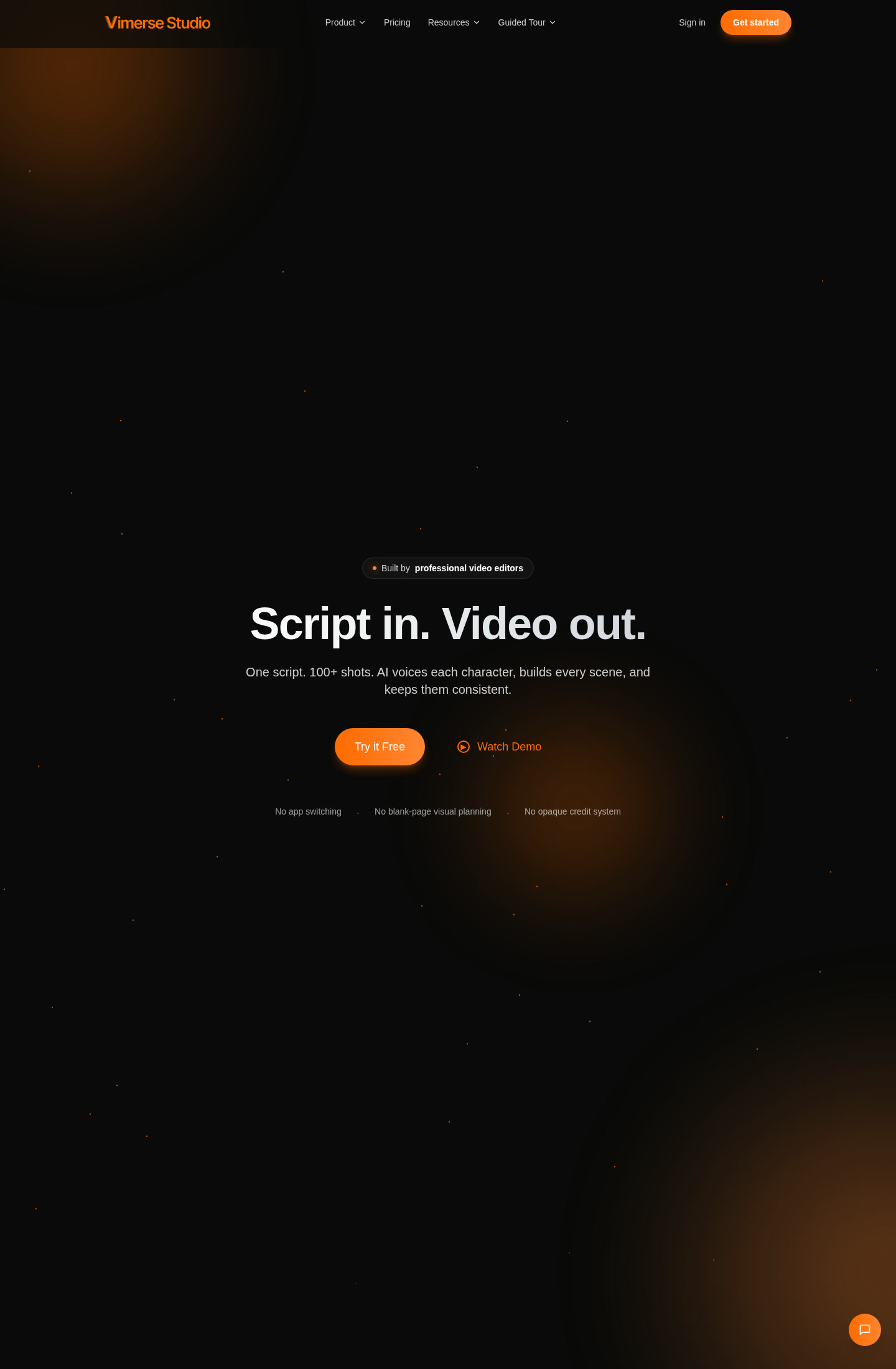
Vimerse Studio: AI Video Generator for Multi-Shot, Multi-Minute Script Workflows (2026)
Vimerse Studio is desktop-oriented AI video creation software designed around a simple promise: script in, video out. Its real differentiator is not just text-to-video generation, but multi-shot planning inside one environment, with AI voices, visual generation, and timeline assembly aimed at people who need more than a single short clip. The official site explicitly positions it against blank-page planning and opaque credit systems, which tells you what it wants to fix: fragmented prompt workflows. If you only need quick one-off clips, lighter browser tools may be cheaper. If you need structured scene continuity, Vimerse is much more interesting.
Vimerse Studio: Key Specs at a Glance
| Company | Vimerse |
|---|---|
| Access | Desktop-style software workflow with Windows and macOS support |
| Primary workflow | Script to multi-shot video |
| Best fit | Creators who need longer structured outputs instead of isolated clips |
| Input types | Script, scene prompts, voice instructions |
| Core promise | One script, 100+ shots, AI voices per character, scene building, consistency handling |
| Output resolution | Not publicly documented |
| Max video duration | Not publicly documented |
| Generation speed | Official site says professional videos can be created from a script in under an hour |
| Watermark policy | Not publicly documented |
| API availability | Not publicly documented |
| Pricing model | Free trial credits plus paid lifetime license |
Why Vimerse Stands Out
Most AI video tools are optimized for isolated generations. Vimerse is trying to solve a different production problem: how do you move from a script to a coherent sequence of many shots without bouncing between a prompt tool, a voice tool, a shot planner, and an editor? That positioning matters. The official site talks about multi-shot and multi-minute projects, timed clips, AI voices, and consistent scene building, which makes it more like a production workspace than a single-generation toy.
The headline on the live page is unusually direct: one script, 100+ shots, AI voices per character, every scene built and kept consistent. That does not guarantee film-grade output, but it does signal a workflow that aims to reduce fragmentation. For solo creators and small teams, that can be more valuable than another short-form generator with prettier demos but no planning layer.
Pricing and Value
Vimerse currently markets two entry points that matter. First, the homepage explicitly offers $5 in credits and a free first video with no credit card required. That lowers the risk of testing the workflow. Second, the structured pricing metadata on the site lists a $49 lifetime license for the full product, described as all features unlocked. For buyers who dislike monthly credit anxiety, that positioning is attractive.
The value case is therefore straightforward. If the workflow really replaces several separate steps for script-based production, a $49 lifetime license is inexpensive. The risk is that some technical details are still lightly documented in the public marketing copy, so you are buying more into a production philosophy than into a fully specified feature matrix.
Best Workflows
- Scripted YouTube or faceless channels: useful when one script needs many consistent shots and narrated structure.
- Short narrative explainers: better fit than pure clip generators when continuity matters more than raw speed.
- Solo creators who hate tool sprawl: Vimerse is strongest when the pain point is switching between too many disconnected AI products.
Limitations You Should Know
- Technical publishing is still thin: resolution, export formats, and hard duration ceilings are not clearly documented on the public page.
- Platform depth is partly trust-based: the marketing claims are compelling, but the public site does not expose the same level of spec detail as more mature enterprise products.
- Social proof is still early: the tool appears newer and less widely reviewed than established business-video platforms.
- Not ideal for simple one-off clips: if your task is just rapid 8-second concept generation, lighter browser tools may be simpler and faster.
How Vimerse Compares
Compared with short-form prompt generators, Vimerse looks more ambitious about narrative structure and shot continuity. Compared with template-led business tools, it feels more creator-centric and production-minded. The core tradeoff is maturity versus workflow design: you may get a cleaner end-to-end script workflow, but with less public documentation and less established market feedback.
What Users Are Saying
External coverage around Vimerse emphasizes the same theme as the official site: it is appealing because it aims to bridge script writing and actual multi-shot output instead of stopping at isolated generations. The positive read is workflow coherence and low-friction entry pricing. The caution is that outside coverage is still limited, so buyers should test the free credits before committing to a larger production dependency.
When Not to Choose Vimerse
Skip Vimerse if you need extremely transparent technical documentation before purchase, or if your workflow is mostly short social clips that do not require scene continuity. It is also a weaker fit for teams that already have a stable editor-plus-generator stack and only need one additional clip model rather than a new environment.
Final Verdict
Vimerse Studio is one of the more interesting additions for creators who need structured script-to-video output rather than isolated AI clips. The free entry path and $49 lifetime positioning make it easy to trial, and the workflow promise is stronger than what many browser-only generators offer. The main caution is transparency: some important technical specs remain undocumented on the public site, so testing before scaling is the smart move.
FAQ
Is there a free way to test Vimerse?
Yes. The official site says you can make your first video free and start with $5 in credits without a credit card.
What platforms does Vimerse support?
Windows and macOS are explicitly listed in the software metadata.
Is Vimerse better for long workflows than short clips?
Yes. Its value proposition is strongest when you need multi-shot, multi-minute script-based production.
Does Vimerse publish full technical specs?
No. Some important details, including exact export resolution and duration limits, are not publicly documented.
Reviews
No reviews yetSimilar tools in category
2short.ai
Generate concise and engaging summaries for any text.
AI Studios
Generate high-quality videos and images tailored to your needs.
Argil
A platform that simplifies and enhances the process of creating engaging presentations.